
Sensitive documents are more vulnerable than ever to leaks and misuse. Even when files are encrypted or access-restricted, a simple screenshot can bypass traditional security measures. VeryPDF DRM Protector tackles this problem with its advanced Screen Shield technology, delivering strong protection against unauthorized screen captures.
✅ What is Screen Shield?
Screen Shield is a specialized screenshot protection feature within VeryPDF DRM Protector. It prevents unauthorized captures by limiting what is visible on the screen, blurring content during screenshot attempts, and blocking most screenshot tools. This technology ensures your most confidential files remain secure, whether they are shared individually or stored in a Data Room.
With Screen Shield, sensitive documents such as investor decks, legal contracts, or intellectual property files are protected not just digitally, but visually, adding a layer of security that goes beyond encryption.
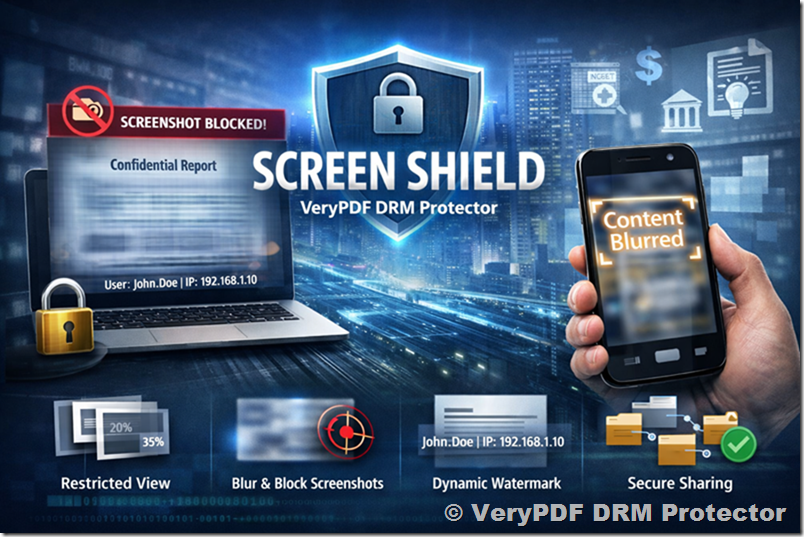 ✅ Key Features of Screen Shield
1. Adjustable Screen Visibility
You can reduce the visible area of a document to 20%, 35%, or 50%. This makes it much harder for recipients to capture meaningful content in a single screenshot.
2. Blurring and Hiding Content
When a screenshot attempt is detected, or when the viewer switches windows or tabs, the content can be blurred or hidden automatically. This ensures unauthorized captures are incomplete or unreadable.
3. Integration with Dynamic Watermark
Screen Shield works seamlessly with Dynamic Watermarking, adding an extra deterrent against leaks. Watermarks display user information, making it easier to track misuse if content is shared without permission.
4. Flexible Application
Screen Shield can be enabled per individual file, across a full data room, or during document sharing. You can toggle the feature depending on the sensitivity of each document.
✅ Why Screen Shield Matters
Screen Shield is essential for industries where confidentiality is critical. Here are some common use cases:
Mergers & Acquisitions
Deal documents often contain sensitive financial data. Screen Shield limits the risk of leaks during due diligence by restricting the visible content and preventing unauthorized screenshots.
Fundraising and Investor Updates
Pitch decks and investor materials are high-value targets. With Screen Shield, startups and venture capital teams can share files with confidence, knowing that screenshots are discouraged and limited.
Legal & Compliance
Sensitive contracts and regulatory documents are prone to visual leaks. Screen Shield adds an additional safeguard, supporting compliance by reducing the chance of content being captured and shared.
Intellectual Property Protection
For research, designs, creative media, and proprietary files, Screen Shield protects the visual content from being copied without authorization, preserving ownership rights and competitive advantage.
Built for Leak-Resistant Sharing
Screen Shield is versatile and designed to protect files across industries:
- Finance & Banking – Prevent leaks of confidential client reports and due diligence files.
- Media & Creative Teams – Secure designs, video scripts, and digital artwork from theft.
- Startups & SMBs – Safeguard investor decks, product roadmaps, and business plans during fundraising and external collaboration.
By integrating Screen Shield, organizations can confidently share sensitive documents while maintaining control over their distribution.
✅ Frequently Asked Questions
Q: What is Screen Shield in VeryPDF DRM Protector?
A: Screen Shield is a feature that limits the visible screen area and blocks most screenshot attempts, protecting your files from visual capture.
Q: How does screenshot protection work?
A: When a screenshot attempt is detected, VeryPDF DRM Protector automatically blurs or hides the file content. The reduced visible area further reduces the risk of data leaks.
Q: Can recipients still view documents normally?
A: Yes. Recipients can read documents in their browser, but only a controlled portion of the screen is visible when Screen Shield is active.
Q: Does Screen Shield block all screenshot methods?
A: Most common screenshot shortcuts, plugins, and tools are blocked. Some advanced system-level methods may still work, but capturing a complete document would require multiple fragmented screenshots, making unauthorized duplication inconvenient.
Q: Can I enable or disable Screen Shield per file or data room?
A: Yes. You can turn Screen Shield on for individual files or apply it across all content in a data room.
Q: Can Screen Shield be combined with other security features?
A: Absolutely. For maximum security, combine it with Dynamic Watermarking, tracking, and expiry controls. Layered protection ensures your sensitive documents remain secure even after sharing.
✅ Conclusion
VeryPDF DRM Protector’s Screen Shield provides a powerful defense against screenshot-based leaks. By limiting visible content, blurring or hiding sensitive information, and integrating with other DRM tools, it ensures your documents remain protected in virtually any sharing scenario. Whether for M&A, fundraising, legal compliance, or intellectual property protection, Screen Shield offers a practical, effective solution for leak-resistant document sharing.
With Screen Shield, your most sensitive files stay visible only to authorized eyes, making unauthorized screenshots difficult, incomplete, and inconvenient, helping organizations maintain control over their digital assets at all times.