
Creating your first paid course is exciting. Whether you are selling a $97 course or a high-ticket training program, one question comes up quickly:
How do you deliver your course securely without making things difficult for paying customers?
Many course creators worry about the same problems:
- Students sharing login credentials with friends
- Course videos being downloaded and reposted
- Customers requesting refunds after downloading everything
- Managing content release schedules
- Choosing the right platform before investing time and money
The good news is that these problems can be managed if you set up your course delivery correctly from the beginning.
The Biggest Risk: Account Sharing
When someone buys your course, you want access limited to that person.
Unfortunately, account sharing is common. One customer may share their username and password with multiple people, allowing several users to access your content while only paying once.
Ways to Reduce Login Sharing
|
Method |
How It Helps |
|
Single-device restrictions |
Limits access to approved devices |
|
IP monitoring |
Detects logins from multiple locations |
|
Session management |
Automatically logs out old sessions |
|
Two-factor authentication |
Makes account sharing less convenient |
|
Device binding |
Links access to specific devices |
No solution completely stops sharing, but combining several methods makes abuse much less attractive.
How to Drip Course Content Over Time
Many creators make the mistake of giving students access to everything immediately.
This creates several problems:
- Students feel overwhelmed
- People download everything at once
- Refund abuse becomes easier
- Engagement drops quickly
A drip content system releases lessons gradually.
Example Drip Schedule
|
Week |
Content Released |
|
Week 1 |
Introduction + Module 1 |
|
Week 2 |
Module 2 |
|
Week 3 |
Module 3 |
|
Week 4 |
Module 4 |
|
Week 5 |
Bonus materials |
This approach keeps students engaged and reduces the risk of someone consuming all content before requesting a refund.
How to Handle Refunds Without Losing Control
Refund requests are a normal part of selling online courses.
The challenge is preventing situations where someone:
- Purchases the course
- Downloads everything
- Requests a refund
- Keeps the content forever
This is one reason many course creators are moving toward protected content delivery rather than downloadable files.
Good Refund Practices
|
Strategy |
Benefit |
|
Time-limited refund window |
Reduces abuse |
|
Progress-based refunds |
Encourages course completion |
|
Protected content access |
Makes content harder to keep after refund |
|
Automatic access revocation |
Removes access immediately after refund |
When a refund is approved, access should be revoked automatically. This is much easier when content is streamed or protected rather than delivered as unrestricted downloads.
Why Video Hosting Alone Is Not Enough
Many new creators upload videos to a course platform and assume their content is secure.
The reality is different.
Students can:
- Record screens
- Share account credentials
- Download source files
- Distribute PDFs
- Re-upload content elsewhere
While no protection is perfect, stronger content security can dramatically reduce unauthorized sharing.
Protecting Course PDFs, Videos, and Training Materials
Most premium courses contain more than videos.
Creators often provide:
- PDF workbooks
- Templates
- Worksheets
- Guides
- Certification materials
- Training manuals
These files are frequently shared outside the course.
A better approach is using DRM (Digital Rights Management) protection.
What DRM Protection Does
|
Protection Feature |
Benefit |
|
Block unauthorized sharing |
Reduces content leaks |
|
Device-based access |
Limits account abuse |
|
Dynamic watermarks |
Identifies leaked copies |
|
Access expiration |
Controls viewing periods |
|
Disable printing |
Protects premium materials |
|
Disable downloads |
Keeps files secure |
Recommended Solution: VeryPDF DRM Protector
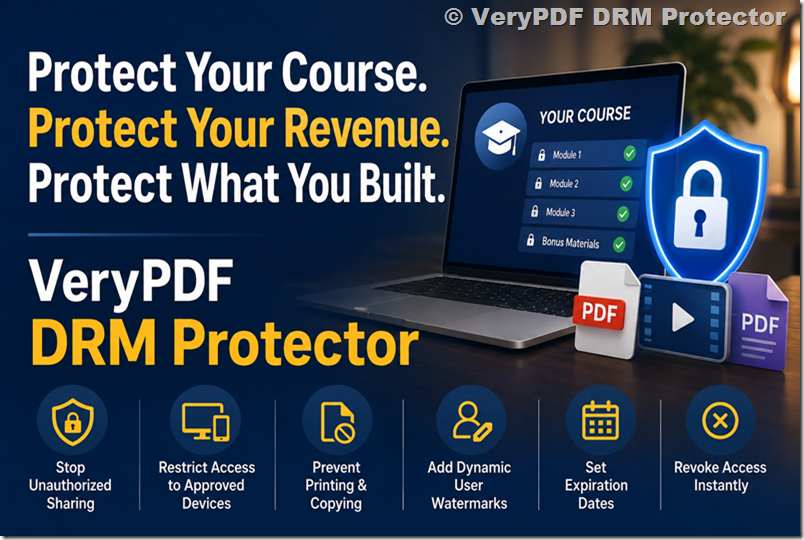
For course creators selling premium training materials, VeryPDF DRM Protector provides strong protection for PDFs, videos, images, audio files, and other digital content.
Key features include:
- Stop unauthorized file sharing
- Restrict access to approved devices
- Prevent printing and copying
- Add dynamic user watermarks
- Set expiration dates
- Revoke access instantly
- Protect course PDFs and downloadable resources
This is especially useful for creators who sell:
- Online courses
- Coaching programs
- Certification training
- Educational materials
- Corporate training content
- Membership resources
Instead of relying solely on passwords, DRM protection gives creators much more control over who can access content and how it can be used.
What Most Successful Course Creators Do
The creators who protect their revenue usually combine several strategies:
- Use a professional course platform.
- Enable content dripping.
- Monitor account sharing.
- Protect downloadable resources.
- Automate refund access removal.
- Use DRM for premium files and training materials.
No single tool solves every problem, but layering protection significantly reduces abuse while maintaining a good experience for legitimate customers.
Final Thoughts
If you are launching your first $97 course, focus on two things:
- Delivering a smooth learning experience.
- Protecting the content you worked hard to create.
Account sharing, unauthorized downloads, and refund abuse become much harder when you combine content dripping, controlled access, and DRM protection.
For creators selling valuable educational content, VeryPDF DRM Protector is one of the most effective ways to protect PDFs, videos, training materials, and digital course assets while keeping the learning experience simple for paying students.
FAQs
1. How can I stop students from sharing course logins?
Use device restrictions, session controls, IP monitoring, and two-factor authentication to reduce account sharing.
2. Is content dripping better than instant access?
In most cases, yes. It improves engagement and reduces refund abuse.
3. Can DRM completely stop piracy?
No solution can stop piracy completely, but DRM greatly reduces unauthorized sharing and distribution.
4. What is the best refund policy for online courses?
A clear refund window combined with protected content access works well for most creators.
5. Should course videos be downloadable?
For premium content, streaming with protection is generally safer than unrestricted downloads.
6. Can I revoke access after a refund?
Yes. Many platforms allow automatic access removal after a refund is processed.
7. How do I protect course PDFs from being shared?
Use DRM protection, watermarks, printing controls, and download restrictions.
8. What happens if a student shares protected files?
Dynamic watermarking can help identify the source of leaked content.
9. Is DRM only for large businesses?
No. Independent course creators and small businesses can benefit from DRM protection as well.
10. Can DRM protect videos and PDFs together?
Yes. Solutions like VeryPDF DRM Protector can secure multiple content types.
11. Does DRM affect the user experience?
Modern DRM systems are designed to balance security and usability for legitimate customers.
12. What is the biggest mistake new course creators make?
Giving unrestricted access to all content and downloadable files without any protection.