
Original question from client
John wrote:
Hello,
I have some requirements regarding PDF locking for my private coaching, where i need to lock the PDFs so that they cannot be copied, forwarded as E-Mails, printed, edited or opened by more than one user. I tried some demos and find really interesting. Could you please let me know the most economical licensing options to meet my requirement.
Thank you in advance.BR
John
Many private coaching teachers face the same problem.
You send PDF study materials, but students can easily:
- Forward files to others
- Print unlimited copies
- Copy and reuse content
- Upload to WhatsApp, Telegram, or email
- Share login or file access with multiple users
Once this happens, paid content loses value very fast.
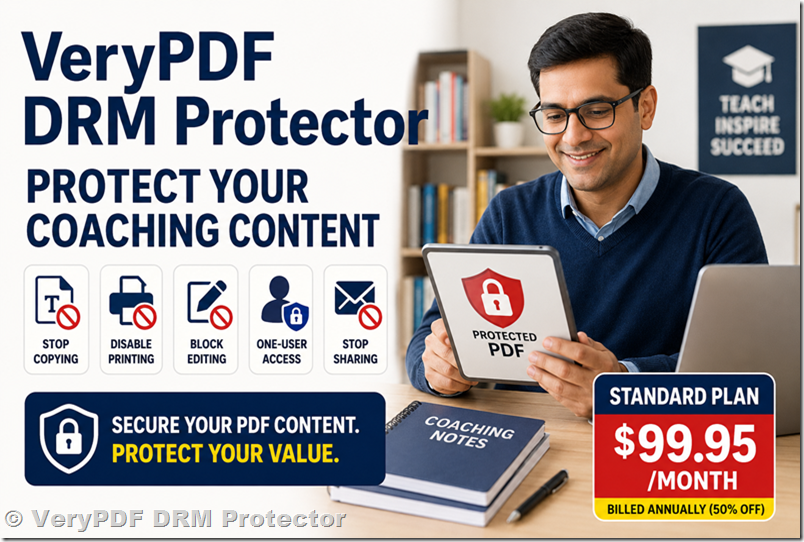
What coaching teachers usually need
Most teachers don’t need complex systems. They need simple control:
|
Requirement |
Why it matters |
|
Stop copying text |
Prevent content theft |
|
Disable printing |
Avoid offline redistribution |
|
Block editing |
Keep original content safe |
|
One-user access |
Each student has a license |
|
Stop sharing |
Reduce WhatsApp/email forwarding |
Real situation in coaching business
A very common scenario:
- Teacher creates PDF notes
- Sends to paid students
- One student shares file in a group
- Hundreds download it for free
- Paid course value drops quickly
This is why basic PDF password protection is not enough anymore.
Economical solution: VeryPDF DRM Protector Standard Plan
For coaching and small training businesses, the most cost-effective option is:
Standard Plan: $99.95/month (billed annually, 50% off)
This plan is suitable for protecting paid learning content.
Main features
- PDF encryption (AES 256-bit)
- Copy protection
- Print restriction
- Device/user-based access control
- Basic DRM policy settings
Purchase page:
VeryPDF DRM Protector Purchase
Why normal PDF protection is not enough
|
Feature |
Basic PDF password |
VeryPDF DRM Protector |
|
Open password |
Yes |
Yes |
|
Copy restriction |
No |
Yes |
|
Print control |
No |
Yes |
|
User tracking |
No |
Yes |
|
One-user access |
No |
Yes |
|
Revocation |
No |
Yes |
Password-only protection can be shared easily. DRM control is harder to bypass.
How it works (simple steps)
- Upload your PDF
- Set restrictions (copy, print, open rules)
- Assign user access
- Generate protected file
- Send to students
Each student opens the file normally, but sharing is restricted.
When coaching teachers need DRM protection
Use PDF DRM if you:
- Sell online courses
- Share exam papers or practice tests
- Provide paid coaching notes
- Run private training groups
- Want one-student-one-access control
If your content has value, it will be shared unless protected.
SEO keywords for this topic
- pdf protection for coaching materials
- prevent students sharing pdf files
- stop pdf copy and print protection
- DRM for online courses pdf
- secure pdf for teachers and coaching
- one user pdf access control
- protect paid pdf notes from piracy
FAQs
1. Can students copy text from protected PDF?
No, copying can be blocked.
2. Can printing be disabled?
Yes, printing can be fully or partially controlled.
3. Can I stop file sharing?
Yes, DRM can restrict access per user/device.
4. Can students open it on mobile?
Yes, supported on most devices.
5. Can I revoke access later?
Yes, access can be removed anytime.
6. Is password protection enough?
No, it can be easily shared.
7. Can I track usage?
Yes, DRM systems can track access.
8. Is it suitable for small coaching classes?
Yes, it is commonly used by small tutors.
9. What is the cheapest plan?
Standard Plan at $99.95/month (billed annually).
10. Can I protect multiple PDFs?
Yes, batch processing is supported.
11. Does it require installation for students?
Usually minimal or no setup depending on configuration.
12. Can OCR bypass protection?
It reduces risk but cannot fully stop screen capture or OCR attempts.