
AutoCAD’s native formats — especially DWG and its ASCII equivalent DXF — are the standard for storing 2D and 3D design data in engineering, architecture, and construction industries. DWG files contain detailed design intelligence and metadata that represent years of intellectual labor, and DXF files are often used to exchange drawing data between applications. Without proper security, these valuable assets can be inadvertently exposed, copied, or misused once they leave your firm’s walls.
A discussion on Reddit about protecting proprietary AutoCAD files highlights this very concern: many professionals avoid sending DWG files entirely because once they’re out of their control, there’s no reliable way to ensure proprietary information stays confidential. Some choose to export only PDF versions of drawings, or strip out sensitive content before sharing — but these approaches come with limitations and workflow friction.
Here’s the core problem:
Once a DWG or DXF file is sent by email or shared via cloud storage, there’s no built‑in mechanism to prevent unauthorized copying, redistribution, or reuse of that file — not even with a simple NDA.
This is where VeryPDF DRM Protector becomes invaluable.
What Makes VeryPDF DRM Protector Different?
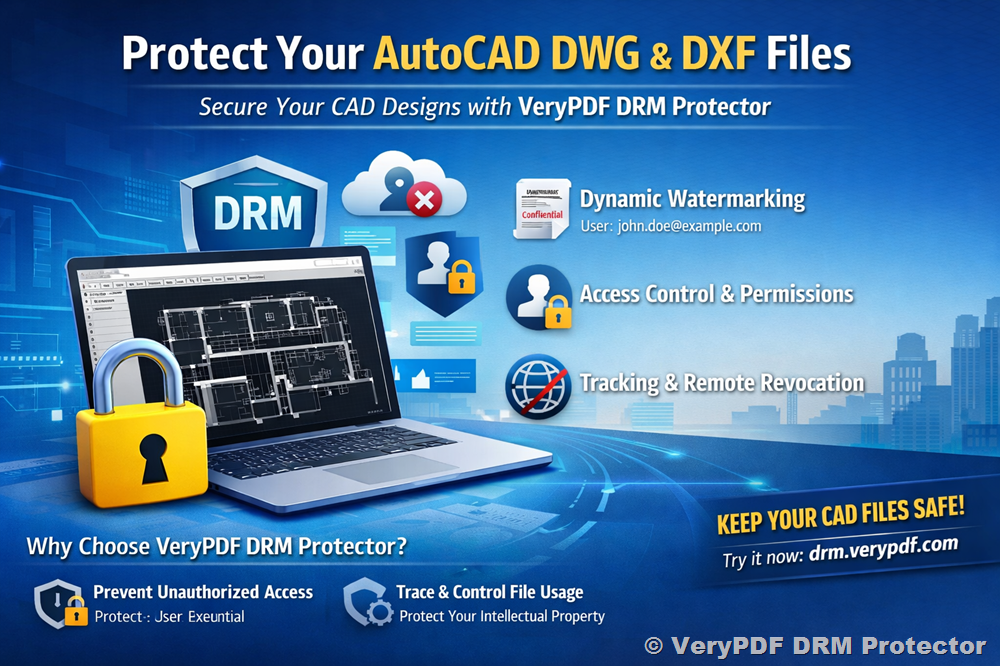
VeryPDF DRM Protector provides digital rights management (DRM) and dynamic watermarking for design files — including DWG and DXF drawings — giving you control long after the file leaves your network.
Here’s how it helps:
1. Traceable Dynamic Watermarks
Instead of static logos or text, VeryPDF’s dynamic watermarks embed viewer‑specific information (e.g., name, email, timestamp) directly into each drawing. This means every individual who opens a file sees a unique identifier — making leakage traceable.
2. Access Control and Permissions
You can set who can view, print, or export drawings — and even restrict access to certain devices or IP addresses. This prevents unauthorized copying and sharing.
3. Real‑Time Tracking and Revocation
Unlike sending an unsecured attachment, DRM‑protected files can be monitored for access activity — i.e., you can see who opened what and when — and you can revoke access instantly if needed.
Real‑World Scenarios Where Protection Matters
Professionals across engineering and design firms encounter situations like:
- Sending plans to subcontractors — you want them to see only what they need, not access to your proprietary blocks or scripts.
- Sharing drawings with overseas clients — traditional ZIP or email attachments offer no tracking or enforcement once delivered.
- Protecting R&D designs and prototypes — leakage here could mean lost contracts or competitive disadvantage.
With VeryPDF DRM Protector, you’re not just watermarking a file — you’re locking it down with accountability.
Good Practice for CAD File Security
While some professionals choose to clean up DWG content manually or export generic formats (like PDF) before sharing, these approaches can be time‑consuming and still leave room for unauthorized reuse. VeryPDF’s DRM tools add a technical layer of protection on top of policies such as NDAs, ensuring:
- The original drawing can remain in its usable DWG/DXF form.
- Sensitive design intelligence isn’t exposed just because it’s been forwarded.
- File integrity and author ownership remain respected and enforceable.
Final Thoughts
If you work with sensitive AutoCAD drawings — whether architectural plans, mechanical designs, or proprietary blocks and macros — having a digital rights strategy isn’t optional anymore — it’s essential.
VeryPDF DRM Protector is a practical and powerful solution that aligns with modern CAD workflows: it protects your files, preserves their usability, and gives you long‑term control and traceability over your intellectual property.
Try it for yourself here: https://drm.verypdf.com/