 Why Protecting Your PDF Materials Is Crucial
As an online professor, I've always been frustrated by the lack of control I have over my course materials. When I upload lecture slides or assignment PDFs for my students, I wonder—how can I prevent them from redistributing or modifying my content? And what if someone decides to copy or even convert my PDFs into a Word document? It's a real concern, especially since students share documents, and worse, these materials can be sold or shared with others who aren't registered for the course.
It's a scenario many of us can relate to: having no control over our own content once it's distributed. The worry about unauthorized access, copying, or sharing becomes a daily stress. In this post, I'll walk you through how you can secure your PDF lecture materials using VeryPDF DRM Protector to solve these problems once and for all. If you've ever been in a situation where you had to deal with unauthorized access or distribution of your teaching materials, this article will provide practical solutions to protect your content and regain control.
Why Protecting Your PDF Materials Is Crucial
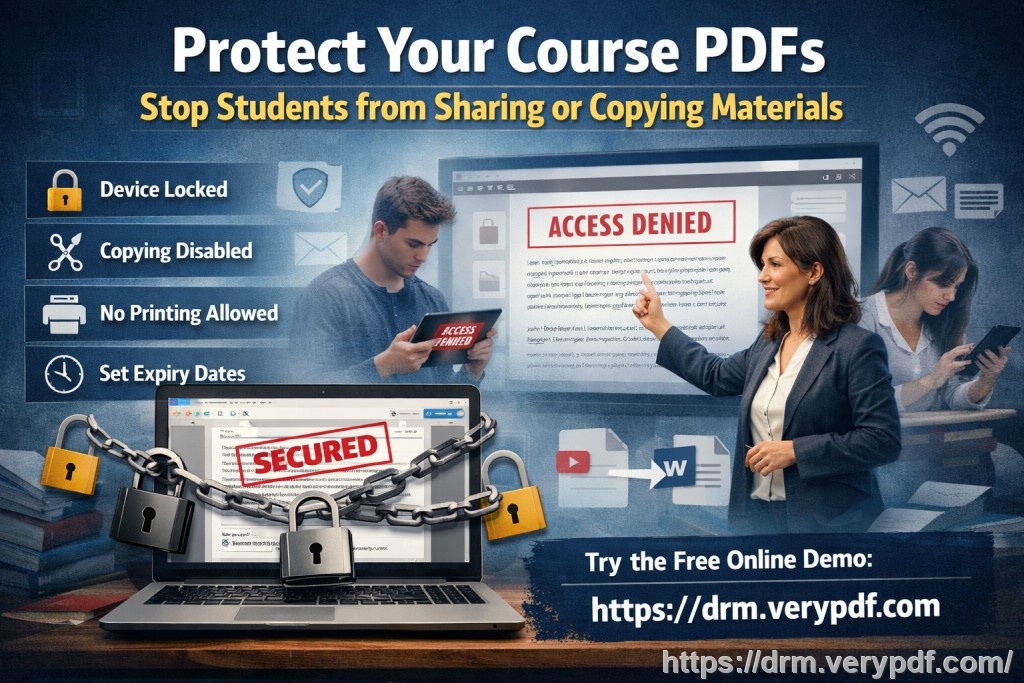
If you've ever experienced a situation where a student forwarded your lecture slides or homework PDFs to someone outside your class, you'll know how quickly this can spiral out of control. Once a file is shared, it's impossible to take it back. It can be frustrating when you put in hours of effort to create high-quality educational content, only to see it shared and possibly misused.
Here are some key issues we, as educators, commonly face:
-
Students sharing PDFs: Once a student receives a PDF, they might feel it's okay to share it with a friend or a peer from another class. Even if it's against the rules, this can happen with a simple click.
-
Unauthorized printing or editing: Some students may print your lecture slides, modify them, and then distribute the modified version as their own work.
-
Loss of content control: After sharing PDFs, I've often wondered who is actually accessing them and for how long. Am I in control of when or how the documents are being used?
It's a daunting problem, but with the right tools, it can be mitigated.
VeryPDF DRM Protector: The Solution You've Been Looking For
VeryPDF DRM Protector offers an excellent solution to these issues by restricting how your PDFs can be accessed, shared, and used. As someone who teaches multiple courses and distributes a lot of content online, I found this software to be a game-changer. Here's how it addresses the pain points:
1. Control Access to PDFs
With VeryPDF DRM Protector, you can lock your PDFs to specific users—your enrolled students. Only those with authorized access can view the documents. No more worrying about who is sharing your materials or with whom. The software ensures that only those who are registered for your course can access the content.
2. Prevent Copying, Printing, and Conversion
Perhaps one of the biggest concerns is the possibility of students printing your PDFs, copying content, or converting the documents into another format. With VeryPDF DRM Protector, you can easily stop printing altogether, limit the number of prints, or ensure that printing is of a low quality. You can also disable copying and pasting content from the PDF, preventing students from simply extracting the information.
3. Stop Screen Sharing and Screenshots
It's not just about restricting physical access; you also have to think about digital access. The software prevents students from sharing their screen or taking screenshots while viewing your documents. This is particularly useful during virtual lessons where students might try to share the content through Zoom or another platform.
4. Expiry and Self-Destruct Options
Another handy feature is the ability to set expiration dates for your PDFs. You can control how long a document remains accessible. For example, you can set a PDF to expire after a certain number of views, a specific number of days, or after a fixed date. Once it expires, the document is no longer accessible, ensuring that students can't hold on to it indefinitely.
5. Dynamic Watermarks
To further protect your work, VeryPDF DRM Protector applies dynamic watermarks to your PDFs. These watermarks can include personal information like the student's name, email address, and even the date and time they viewed the document. This not only makes students think twice about sharing the document but also allows you to trace any leaks if they occur.
6. Revoke Access at Any Time
One of the standout features is the ability to revoke access to any PDF at any time, even after it's been distributed. Let's say you notice that someone is misusing your materials. With VeryPDF DRM Protector, you can immediately terminate access to the document for that user, ensuring no further unauthorized access.
Real-Life Application: How It Works for Me
I remember a specific case last semester where a student emailed me, asking if they could share a homework PDF with a friend from another class who was struggling. While it seemed harmless, I knew it could lead to problems down the road. Instead of letting them share the file, I simply directed them to the protected PDF version that I had uploaded via VeryPDF DRM Protector. It was locked to the student's account, meaning that no one else could access it. I didn't have to worry about them forwarding it to someone else.
In another case, I had to distribute a paid course material to my students. With other solutions, I was always concerned that my content would get shared with others who hadn't paid for it. With VeryPDF DRM Protector, I was able to set expiry dates, limit printing, and ensure that the content was only available to registered students. The peace of mind it provided was invaluable.
Conclusion: Protect Your Educational Content with Confidence
In my experience, VeryPDF DRM Protector is a must-have tool for any educator looking to protect their PDFs. It offers an easy-to-use solution for preventing piracy, controlling access, and ensuring that your valuable content stays secure. I highly recommend it to anyone distributing PDFs to students.
Try it now and protect your course materials: https://drm.verypdf.com
Start your free trial today and regain control over your PDFs.
FAQs
1. How can I limit student access to my PDFs?
You can lock PDFs to specific users, such as registered students in your class, ensuring that only they can view the content.
2. Can students still read the PDFs without copying, printing, or converting them?
Yes, you can completely restrict copying, printing, and converting to other file formats, ensuring that the document remains protected.
3. How do I track who accessed my files?
With dynamic watermarks, you can track who accessed the file, and the watermark includes the user's details, like name and email.
4. Does this software prevent PDF piracy and unauthorized sharing?
Yes, it prevents students from sharing, copying, or converting the PDFs. It also allows you to revoke access to any document at any time.
5. How easy is it to distribute protected lecture slides and homework?
Very easy! You can distribute your protected PDFs through email, a secure web platform, or even USB drives, ensuring your content stays secure no matter how it's shared.
Tags or Keywords
-
protect course PDFs
-
prevent PDF piracy
-
stop students sharing homework
-
secure lecture materials
-
prevent DRM removal
-
anti-conversion PDF DRM