 The Problems Professors Face with PDF Security
How Online Training Companies Can Implement PDF DRM to Protect Paid Course Materials
As an educator, one of my biggest concerns is how easily students can share, copy, or print my carefully crafted lecture PDFs. It's a frustrating scenario. I've spent hours creating detailed, valuable course content that's meant for my students only. Yet, I can't help but worry about unauthorized access or worse, piracy.
A few months ago, one of my colleagues discovered that their paid course material had been shared freely in an online forum. They were devastated. Not only did it hurt their revenue, but it undermined their efforts to create high-quality, secure content for their learners.
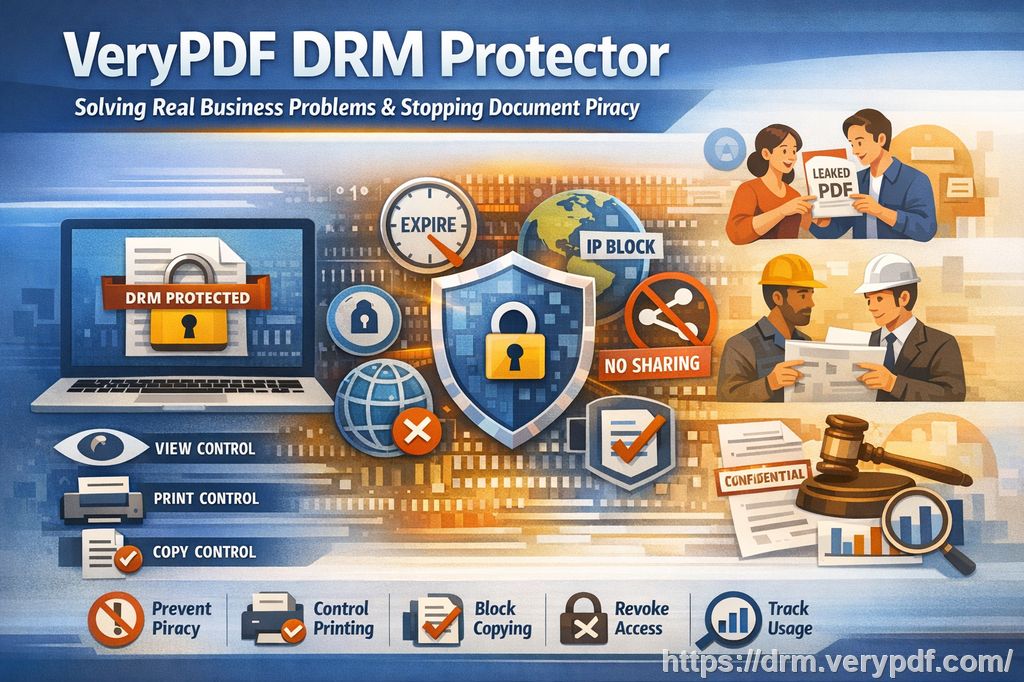
This is where PDF DRM (Digital Rights Management) comes in as a game changer. If you're an instructor or course creator looking to protect your PDFs from piracy, unauthorized sharing, or unwanted printing, DRM tools like VeryPDF DRM Protector can be the answer.
The Problems Professors Face with PDF Security
Let's dive into a few common problems that many educators face when distributing course materials online:
1. Students Sharing PDFs with Unauthorized Individuals
It's all too common for students to share PDFs of course slides or assignments with friends, even though they're not enrolled in the course. The idea of students bypassing restrictions for convenience can be disheartening. It's difficult to control where and how those materials are being shared once they're in someone's hands.
2. Loss of Control Over Paid Course Materials
When students pay for a course, they're expecting to receive exclusive access. Unfortunately, once a PDF is downloaded, it can easily be shared, printed, or converted into other formats, including Word documents or images. The entire concept of "exclusive access" becomes undermined when these protections are not in place.
3. Unauthorized Printing and Copying
I've had moments where I've had to deal with students printing course materials and sharing them with others, or even converting my work into a format that allows them to redistribute it. Not only does this impact my revenue but also the quality of the learning experience for students who actually paid for access.
The Solution: VeryPDF DRM Protector
I was lucky to find a solution to these issues when I discovered VeryPDF DRM Protector. This tool was specifically designed to protect PDFs from piracy and unauthorized distribution. But what makes it particularly appealing for educational content creators is how easy it is to implement and how effectively it addresses all of the problems above.
Here's how it works:
Restricting Access to Authorized Users
With VeryPDF DRM Protector, you can restrict access to PDFs so that only enrolled students or specific individuals can view them. Once a PDF is protected, it's locked to specific users or devices, preventing unauthorized access. This eliminates the issue of students sharing materials with others.
Preventing Copying, Printing, and Converting
One of the main benefits of this DRM solution is that it prevents students from copying, printing, or converting your PDFs into other formats. As an instructor, I no longer have to worry about students taking a screenshot or printing out a slide deck and sharing it with others.
The DRM controls are enforced by the PDF viewer itself, which ensures that even if the document is opened on a different device or downloaded multiple times, the protections remain intact.
Dynamic Watermarks to Deter Distribution
What's even more impressive is the dynamic watermark feature. This places identifiable information, like the student's name or email address, directly on the PDF. This is helpful in preventing students from distributing the material—if a student tries to share the document illegally, the watermark acts as a clear identifier.
Revoking Access and Expiry Options
Another key feature is the ability to revoke access to documents at any time, even after distribution. For example, I can set an expiry date on my lecture materials, so after a specific time or after a set number of views or prints, access is automatically revoked. This gives me control over how long my students have access to the content, ensuring that they don't retain access to outdated materials after a course ends.
Stop Screen Sharing and Screenshots
In online teaching environments, tools like Zoom and WebEx have become a staple. However, students can easily take screenshots or share their screens, which undermines the security of the content. VeryPDF DRM Protector stops screen grabs and prevents students from sharing content during virtual lessons.
This feature alone can be a game changer. No more worrying about a student "accidentally" screenshotting an entire exam or a lecture slide that's not meant to be shared.
Real-World Application: Protecting Your Course Content
Let's explore a practical example of how DRM can make a difference.
Imagine you're teaching an advanced chemistry course. You've spent weeks preparing PDF slides with diagrams, formulas, and step-by-step instructions. These slides are a crucial part of your course and contain valuable proprietary content. You're worried that students might share the slides with others or print them out for free use, but you have no way to prevent this.
With VeryPDF DRM Protector, you can:
-
Lock the PDF to only specific devices, so it's inaccessible on any other student's computer.
-
Prevent the slides from being printed or copied, preserving the integrity of your content.
-
Add a dynamic watermark with each student's email address to discourage them from sharing the file.
-
Set an expiry date, so the content becomes inaccessible once the course finishes.
Not only does this ensure that your intellectual property is protected, but it also prevents any misuse of your teaching materials, making your life a whole lot easier.
Anti-Piracy Benefits of DRM in Education
For educational content creators, the anti-piracy benefits of DRM tools like VeryPDF DRM Protector can't be overstated. Here's a quick look at how DRM protection prevents piracy:
-
Prevents unauthorized sharing: No one can pass around the protected PDFs without your consent.
-
Stops printing: You can prevent students from printing documents, ensuring that the content isn't leaked or distributed.
-
Prevents conversions: Tools that allow users to convert PDFs into Word, Excel, or image files are blocked.
-
Easy to revoke: You can terminate access at any time, even after a file has been distributed.
By implementing DRM, you retain control over your intellectual property, ensuring your hard work is kept secure.
Why Choose VeryPDF DRM Protector?
There are several reasons why VeryPDF DRM Protector stands out as an effective solution for educators:
-
Simple to use: It doesn't require complex technical skills to implement. You can easily upload your files, set your DRM preferences, and share them with your students.
-
Multi-platform support: It works on various devices, whether it's a desktop, tablet, or mobile phone, making it versatile for online courses.
-
Comprehensive protection: With features like dynamic watermarks, screen sharing protection, and device locking, it ensures that your content stays secure, no matter where it's viewed.
Conclusion: Protect Your Course Materials Today
As educators, we put a lot of effort into creating valuable learning materials. But the threat of piracy, unauthorized sharing, and printing is a constant concern. VeryPDF DRM Protector offers a reliable, easy-to-use solution to protect your course PDFs and ensure that only registered users can access your materials.
I highly recommend this tool to anyone who distributes educational PDFs—whether you're teaching in-person or online. With VeryPDF DRM Protector, you'll have peace of mind knowing that your content is protected from misuse.
Try it now and protect your course materials: https://drm.verypdf.com
FAQ
1. How can I limit student access to my PDFs?
With VeryPDF DRM Protector, you can lock PDFs to specific devices or users, ensuring that only those with authorized access can view your content.
2. Can students still read my PDFs without copying, printing, or converting them?
Yes! The DRM protector can prevent printing, copying, and converting, while still allowing students to read the PDF normally.
3. How do I track who accessed the files?
Dynamic watermarks, containing user-specific information, are added to each document, allowing you to track who accessed and viewed your materials.
4. Does DRM prevent PDF piracy and unauthorized sharing?
Absolutely. DRM ensures that your PDFs cannot be shared, copied, or printed without your permission, giving you full control over your content.
5. How easy is it to distribute protected lecture slides and homework?
Once your files are protected, you can easily share them via email, web, or USB drives. The recipient simply needs the authorized device to view the content.
6. Can I revoke access to PDFs after they've been distributed?
Yes! You can revoke access at any time, even if the PDFs have already been shared with others.
Tags/Keywords:
-
protect course PDFs
-
prevent PDF piracy
-
stop students sharing homework
-
secure lecture materials
-
prevent DRM removal
-
anti-conversion PDF DRM