 Protecting Your Course Materials: A Real-World Solution to Prevent Unauthorized Sharing and PDF...
Protecting Your Course Materials: A Real-World Solution to Prevent Unauthorized Sharing and PDF Piracy
As a professor, one of my biggest concerns is the risk of my course materials being shared without permission. Imagine creating an entire semester's worth of lecture PDFs, only for a student to share them with others, or worse, for someone to convert them to a different format and upload them to a third-party website. Unfortunately, this is a growing issue for educators around the world. But what if there was a way to prevent this from happening while still offering easy access to your materials? This is where VeryPDF DRM Protector comes into play.
A Growing Problem for Educators
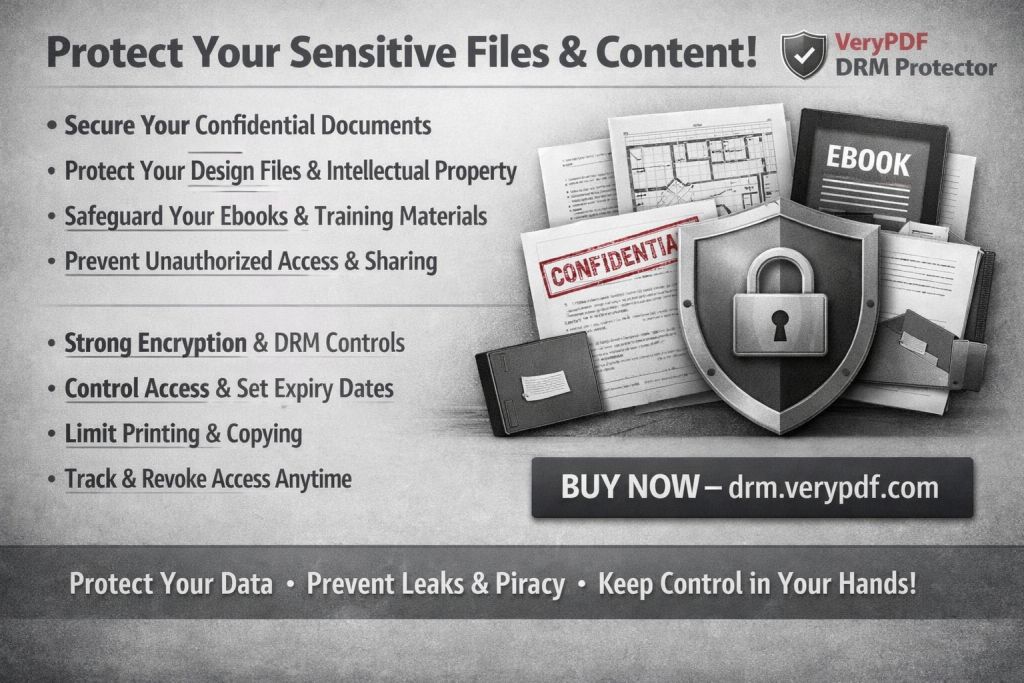
As we all know, teaching involves much more than just delivering content. In the digital age, the protection of that content has become an essential part of the job. You spend hours creating lecture slides, assignments, and reading materials, but what happens once these materials are shared with students?
The most common issues include:
-
Unauthorized sharing of PDFs: A student might forward your course materials to friends or upload them to file-sharing websites.
-
Copying or converting: Students or unauthorized users might copy your PDFs or convert them into editable formats like Word or Excel, undermining your intellectual property.
-
Loss of control over paid content: Many online course providers face the dilemma of losing control over the distribution of their paid PDFs, which diminishes their value and causes significant financial losses.
This isn't just a theoretical problem—it's a real frustration for many educators. As more courses go online, the potential for these issues to occur only increases. Thankfully, there's a solution that allows you to maintain control over your content: VeryPDF DRM Protector.
How DRM Protector Solves These Issues
VeryPDF DRM Protector provides an intuitive solution for protecting your PDFs from unauthorized sharing, printing, or conversion. By using digital rights management (DRM) tools, you can prevent your students from making unwanted copies or distributing your course materials. Here's how it works:
1. Restricting Access to Specific Users
One of the biggest concerns for online course providers is ensuring that only the enrolled students have access to the materials. With DRM Protector, you can restrict access to your PDFs by locking them to specific devices. This way, even if a student tries to share the PDF, only authorized users will be able to open it.
2. Preventing Copying, Printing, and Conversion
With VeryPDF DRM Protector, you can prevent students from copying the content of your PDFs or converting them to other formats like Word, Excel, or image files. This is crucial for maintaining the integrity of your materials and ensuring they're only used in the intended manner.
Additionally, you can control whether students can print your PDFs. If printing is necessary, you can restrict it to a specific number of prints, or even block printing entirely. This feature is particularly useful for protecting sensitive materials like exam papers or proprietary content.
3. Dynamic Watermarks for Added Security
Another great feature is the ability to add dynamic watermarks to your PDFs. These watermarks can display the user's information, such as their name or email address, as well as the date and time they accessed the document. This serves as a deterrent to anyone considering sharing or distributing the materials without permission.
If a student prints the material or takes a screenshot, the watermark will be visible, making it clear who the original user is. This added layer of protection makes it much harder for unauthorized sharing to occur unnoticed.
4. Expiry and Revocation Features
VeryPDF DRM Protector offers the ability to set expiry dates for your PDFs. This means you can limit the number of days, views, or prints before access to the material expires. If a student doesn't need access after the course has finished, you can set a date for the material to no longer be available, ensuring that students cannot access your content indefinitely.
Moreover, if you suspect that your PDF has been shared illegally, you can revoke access instantly—even after the document has been distributed. This gives you complete control over your content, even after it has been shared.
5. Blocking Screen Sharing and Screen Captures
In today's world of virtual classrooms, screen sharing is a common method of presenting materials. However, this can pose a security risk if students record or take screenshots of your content during online lessons. VeryPDF DRM Protector blocks screen grabs, screen recording apps, and other methods of capturing content. This ensures that your materials remain secure, even during virtual sessions.
Real-World Examples: How DRM Protector Saves Time and Protects Content
Let me share a couple of real-world examples where VeryPDF DRM Protector has helped educators like me maintain control over their materials:
-
Scenario 1: A lecturer in an online university had a student upload their lecture slides to a third-party website. After implementing DRM Protector, the lecturer was able to lock the materials to specific devices and set an expiry date, ensuring that only enrolled students could access the content. Since then, no unauthorized sharing has occurred.
-
Scenario 2: A professor teaching a large online course found that students were copying sections of the syllabus and redistributing them. By adding dynamic watermarks to the syllabus PDFs, the professor was able to track who was sharing the materials. After noticing the watermark, students stopped sharing the syllabus, fearing the consequences.
These examples show just how effective DRM protection can be in real classroom settings.
Why Choose VeryPDF DRM Protector Over Other Solutions?
While secure data rooms are a common option for sharing documents securely, they often have flaws. The security of these rooms depends on login credentials, which can be shared with others. Once the credentials are shared, anyone can access the 'secure' documents, which defeats the purpose of protection.
With VeryPDF DRM Protector, you don't need to worry about credentials being compromised. The documents themselves are encrypted and locked to specific devices, making it virtually impossible for anyone to access your materials without your permission.
Furthermore, unlike other DRM solutions that rely on insecure plugins or JavaScript, VeryPDF uses robust, US Government-approved encryption and licensing controls to protect your content. This ensures that your materials are safe from piracy and unauthorized use.
Conclusion: Protect Your Course Materials with VeryPDF DRM Protector
If you're an educator distributing PDF materials to students—whether they're lecture slides, assignments, or paid course content—VeryPDF DRM Protector is a must-have tool. It allows you to maintain complete control over your PDFs, preventing unauthorized access, sharing, and piracy.
I highly recommend this tool to anyone looking to protect their course materials from misuse. It's easy to use, highly effective, and provides peace of mind knowing that your intellectual property is secure.
Start your free trial today and regain control over your PDFs: https://drm.verypdf.com
FAQs
1. How can I limit student access to my PDFs?
With VeryPDF DRM Protector, you can lock your PDFs to specific devices, ensuring that only authorized students can access them. You can also set expiry dates to restrict access after a certain period.
2. Can students still read the PDFs without copying, printing, or converting?
Yes, you can restrict printing, copying, and converting while still allowing students to view the PDFs. This ensures that your content remains secure.
3. How can I track who accessed the files?
You can add dynamic watermarks that display the user's information, such as their name or email address. This helps identify who accessed the document and when.
4. Does it prevent PDF piracy and unauthorized sharing?
Yes, DRM Protector prevents unauthorized copying, sharing, and conversion. It also blocks screen grabbing and screenshots, ensuring your content stays secure.
5. How easy is it to distribute protected lecture slides and homework?
VeryPDF DRM Protector is easy to use. You can distribute protected PDFs via email, web, or even on USB sticks, without worrying about unauthorized access or sharing.
6. Can I revoke access to my PDFs after distributing them?
Yes, you can revoke access at any time, even after the PDFs have been distributed, ensuring that you have full control over your content.
7. Can I limit the number of prints or views for my PDFs?
Yes, DRM Protector allows you to set limits on the number of views and prints, giving you complete control over how your content is accessed.
Keywords
-
Protect course PDFs, prevent PDF piracy, stop students sharing homework, secure lecture materials, prevent DRM removal, anti-conversion PDF DRM