 How to Prevent Unauthorized Sharing and Editing of Your Teaching PDFs: A Practical Guide for...
How to Prevent Unauthorized Sharing and Editing of Your Teaching PDFs: A Practical Guide for Professors
As a professor, you likely know the frustration of having your hard work—be it lecture slides, homework PDFs, or course materials—shared and distributed without permission. Imagine investing hours crafting the perfect set of lecture slides, only for a student to share them online or even convert them to Word or another format. Or worse, someone could take a screenshot of your material during an online session and share it with others, compromising the integrity of your course content.
In the world of digital teaching, this is an all-too-common concern. But what if I told you there was an easy way to secure your PDFs, preventing unauthorized access, copying, printing, and sharing? That's where VeryPDF DRM Protector comes in—a tool designed to help professors like you maintain control over your digital content, ensuring that your teaching materials remain protected.
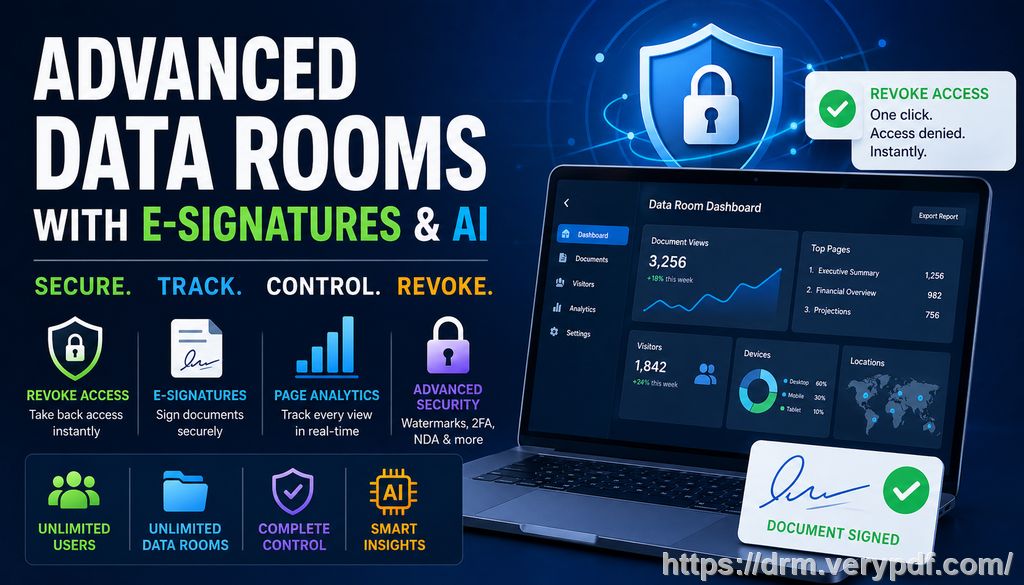
Why Protect Your PDFs?
The rise of digital education has made teaching more accessible than ever. However, with the convenience of online sharing comes the risk of piracy and unauthorized distribution of your materials. If you're a professor who frequently shares lecture slides, homework PDFs, or paid course materials online, you've probably encountered one or more of the following issues:
-
Students sharing PDFs with others: Whether it's a classmate or someone outside of your course, once a PDF is in the wrong hands, it can be distributed far beyond your control.
-
Unauthorized printing, copying, or converting: Some students may want to copy a section of your material for personal use or even convert it into another format like Word, which compromises the integrity of your content.
-
Loss of control over paid course content: If you're offering premium materials, you don't want anyone to be able to freely copy or share them without your permission.
These challenges can be incredibly frustrating, especially when you consider how much time and effort you put into creating quality materials for your students. That's where VeryPDF DRM Protector comes into play.
How VeryPDF DRM Protector Solves These Problems
VeryPDF DRM Protector offers a robust solution to these problems by providing powerful controls over how your PDFs are accessed and used. Here's how it works:
Restrict Access to Enrolled Students or Specific Users
With VeryPDF DRM Protector, you can ensure that only students enrolled in your course—or those you've specifically authorized—can access your materials. You can lock PDFs to specific devices or locations, so even if someone tries to share a link or file, it will be useless to anyone who doesn't have the right permissions.
Prevent Printing, Copying, and Forwarding
The software gives you the power to stop unauthorized printing, copying, or forwarding of your PDFs. Whether you want to block printing entirely or simply limit the number of prints, you can control how your materials are used. It's the perfect way to prevent students from printing out your course materials and distributing them to others.
Stop Conversion and Piracy
A big issue with digital materials is that students can convert your PDFs into other formats like Word or Excel, which can then be shared, copied, and altered. With VeryPDF DRM Protector, you can block the conversion of your PDFs entirely, preventing students or hackers from bypassing your security measures.
Dynamic Watermarks for Extra Protection
VeryPDF also offers the option to apply dynamic watermarks to your PDFs. These watermarks can display personal information about the user, such as their name, email address, or the date/time they accessed the file. Not only do these watermarks deter students from sharing your materials, but they also help you trace any leaks back to the source.
Expiry and Revocation Controls
You can set your PDFs to expire after a certain number of views, days, or prints, ensuring that materials can't be accessed indefinitely. Even after you've distributed your materials, you can revoke access to a specific document or user at any time. This gives you complete control over the lifespan of your digital content.
Block Screen Sharing and Screenshots
In today's online learning environment, it's common for students to share their screens during virtual classes or take screenshots of your materials. With VeryPDF DRM Protector, you can block screen sharing, screen recording, and the use of third-party screenshot tools, ensuring that your content isn't leaked through other means.
Real-Life Classroom Scenarios: How DRM Protection Helps
Let's walk through a few real-life scenarios where VeryPDF DRM Protector could be a game-changer:
-
Scenario 1: A student shares your lecture slides online
You've spent hours creating comprehensive and detailed lecture slides for your class. Unfortunately, one of your students uploads them to a public forum, making them accessible to anyone with a link. With DRM protection, you could have locked the file to specific users or devices, ensuring that only your students could view it. -
Scenario 2: Unauthorized printing of homework PDFs
You've uploaded a set of homework assignments to a course portal. One student prints them out, scans them, and shares them with other students. With VeryPDF DRM Protector, you could have restricted printing or limited it to a certain number of prints, preventing this from happening. -
Scenario 3: Protecting paid course content from piracy
If you're offering paid materials or premium content, you don't want anyone to simply copy and share it. DRM protection ensures that only paying customers can access your materials, and once they have, they won't be able to freely distribute them.
Additional Benefits of Using VeryPDF DRM Protector
Beyond the core features of content protection, there are several additional benefits to using VeryPDF DRM Protector:
-
Easy to Use: The software is user-friendly, meaning you don't have to be tech-savvy to protect your PDFs.
-
Customizable Watermarks: You can add custom messages or watermarks to remind users that the content is protected.
-
Multiple File Formats Supported: While this guide focuses on PDFs, VeryPDF DRM Protector supports a variety of digital formats, allowing you to protect other types of course materials.
-
Secure Document Sharing: You can distribute protected materials securely via email, USB, or web, knowing they'll be safe from unauthorized access.
Conclusion: Take Control of Your Teaching Materials Today
In today's digital age, protecting your teaching materials is more important than ever. With VeryPDF DRM Protector, you can ensure that your PDFs are safe from piracy, unauthorized sharing, and other forms of misuse. It's an essential tool for any professor, lecturer, or educational content creator looking to maintain control over their content.
I highly recommend VeryPDF DRM Protector to anyone distributing PDFs to students or colleagues. It's easy to use, effective, and gives you peace of mind knowing your materials are secure.
Try it now and protect your course materials: https://drm.verypdf.com
Start your free trial today and regain control over your PDFs.
FAQ
-
How can I limit student access to my PDFs?
You can lock your PDFs to specific users or devices, ensuring that only authorized individuals can view them. -
Can students still read the PDF without copying, printing, or converting it?
Yes, you can configure VeryPDF DRM Protector to allow only viewing, while blocking actions like copying, printing, and conversion. -
How can I track who accessed the files?
Dynamic watermarks display user information on the documents, helping you identify who accessed or printed them. -
Does it prevent PDF piracy and unauthorized sharing?
Yes, it prevents unauthorized printing, copying, and sharing of your PDFs. It also blocks conversion to other formats. -
How easy is it to distribute protected lecture slides and homework?
Very easy! You can distribute your protected PDFs via email, web, or USB without worrying about unauthorized access.
Keywords:
-
protect course PDFs, prevent PDF piracy, stop students sharing homework, secure lecture materials, prevent DRM removal, anti-conversion PDF DRM