 Protecting Sensitive Legal Documents in PDF Format: A Guide for Law...
Protecting Sensitive Legal Documents in PDF Format: A Guide for Law Firms
As a legal professional, ensuring that sensitive client information remains confidential is a top priority. But in today's digital age, securely communicating with clients often involves sending PDFs, which are easy to share and manipulate. Unfortunately, this ease of use also comes with significant risks. Unauthorized forwarding, copying, or printing of sensitive legal documents can result in data breaches, reputational damage, and even legal liabilities.
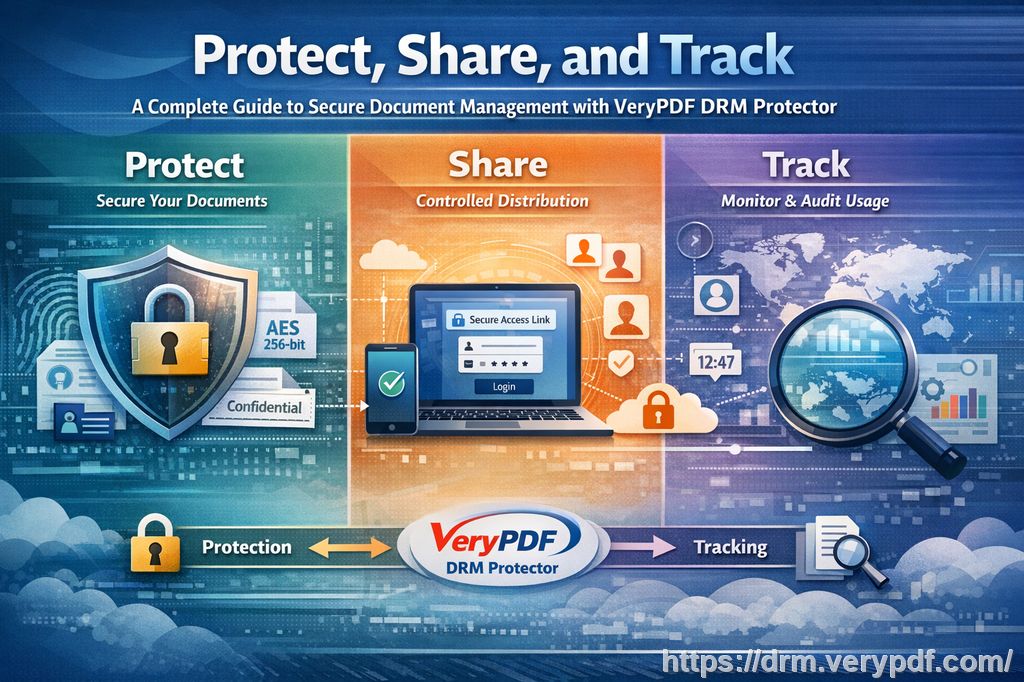
So, how can law offices prevent these risks while maintaining efficient client communication? The answer lies in utilizing strong PDF protection tools like VeryPDF DRM Protector, which offers a range of security features designed specifically for safeguarding legal documents.
The Challenge of PDF Security in Legal Work
Imagine this scenario: You've spent hours drafting a confidential legal document for a client, only to find out that it has been forwarded or even printed without your consent. Worse, the document is shared with others who have no business seeing it. This breach of confidentiality could undermine trust, affect the outcome of a case, or violate client privacy agreements. And with the rise of digital piracy, this is becoming an increasingly common concern.
Moreover, many legal firms share documents that include sensitive data, and the ability to control who accesses, views, and distributes these documents is crucial. When PDFs are not properly secured, they are vulnerable to unauthorized actions like:
-
Copying and sharing with third parties.
-
Converting to editable formats such as Word or Excel.
-
Printing and distributing hard copies.
-
Taking screenshots during online meetings.
These issues can severely undermine the integrity and confidentiality of legal communications. Fortunately, solutions like VeryPDF DRM Protector can significantly reduce these risks.
VeryPDF DRM Protector: A Practical Solution for Legal Firms
VeryPDF DRM Protector is a robust software solution designed to protect PDFs from unauthorized access, modification, and distribution. By applying this DRM (Digital Rights Management) technology, law offices can safeguard their confidential legal documents and ensure that sensitive client information remains secure. Here's how it works:
1. Restrict Access to Authorized Users Only
With VeryPDF DRM Protector, you can limit PDF access to only authorized users. This is particularly useful for law firms that need to ensure their documents are viewed only by the intended recipients. The software can be configured to lock PDFs to specific devices, such as a lawyer's laptop or a client's mobile phone. This makes it nearly impossible for unauthorized parties to access your documents.
2. Prevent Copying, Printing, and Conversion
One of the main threats to legal document security is the ability to copy or print the PDF. For example, a sensitive contract could easily be copied and shared with malicious intent. VeryPDF DRM Protector blocks this functionality, preventing any copying or printing. It also stops users from converting PDFs into other editable formats, like Word or Excel, which are more susceptible to tampering.
3. Expire or Revoke Access at Will
Another powerful feature is the ability to set expiry dates or conditions for PDF access. You can choose to have your documents expire after a certain number of views, days, or prints. Additionally, you can instantly revoke access to a document, even if it has already been distributed. This ensures that once a document is no longer needed, it can no longer be accessed, keeping your information safe long after the initial distribution.
4. Dynamic Watermarks for Extra Protection
VeryPDF DRM Protector adds a dynamic watermark to each document, which includes identifiable information such as the user's name, email, or IP address. This serves as a deterrent for anyone thinking of sharing or redistributing the document, as they can be traced back to the original recipient. These watermarks are non-removable, adding an extra layer of security to prevent piracy.
5. Stop Screen Sharing and Screenshots
In today's virtual world, online meetings have become a normal part of legal consultations and discussions. However, screen-sharing tools like Zoom or WebEx make it easy for unauthorized users to capture sensitive information. VeryPDF DRM Protector can prevent users from taking screenshots or sharing their screens during meetings, ensuring that the contents of your legal documents remain confidential.
Real-World Use Cases for Law Offices
Let's take a look at how DRM protection can be applied in real legal scenarios:
-
Client Contracts: A law firm can send a contract to a client for review, but they can ensure that the client cannot forward the document to others or print it. This way, the document is locked to the client's device and is protected from unauthorized sharing.
-
Confidential Legal Briefs: When sending legal briefs or case files to partners or clients, DRM protection ensures that the documents can't be modified or copied, reducing the risk of data leakage or tampering.
-
Intellectual Property (IP) Protection: If your firm is involved in IP cases, the documents you handle are often highly sensitive. DRM can be used to prevent unauthorized copying, modification, or distribution of these documents.
Why Choose VeryPDF DRM Protector Over Other Solutions?
While secure data rooms and encrypted cloud storage options may seem like good solutions, they often have their limitations. These platforms rely on login credentials, which can be shared or compromised. VeryPDF DRM Protector doesn't require users to enter any credentials, ensuring that there's no weak link in your document security chain. Additionally, with its ability to lock PDFs to specific devices and prevent screen sharing, VeryPDF DRM Protector offers more comprehensive security than traditional solutions.
Unlike many other systems that use JavaScript-based security or weak password protection, VeryPDF DRM Protector uses US government-approved AES encryption and device locking technology to safeguard your documents. This level of protection is crucial for maintaining the confidentiality of legal communications.
Conclusion: Secure Your Legal Documents Today
In a world where digital security is more important than ever, protecting your legal documents from unauthorized access, copying, or printing is a non-negotiable task. VeryPDF DRM Protector provides law offices with the tools they need to safeguard their documents and prevent any unauthorized distribution. Whether you're sending contracts, case files, or confidential client information, this DRM software ensures that your documents remain protected, giving you peace of mind.
I highly recommend this tool to any law firm looking to protect their sensitive legal documents. Don't let piracy or unauthorized sharing compromise your work—take control of your PDFs today.
Start your free trial today and protect your legal documents with VeryPDF DRM Protector: https://drm.verypdf.com
Frequently Asked Questions
1. How can I limit access to my legal PDFs?
You can restrict access to authorized users only by locking PDFs to specific devices or using IP restrictions, ensuring that only the intended recipient can view the document.
2. Can students still read PDFs without copying, printing, or converting them?
Yes, VeryPDF DRM Protector allows you to disable copying, printing, and converting while still allowing the recipient to read the document.
3. How can I track who accessed my PDFs?
You can track document access through detailed audit logs, which provide information on who viewed or attempted to print your document.
4. Does this solution prevent PDF piracy and unauthorized sharing?
Absolutely! VeryPDF DRM Protector blocks copying, printing, and screen sharing, ensuring that your documents are protected from unauthorized distribution.
5. How easy is it to distribute protected legal documents to clients?
It's simple—protected PDFs can be distributed via email, USB, or web viewers without compromising security, and you can control access after distribution.
Tags and Keywords
-
protect legal PDFs, stop PDF piracy, prevent unauthorized document sharing, secure legal documents, prevent DRM removal, document security for law firms