 Why DRM is Essential for Teachers
How to Protect Your Digital Course Materials from Unauthorized Sharing Using DRM
As a professor, there's always a lingering worry in the back of my mind: What if my students start sharing my carefully prepared course PDFs or assignments? The idea of someone passing along my lecture slides or homework to others without permission is something I've always wanted to avoid. For many of us, teaching is about more than just delivering knowledge; it's about maintaining control over the materials we create.
Unfortunately, the rise of digital education and file-sharing technologies means that unauthorized distribution of our course materials is a constant threat. But here's the good news: VeryPDF DRM Protector offers an effective solution to stop unauthorized distribution, printing, or editing of your PDFs, giving you back control over your content and keeping your course materials secure.
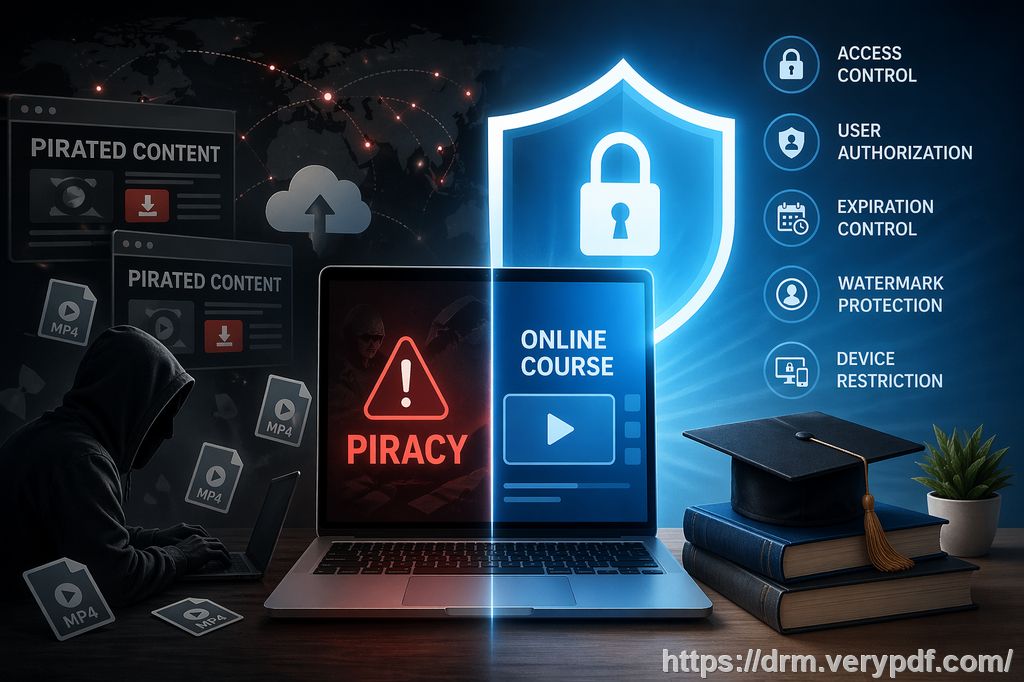
Why DRM is Essential for Teachers
Teaching today relies heavily on digital content—PDFs of lecture slides, assignment sheets, and course notes. But when we upload these resources for student access, there's a risk that they will be shared with people outside the class, or worse, modified or converted into other formats.
Many professors are concerned about students copying homework assignments, printing lecture slides, or distributing exam papers to unauthorized users. The problem is clear: once a file is shared digitally, it's hard to ensure it stays in the right hands. VeryPDF DRM Protector addresses these common pain points and provides an all-in-one solution for teachers who want to protect their materials.
The Common Problems Professors Face
-
Students Sharing PDFs Without Permission
Imagine this: You've spent hours designing a detailed set of course slides, and then you discover that a student has uploaded them to a sharing site, making them accessible to everyone. The ripple effect is far-reaching, and you lose control over who sees your materials. DRM protection stops this by controlling who can access the file. -
Unauthorized Copying or Converting
We all know how easy it is for students to right-click on a PDF and copy the text or convert the entire document into an editable Word file. This not only compromises the integrity of your work but also makes it easier for your content to be plagiarized. With VeryPDF DRM Protector, you can prevent this by disabling copy, paste, and conversion functions entirely. -
Loss of Control Over Paid Course Materials
If you're selling your course materials or sharing premium content, there's always the concern that unauthorized users will gain access to your files. You want to control who sees them, and more importantly, ensure that they're only used for the intended purpose. DRM encryption and device locking through VeryPDF DRM Protector ensure that only authorized individuals can view your materials.
How VeryPDF DRM Protector Can Help
VeryPDF DRM Protector offers a range of practical tools designed to give you full control over how your PDFs are accessed and used. Let's break down the features that make it a perfect fit for teachers:
1. Control Access to Your PDFs
One of the key features is the ability to restrict PDF access to specific users, such as enrolled students or staff members. Instead of sharing an open link to a document, you can ensure that only the right people—those with a specific decryption key tied to their device—can access the file.
2. Prevent Unauthorized Printing and Copying
With VeryPDF DRM Protector, you can stop printing altogether or limit it to a set number of copies. Additionally, it prevents students from copying text or converting your documents into other formats like Word or Excel. This ensures your content remains exactly as you intended it to be.
3. Apply Expiry Dates and Self-Destruct Functions
You can set an expiry date for your PDFs, meaning they'll automatically become inaccessible after a certain period. This is particularly useful for temporary course materials or assignments that you don't want to be accessible indefinitely. You can also set the file to self-destruct after a certain number of views, which is great for limiting how many times a document can be opened or printed.
4. Dynamic Watermarks for Extra Protection
To deter students from sharing your documents, you can apply dynamic watermarks to each PDF. These watermarks display individual user information (like name or email) and are embedded in both the viewed and printed copies of the document. This makes it much harder for anyone to share your materials without identifying themselves as the source of the leak.
5. Stop Screen Sharing and Screenshots
This is a game-changer. With VeryPDF DRM Protector, you can block screen-sharing tools like Zoom or WebEx from capturing your content. You can also stop screen-grabbing applications, so students won't be able to take screenshots of your materials and share them. This is critical for protecting test papers and sensitive content.
6. Revoke Access Anytime
Even if you've already distributed your PDFs, you can still revoke access at any time. For instance, if you notice that a document is being shared illegally or you simply want to make sure that certain content is no longer accessible, VeryPDF DRM Protector allows you to terminate access, no matter where the file has been distributed.
Real Classroom Scenarios
Let me share a couple of real-life examples where VeryPDF DRM Protector made all the difference:
-
Scenario 1: Preventing Content Leakage
Last semester, I uploaded a set of exam papers to my course portal for students to download. Within days, I noticed that some of the questions were being shared across social media platforms. After that, I started using VeryPDF DRM Protector to lock the PDFs to specific devices and prevent printing. No more leaks, and I could track who accessed the documents. -
Scenario 2: Simplifying Content Distribution
As a professor, I often have to send out lecture slides in PDF format. With VeryPDF DRM Protector, I no longer worry about unauthorized printing or editing. I simply apply the security settings I need—such as expiry dates or watermarks—and distribute them via email or cloud storage. It's as easy as sending an ordinary email, but my materials are far more secure.
Why I Recommend VeryPDF DRM Protector for Professors
From preventing unauthorized access to maintaining control over who prints or shares your content, VeryPDF DRM Protector is a comprehensive solution that solves all the headaches I used to face with digital content protection. It's easy to use, effective, and integrates smoothly into my teaching workflow.
If you're serious about safeguarding your course materials, whether they're lecture slides, homework PDFs, or sensitive exams, I highly recommend trying it out.
Start protecting your course materials today: https://drm.verypdf.com
FAQ
-
How can I limit student access to PDFs?
-
With VeryPDF DRM Protector, you can lock PDFs to specific users or devices, ensuring that only those with the correct decryption keys can access your documents.
-
-
Can students still read the PDFs without copying, printing, or converting them?
-
Yes! You can disable all copying, printing, and conversion features to protect your PDF files from unauthorized use.
-
-
How can I track who accessed my PDFs?
-
VeryPDF DRM Protector offers detailed usage reports, letting you monitor who opened your documents and when, so you can track access and detect potential leaks.
-
-
Does it prevent PDF piracy and unauthorized sharing?
-
Absolutely. With device locks, watermarking, and restrictions on copying, printing, and sharing, VeryPDF DRM Protector is designed to prevent unauthorized distribution and protect your content.
-
-
How easy is it to distribute protected lecture slides and homework?
-
It's incredibly easy. Once your PDFs are protected with VeryPDF DRM Protector, you can share them just like regular files via email, cloud storage, or USB sticks—no special software or complex processes required.
-
Tags/Keywords
-
protect course PDFs
-
prevent PDF piracy
-
stop students sharing homework
-
secure lecture materials
-
prevent DRM removal
-
anti-conversion PDF DRM
Take control of your digital content today!