 Common Classroom Pain Points
As a professor, I've always worried about the security of my digital course materials. Lecture slides, assignments, and even paid course content—everything is easily shareable and prone to misuse. Just a few weeks ago, I caught wind that a student had uploaded my lecture slides to a file-sharing site. The last thing I want is for my hard work to be distributed without permission, or worse, for students to share exam papers or homework with others.
This is a common concern for educators in the digital age. With the increasing reliance on online learning, it's never been more important to protect your educational content from being misused or pirated. Luckily, there are solutions available—like VeryPDF DRM Protector—that can help prevent this type of unauthorized sharing and provide educators with more control over their materials. Let's explore how this tool can safeguard your digital course content from theft, piracy, and misuse.
Common Classroom Pain Points
Teaching in today's digital environment comes with its own set of challenges. Here are a few common scenarios where educators face security issues with digital content:
-
Students sharing PDFs or assignments online: It's all too easy for a student to share your lecture slides or homework PDF on a file-sharing website. This may seem harmless, but it opens the door to unauthorized use and even plagiarism.
-
Loss of control over course materials: Once you upload or share a PDF, you lose control over who can access it. Students might copy the content, edit it, or even convert it into other formats like Word or images for malicious purposes.
-
Unauthorized printing or copying: Some students may print out your lecture slides and distribute them in physical form, while others might copy and paste sections of your work to cheat or distribute illegally.
These pain points are not only frustrating but also undermine the value of your intellectual property. So, what can you do about it?
How VeryPDF DRM Protector Solves These Problems
The solution to these issues lies in implementing a strong document protection strategy. VeryPDF DRM Protector is designed to safeguard digital content, ensuring that it remains protected no matter how it's shared or accessed.
Restricting PDF Access to Specific Users
One of the most useful features of VeryPDF DRM Protector is its ability to restrict PDF access to specific users or groups. You can lock access to only enrolled students or even a specific group of authorized users. This level of control ensures that only the right people can view your content, reducing the chances of unauthorized sharing.
For instance, imagine you're teaching a specialised course and you've created a set of valuable lecture slides. With DRM protection, you can ensure that only your students can access those slides, and once the course ends, their access is revoked automatically.
Preventing Printing, Copying, and Forwarding
Another major concern for educators is the ability for students to print or copy PDF content. VeryPDF DRM Protector allows you to disable printing altogether or limit prints to specific numbers, ensuring that students can't print off large quantities of materials without your permission. You can also prevent students from copying content from the PDF, which is a common method of stealing course material.
Moreover, the tool can prevent students from forwarding the PDF to others, adding another layer of protection.
Stopping Unauthorized Conversion to Other Formats
If you've ever worried that students might convert your PDFs into editable formats (like Word or Excel), you're not alone. Unauthorized conversion is a real problem when sharing educational content. VeryPDF DRM Protector prevents this by stopping the conversion of PDFs into other formats. This is crucial for keeping your content intact and ensuring that your work isn't misused.
Anti-Piracy Features: Dynamic Watermarks and Device Locking
VeryPDF DRM Protector doesn't just limit what users can do with your PDFs—it also deters piracy with dynamic watermarks. Every time someone views or prints a document, a watermark with their personal details (name, email address, etc.) is displayed. This makes it much harder for students to share your content without risking exposure.
Additionally, you can lock PDFs to specific devices, such as a particular computer or tablet. This means that if a student tries to access the content on an unapproved device, they won't be able to open the file.
Revoking Access and Expiry Features
Perhaps one of the most powerful features of DRM protection is the ability to revoke access to documents at any time, even after they've been shared. If you suspect unauthorized access or if a student completes a course, you can terminate their access instantly.
You can also set expiry dates on your documents. For example, after a student has viewed a document a certain number of times, or after a set number of days, the document will no longer be accessible. This ensures that your content isn't kept indefinitely, reducing the risk of it being distributed without your consent.
Real Classroom Examples
Let me share a few examples from my own experience to show how VeryPDF DRM Protector has helped me maintain control over my course materials:
-
Preventing Unauthorized Sharing: A few months ago, I was teaching an online course, and I noticed that a PDF version of my lecture slides was circulating on a file-sharing site. Using DRM protection, I was able to track down the leak, identify the student who had shared the file, and prevent further unauthorized access by revoking their access to all course materials.
-
Protecting Homework PDFs: I've had students email me their homework in PDF format. While I've always trusted my students, I realized that without DRM protection, these assignments could easily be shared or even altered. Now, I lock all homework PDFs to a specific device and set an expiry date to ensure that only the student who submitted the assignment can view it, and only for a limited time.
-
Reducing Piracy in Paid Courses: For paid courses, the last thing you want is for your students to share your materials with others. I implemented DRM protection for my paid course content, and it's given me peace of mind knowing that only those who paid for the course can access the materials, and any unauthorized distribution will be tracked and stopped.
Conclusion: Take Control of Your PDFs Today
In conclusion, VeryPDF DRM Protector has been a game-changer for me. It solves many of the common problems teachers face when distributing digital content—preventing piracy, controlling access, and safeguarding intellectual property. If you're tired of worrying about students sharing, printing, or editing your materials without permission, I highly recommend this tool.
Try it now and protect your course materials: https://drm.verypdf.com
You can start your free trial today and regain full control over your PDFs.
FAQs
Q: How can I limit student access to PDFs?
A: With VeryPDF DRM Protector, you can lock PDFs to specific users or devices. This ensures that only authorized individuals can access the content, even if they try to share it.
Q: Can students still read the PDF without copying, printing, or converting it?
A: Yes, you can configure the settings to allow reading while disabling printing, copying, and converting. This gives you complete control over how the content is used.
Q: How can I track who accessed my files?
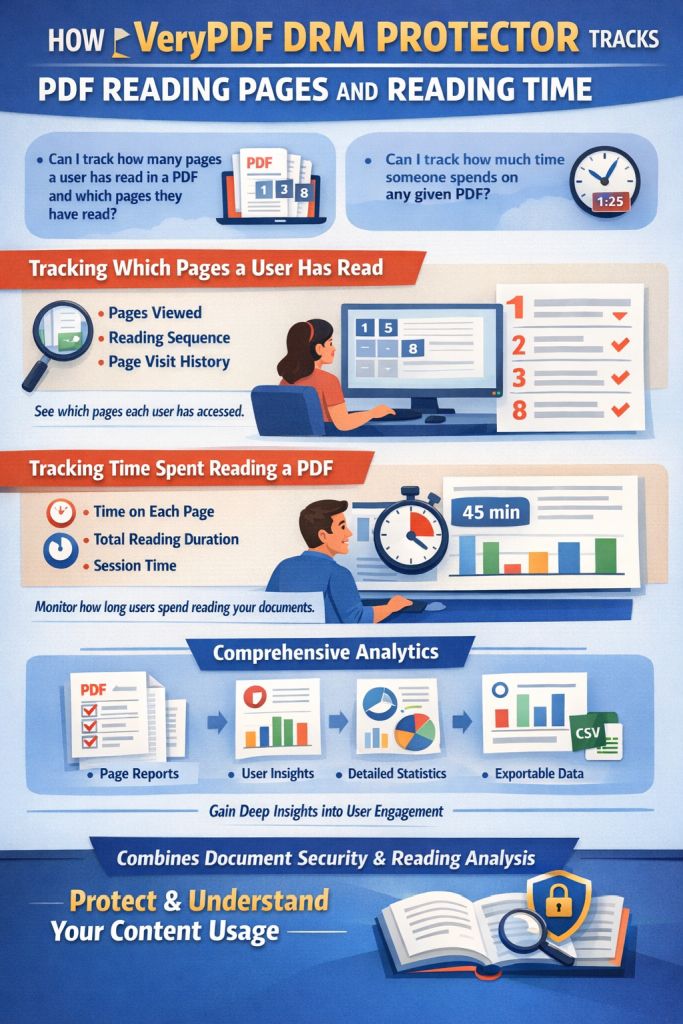
A: VeryPDF DRM Protector allows you to track user access with dynamic watermarks and audit logs. This lets you know exactly who has viewed or printed the document.
Q: Does this prevent PDF piracy and unauthorized sharing?
A: Yes, the tool is specifically designed to prevent unauthorized sharing and piracy by locking PDFs to devices, preventing conversions, and adding non-removable watermarks.
Q: How easy is it to distribute protected lecture slides and homework?
A: Distributing protected content is simple. You can share your PDFs via email or upload them online, and the protection will remain intact. You don't need any special software or tools for distribution.
Tags or Keywords
-
Protect course PDFs
-
Prevent PDF piracy
-
Stop students sharing homework
-
Secure lecture materials
-
Prevent DRM removal
-
Anti-conversion PDF DRM