 How Online Training Platforms Can Prevent Learners from Bypassing PDF...
How Online Training Platforms Can Prevent Learners from Bypassing PDF Restrictions
As educators, we all share one common concern: the possibility that our hard work might be shared, copied, or misused by students or others. For professors like me, it's the lecture PDFs, homework assignments, or even proprietary course materials that I worry might be redistributed without permission. We live in an era where content can be shared with just a click, and often, we have little control once it leaves our hands. The idea of students bypassing PDF restrictions – whether to print, copy, or convert documents to other formats – is enough to make any educator anxious.
What's the solution? The answer lies in Digital Rights Management (DRM) technology, and specifically, VeryPDF DRM Protector. This tool has been a game-changer for me, providing a reliable way to protect digital course content, ensuring that PDFs can't be shared, copied, or printed without my permission. Here's a deep dive into how online training platforms can use DRM to maintain control and prevent unauthorized distribution of course materials.
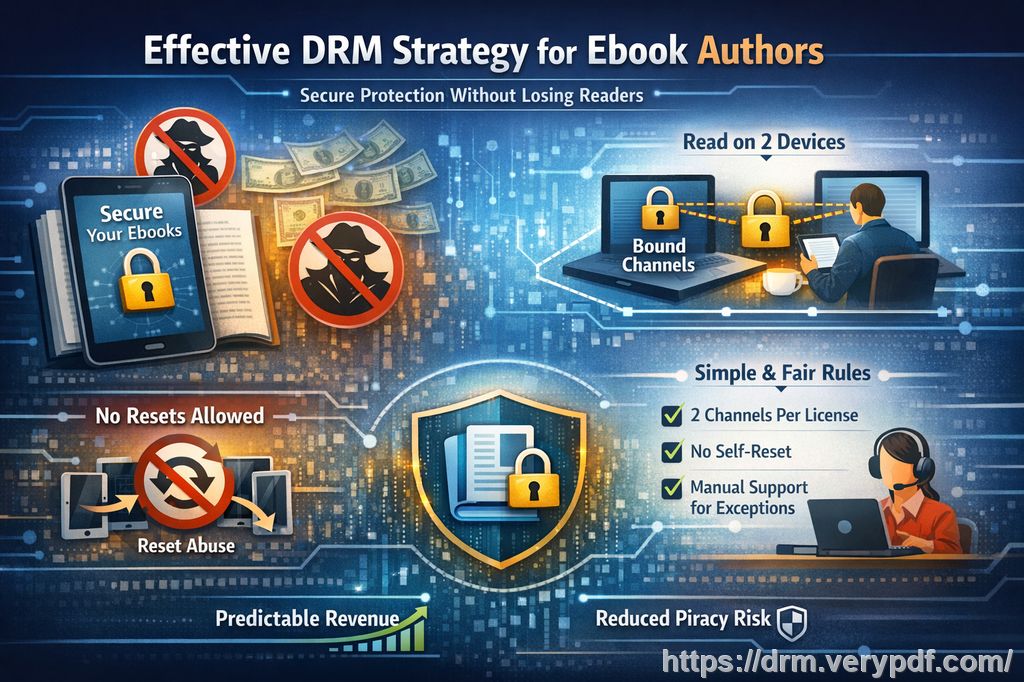
The Growing Concern of Unauthorized Sharing and Piracy
Many of us have encountered this frustrating situation: a student submits a perfectly fine assignment, only to find that it's being circulated among peers or even online without permission. As we move more content into the digital realm, whether it's course materials or homework PDFs, protecting them becomes increasingly important.
But why should educators care about this? Besides the obvious ethical issues, there are real-world implications when our content is shared or pirated. For one, it undermines the value of the content we've created. Moreover, it opens the door for potential copyright violations or, worse yet, unauthorized redistribution of paid materials. So, how do we solve this?
The Pain Points Every Educator Faces
-
Students Sharing PDFs Online
We all know students who are keen to share materials for "study" purposes, but it often goes beyond that. PDF files containing lecture slides, assignments, or even answers to homework assignments can quickly spread through unofficial channels. This can jeopardize the integrity of the course and reduce the perceived value of paid materials. -
Unauthorized Conversion and Editing
PDFs are often seen as the most reliable format for preserving the structure of documents. But when students have the ability to copy text or convert PDFs into editable formats like Word or Excel, it undermines the entire system. Worse, they might extract images or graphs for their own use, completely bypassing any protection mechanisms. -
Loss of Control Over Course Content
Once a PDF is shared or downloaded, control over how it is used and distributed is lost. You might have planned for a certain lesson's material to only be available to enrolled students for a specific period, but once it's out there, it's almost impossible to get it back. This loss of control is one of the biggest challenges in maintaining academic integrity.
How DRM Technology Can Address These Issues
So, how do we secure our content? VeryPDF DRM Protector offers a powerful solution for locking down PDFs, preventing unauthorized distribution, and keeping full control over your course materials. Here's how it works:
1. Prevent Unauthorized Copying and Sharing
VeryPDF DRM Protector allows you to restrict how and where your PDFs can be accessed. By setting access permissions, you can ensure that only authorized students or individuals can view the documents. Furthermore, you can prevent users from copying text or extracting content from your PDFs, ensuring the integrity of your materials remains intact.
2. Stop Printing, Conversions, and Editing
This tool also has the power to stop printing altogether or limit it to a certain number of pages or copies. Even better, it prevents users from converting PDFs into other formats like Word, Excel, or image files. This means that your valuable content can't be tampered with or repurposed without your permission.
3. Lock PDFs to Devices or Locations
One of the standout features of VeryPDF DRM Protector is the ability to lock PDFs to specific devices or locations. For example, you can make sure that only a student's personal laptop can access the document, or restrict access to certain IP addresses. This ensures that even if the PDF is shared, it can't be opened on unauthorized devices.
4. Dynamic Watermarks and Anti-Piracy Features
For an extra layer of protection, VeryPDF DRM Protector applies dynamic watermarks to PDFs, displaying user-specific information (like their name or email) when the document is viewed or printed. This discourages students from attempting to share or redistribute the content since they know they'll be easily identified. The software also prevents screenshots and screen grabs, making it nearly impossible to pirate the document without detection.
5. Expiry and Self-Destruct Mechanisms
If you want to further control access, you can set expiry dates for your PDFs, ensuring that they automatically become inaccessible after a certain number of views, days, or prints. This is particularly useful for paid materials, as it guarantees that users can't retain access beyond the intended window.
6. Instant Document Revocation
Sometimes, despite the best precautions, content leaks. With VeryPDF DRM Protector, you can revoke access to any document at any time, even after it's been distributed. If you notice unauthorized sharing or access, simply revoke the document to prevent further misuse.
Real-Life Applications in the Classroom
To help illustrate how this works, let me share a personal experience. Last semester, I uploaded a set of lecture slides to an online portal, assuming that only enrolled students would have access. However, I later discovered that one of the slides had been shared widely. I could have spent hours tracking the leak, but instead, I used VeryPDF DRM Protector to lock the document to specific devices. The result? No more unauthorized access.
Another example is with homework PDFs. I had been struggling with students submitting their assignments and, only to find, some were being circulated around. After implementing DRM, I could track which students had accessed their homework, and even apply expiry dates to ensure that no one kept access for too long.
Conclusion: Protecting Your Content is Easier Than You Think
With VeryPDF DRM Protector, securing your digital teaching materials has never been easier. Whether you're worried about students sharing PDFs, converting them to other formats, or printing them without permission, this tool provides all the protection you need. I highly recommend it to anyone who's distributing PDFs to students or sharing course materials online.
If you're ready to protect your valuable content, I encourage you to try VeryPDF DRM Protector today and regain control over your PDFs. With its easy-to-use interface and robust security features, you'll never have to worry about piracy or unauthorized access again.
Frequently Asked Questions
1. How can I limit student access to PDFs?
With VeryPDF DRM Protector, you can restrict access to specific users or devices, ensuring that only enrolled students can view the documents.
2. Can students still read the PDFs without copying, printing, or converting them?
Yes, you can configure the tool to allow viewing but prevent all forms of copying, printing, or conversion.
3. How can I track who accessed the files?
Dynamic watermarks display user-specific information, and you can monitor access through the DRM dashboard.
4. Does DRM Protector prevent PDF piracy and unauthorized sharing?
Absolutely. The software ensures that PDFs can't be copied, printed, or shared beyond the authorized user.
5. How easy is it to distribute protected lecture slides and homework?
Very easy. Once protected, you can securely share your PDFs via email, web links, or even offline USB sticks.
6. Can I revoke access to PDFs after they've been distributed?
Yes, you can instantly revoke access to any PDF at any time, regardless of where it's been downloaded.
Keywords:
-
Protect course PDFs
-
Prevent PDF piracy
-
Stop students sharing homework
-
Secure lecture materials
-
Prevent DRM removal
-
Anti-conversion PDF DRM