 Common Issues HR Faces with Document Security
How DRM Protects HR Confidential Files: Preventing Unauthorized Sharing and Ensuring Compliance
As a professor, one of my biggest concerns isn't just whether my students are paying attention in class, but whether the materials I've spent hours creating end up being shared or pirated. The rise of digital learning tools has made course materials more accessible than ever, but it has also opened the door to easy sharing, unauthorized distribution, and even piracy. For HR departments, this dilemma isn't just about losing valuable educational content—it's about protecting sensitive employee information, including performance reports, salary records, and other confidential HR documents.
With the right protection in place, HR departments can prevent employees from distributing confidential files, ensuring privacy, maintaining compliance with employment laws, and safeguarding critical business data.
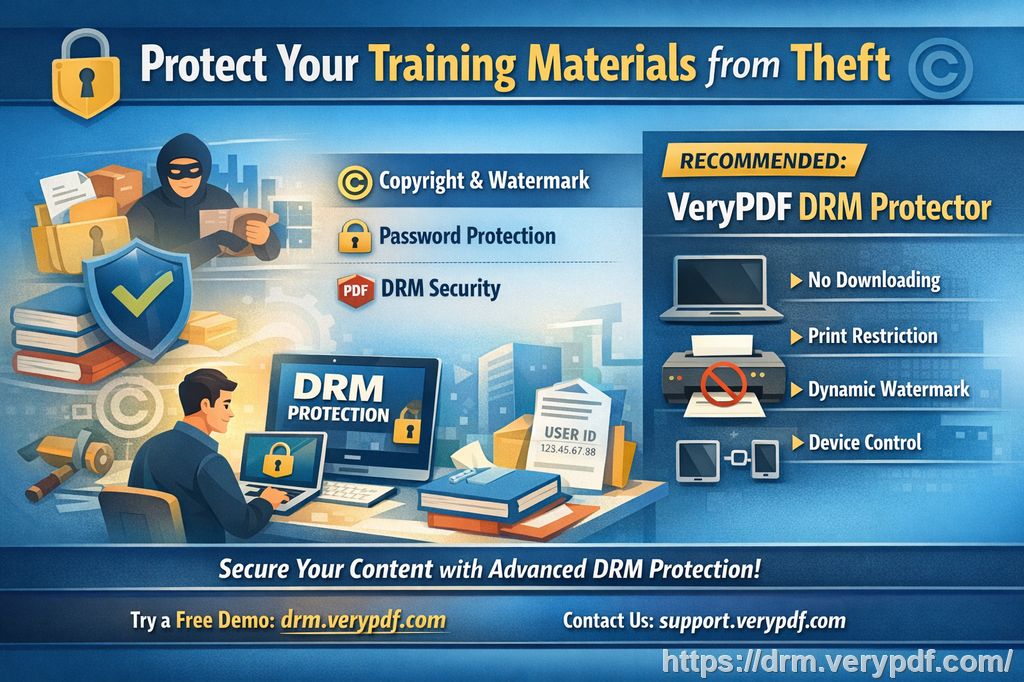
Common Issues HR Faces with Document Security
Whether you're managing performance reports or distributing confidential HR files, HR departments often encounter similar challenges. Consider these everyday frustrations:
-
Unauthorized Sharing: Employees might share confidential documents without authorization, either intentionally or by mistake. This can lead to breaches of privacy and damage the company's reputation.
-
Conversion and Editing: Even if you distribute your HR documents securely, there's always the risk they can be converted, edited, or printed without control. This leaves them vulnerable to manipulation.
-
Lack of Control Over Distribution: Once a document is sent out, how do you ensure it's not being forwarded to others or copied and shared with third parties?
These issues might seem like part of the digital age's inevitable consequences, but the good news is that there are ways to regain control over your HR content—and it's easier than you might think.
The Solution: VeryPDF DRM Protector for HR Departments
Just like in the classroom, HR departments need reliable, easy-to-use tools to protect documents. Enter VeryPDF DRM Protector—a tool designed to ensure that only authorized individuals can access, view, and interact with sensitive PDFs. Here's how it works:
1. Restrict Access to Specific Users
One of the most effective ways to prevent unauthorized distribution is to control who can access your documents. With VeryPDF DRM Protector, HR departments can lock PDF files to specific devices, users, or even locations. No more worrying about an employee forwarding a performance report to someone who shouldn't see it. By enforcing device or IP restrictions, you ensure that the document is only accessible where it should be.
2. Prevent Unauthorized Printing and Editing
Imagine a scenario where a PDF is sent to an employee's email, only for them to print it out and share it with others. With VeryPDF DRM Protector, you can disable printing altogether, or limit the number of prints per user. Even if printing is allowed, you can set restrictions on print quality or enforce printing to specific formats, stopping the document from being saved as an image or PDF.
3. Protect Against Copying and Conversion
You've sent a confidential performance report to a manager, but what if they attempt to copy the content into a new document or convert it into an editable Word file? VeryPDF DRM Protector stops this from happening by disabling copying and conversion functions. Once the document is protected, it's locked in its original form—preserving the integrity of your content.
4. Expiry and Self-Destruct Features
In HR, documents often have a time-sensitive nature. Performance reports or salary records lose their relevance after a set period. With VeryPDF DRM Protector, you can set an expiry date for your PDF files, automatically restricting access after a certain number of views or days. You can even enable self-destruct features, where the document disappears entirely after a fixed period.
5. Dynamic Watermarks to Deter Sharing
Sometimes, knowing that someone can be traced is enough to prevent them from sharing confidential information. VeryPDF DRM Protector allows you to add dynamic watermarks to your PDFs, displaying the user's information (e.g., name, email, date/time) whenever the document is viewed or printed. This acts as a deterrent against unauthorized redistribution, as the watermark makes it easy to trace any leaks back to the source.
6. Revoke Access at Any Time
The real magic of DRM protection lies in its flexibility. Even after documents have been distributed, you can revoke access instantly. Suppose an employee leaves the company, or if you later discover that a document has been shared outside the authorized circle—VeryPDF DRM Protector lets you terminate access, no questions asked.
Real-World Example: How DRM Protector Saved the Day
Let's take an example from a corporate HR department that implemented VeryPDF DRM Protector. HR had been sending out performance reviews and salary records as PDF attachments, only to discover that some of these documents were being shared outside the intended recipients. It wasn't long before HR began hearing complaints from employees who were concerned about privacy and confidentiality breaches.
After implementing VeryPDF DRM Protector, HR was able to:
-
Restrict document access to specific devices, preventing employees from forwarding them to others.
-
Disable printing and copying, so the documents couldn't be altered or redistributed.
-
Set expiry dates, ensuring that documents automatically disappeared after a certain period.
-
Add dynamic watermarks, which identified employees by name and discouraged them from sharing the files with others.
As a result, the company regained control over its HR documents, ensuring that confidential information stayed secure and that compliance with privacy laws was maintained.
Why Choose VeryPDF DRM Protector Over Other Solutions?
You might be wondering why VeryPDF DRM Protector is the ideal choice over other document protection solutions. Here's why:
-
No Login Credentials: Unlike secure data rooms that rely on logins that can be shared, VeryPDF DRM Protector doesn't require credentials. Users can't share their login details, making unauthorized access nearly impossible.
-
Local Encryption: Documents don't leave your device unprotected. You can encrypt documents locally and share them via email, USB, or cloud services without the risk of exposure.
-
Comprehensive Protection: The DRM controls are enforced by the software, not by insecure plugins or JavaScript, which are easy to manipulate.
-
Audit and Monitoring: You can monitor who accessed the documents and when, adding an extra layer of security to prevent misuse.
Conclusion: Secure Your HR Files Today
In today's digital age, HR departments need to take a proactive stance when it comes to protecting sensitive documents. VeryPDF DRM Protector offers the most comprehensive solution to prevent unauthorized access, ensure compliance, and maintain control over your documents.
I highly recommend this to anyone responsible for managing sensitive HR content. Try it now and protect your HR materials: https://drm.verypdf.com. Start your free trial today and regain control over your PDFs!
FAQ
1. How do I limit access to PDF HR files?
You can lock your PDFs to specific users or devices, ensuring that only authorized individuals can view or edit them. Restrictions can be applied based on location or IP as well.
2. Can employees still read the PDFs without copying, printing, or converting them?
Yes, with VeryPDF DRM Protector, you can set your documents to be viewable without allowing any copying, printing, or conversion to other formats.
3. How can I track who accessed my files?
The software allows you to monitor who has viewed the document, when they viewed it, and what actions they took. This provides transparency and security.
4. Does it prevent PDF piracy and unauthorized sharing?
Absolutely! VeryPDF DRM Protector prevents unauthorized distribution by locking documents to specific users and devices, adding dynamic watermarks, and providing tools to revoke access at any time.
5. How easy is it to distribute protected HR files to employees?
Distributing protected documents is simple and can be done via email, USB drives, or cloud sharing. The protection stays intact regardless of the distribution method.
Keywords
-
protect HR PDFs, prevent PDF piracy, stop unauthorized document sharing, secure employee records, prevent DRM removal, anti-conversion PDF DRM, HR document security