 How DRM Protection Can Safeguard Internal Training Materials in...
How DRM Protection Can Safeguard Internal Training Materials in Hospitals
As a healthcare professional, I've often found myself in situations where training manuals, patient care protocols, and internal guidelines are shared across multiple departments and staff members. While this dissemination is necessary for ensuring consistent practices, it also opens the door to potential security threats. Unauthorized sharing, printing, and copying of sensitive information can lead to compliance issues and even jeopardize patient care.
With hospitals continuously striving to maintain high standards of care while ensuring that all staff have access to critical documents, protecting these documents has never been more essential. One powerful tool that can help hospitals maintain control over their internal training materials is VeryPDF DRM Protector. By enforcing Digital Rights Management (DRM) protection on PDFs, this software ensures that documents are safeguarded against unauthorized distribution, misuse, or alteration.
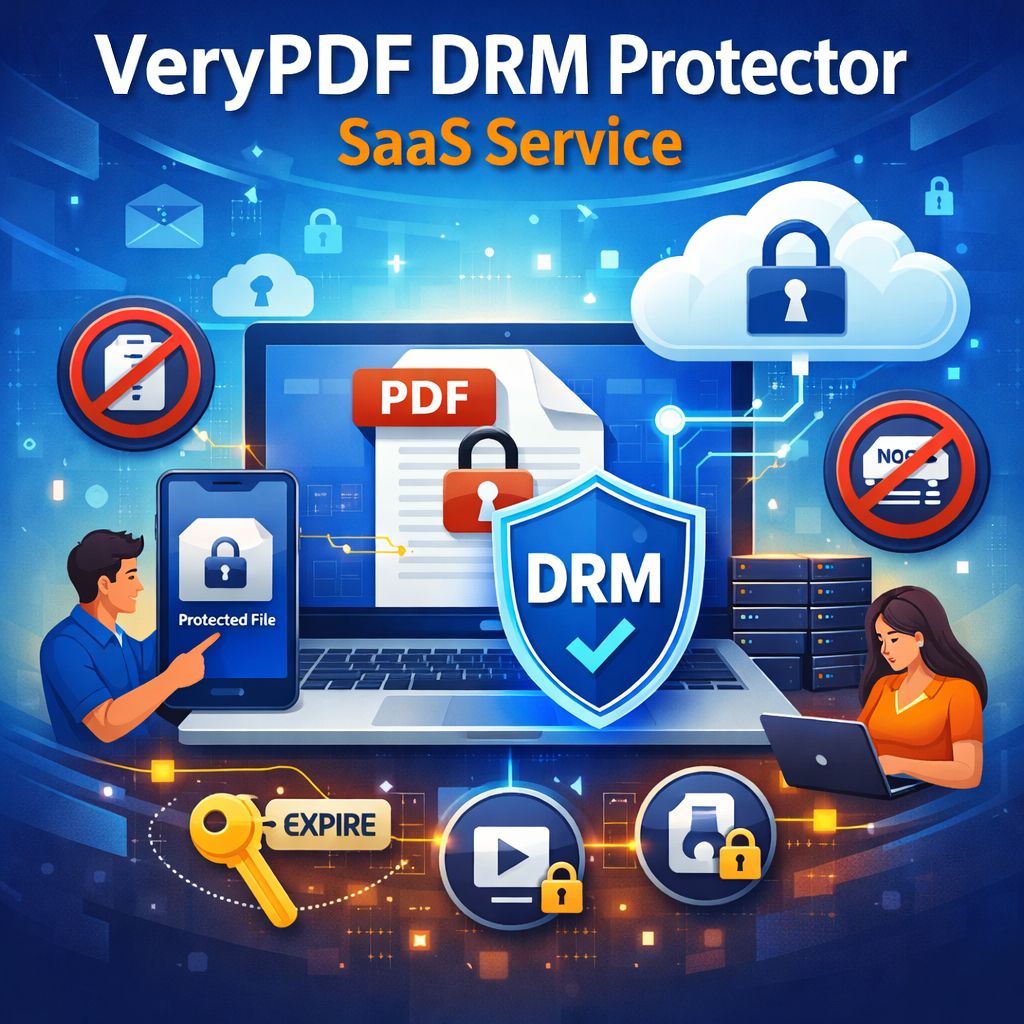
The Problem: Unauthorized Sharing and Copying of Sensitive Documents
When training manuals and patient care protocols are shared in a digital format, the risk of them being copied, printed, or even altered without permission becomes a very real threat. In a hospital setting, these documents contain crucial information that must remain confidential. Here's a look at the pain points that many hospitals face:
-
Uncontrolled Sharing: Employees can inadvertently or intentionally share documents, leading to information leakage. A training manual designed for internal use might end up circulating outside the intended circle, risking exposure of sensitive medical information.
-
Loss of Document Integrity: Documents can easily be altered when shared. This creates a significant risk, especially if the documents contain critical care protocols that need to remain unchanged.
-
Printing and Copying Risks: Without restrictions, staff might print out documents or copy text, which could then be shared or used without authorization. Furthermore, printed versions might be scanned or photographed, further compromising document security.
These challenges are not limited to hospitals but are faced by many sectors that rely on the secure handling of sensitive materials. However, hospitals are particularly vulnerable, given the high stakes involved in patient care and medical compliance.
The Solution: Protecting Documents with VeryPDF DRM Protector
VeryPDF DRM Protector offers a robust solution for securing digital documents, such as training manuals, patient care protocols, and other internal guidelines. This tool provides the necessary protection to ensure that only authorized personnel can access, view, and print documents. Let me walk you through some of the features that make this tool indispensable for hospitals:
-
Restrict Document Access
With VeryPDF DRM Protector, hospitals can restrict access to sensitive documents. You can ensure that only authorized staff members or specific departments have access to these critical materials. This is particularly useful in maintaining control over who sees what information, making sure that confidential training manuals remain within the designated circle of employees. -
Prevent Unauthorized Printing, Copying, and Sharing
One of the biggest concerns when sharing PDFs is the potential for them to be printed, copied, or forwarded. VeryPDF DRM Protector stops unauthorized printing, copying, and sharing by enforcing restrictions directly on the document. For instance, hospital staff cannot print out sensitive protocols or copy the text to use inappropriately. This protects the integrity of the document and ensures it is only used as intended. -
Dynamic Watermarks for Added Security
Another feature of DRM protection is the ability to apply dynamic watermarks to documents. These watermarks can display the user's name, department, or even the date and time of access. If someone attempts to print or screenshot a document, the watermark serves as a deterrent by clearly identifying the user who accessed the document. This feature is crucial for hospitals, as it helps track any unauthorized document sharing and provides an audit trail if needed. -
Expiry and Revocation Controls
What happens when a staff member leaves the hospital or changes departments? VeryPDF DRM Protector allows hospitals to set expiry dates for documents, limiting how long they remain accessible. Additionally, administrators can instantly revoke access to any document, even after it has been distributed. This feature provides a high level of control, ensuring that only current, authorized staff can view the training materials. -
Stop Screen Sharing and Screenshots
In today's virtual environment, meetings, training sessions, and consultations often occur online. However, screen sharing and screenshots can compromise the security of confidential documents. With VeryPDF DRM Protector, screen sharing and screen captures are disabled, preventing unauthorized individuals from taking screenshots or recording the training materials during meetings via platforms like Zoom or WebEx.
Real-Life Scenarios: How DRM Protection Makes a Difference
To bring these benefits to life, let's consider a few real-world examples of how DRM protection can make a significant impact in a hospital setting:
-
Preventing Leaks of Confidential Protocols
A hospital recently introduced a new set of patient care protocols that were distributed to all staff members. However, a few months later, they discovered that the protocol had been shared beyond the hospital, leading to potential compliance issues. By using VeryPDF DRM Protector, the hospital could have restricted the protocol to authorized users only and set expiry dates so that the document was no longer accessible once it became outdated. -
Simplifying Document Distribution for Training Sessions
In another example, a hospital was struggling with distributing training manuals securely. Staff members were downloading and printing materials, which were then being passed around without proper tracking. By locking the PDFs to specific devices and limiting printing, VeryPDF DRM Protector ensured that only the intended users could access and print the materials, significantly reducing the risk of unauthorized sharing. -
Revoking Access in Emergency Situations
Lastly, imagine a scenario where a hospital employee leaves suddenly, and it's discovered that they had access to sensitive documents. With DRM protection in place, the hospital can immediately revoke access to any PDFs that the employee had previously accessed, ensuring that no unauthorized distribution occurs.
Conclusion: Regaining Control Over Your Training Materials
Hospitals are tasked with safeguarding a wealth of sensitive information, and it's critical that they take steps to prevent unauthorized sharing or misuse of their internal training materials and patient care protocols. VeryPDF DRM Protector offers a powerful and easy-to-use solution for ensuring that these documents remain secure at all times.
By implementing DRM protection, hospitals can stop unauthorized printing, copying, and sharing, while retaining full control over who can access their training materials. Dynamic watermarks, expiry controls, and revocation features further enhance the security of these documents. As a healthcare professional, I highly recommend this tool to anyone looking to protect their sensitive internal documents and maintain compliance in an increasingly digital world.
Try it now and protect your hospital's training materials: https://drm.verypdf.com
FAQ
-
How can hospitals limit access to training documents?
Hospitals can use VeryPDF DRM Protector to restrict access by locking documents to specific users, departments, or devices. Only authorized personnel can view the protected documents. -
Can staff still read the documents without copying, printing, or converting them?
Yes, DRM protection ensures that staff can view the documents but cannot copy, print, or convert them into other formats without authorization. -
How can hospitals track who accessed their documents?
Dynamic watermarks are applied to documents, displaying user information such as name or department. This helps hospitals track who accessed the document and deter any unauthorized sharing. -
Does DRM protection prevent document piracy and unauthorized sharing?
Yes, DRM protection stops unauthorized sharing, printing, and copying, while preventing the document from being saved or distributed across the Internet. -
How easy is it to distribute protected training materials?
Distributing protected documents is simple. Hospitals can share PDFs via email, web, or USB without worrying about unauthorized access, as DRM protection ensures only authorized users can view the materials.
Tags/Keywords
-
protect training PDFs, prevent document piracy, secure hospital materials, stop unauthorized printing, DRM protection for healthcare, stop document sharing