 A Real-Life Example: Protecting Lecture PDFs from Sharing
How Universities Can Stop Students from Distributing Protected Lecture PDFs via Email, Cloud Storage, or Messaging Apps, While Still Providing Controlled Access for Legitimate Use
As a university professor, you've probably experienced the frustration of preparing a well-crafted lecture PDF, only to find out that your students are sharing it with others, often without your permission. Whether through email, cloud storage, or messaging apps, the unauthorized distribution of your course materials can compromise both your intellectual property and your classroom integrity. But what if there was a way to stop students from spreading your PDFs, while still allowing them access to your lecture content in a controlled and secure manner?
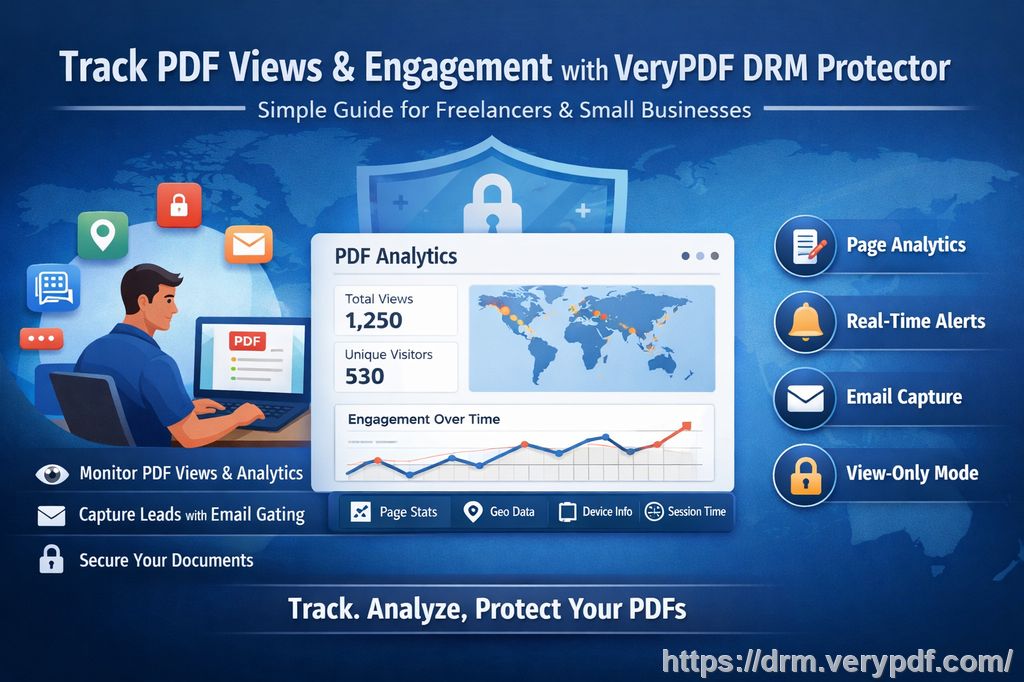
That's where VeryPDF DRM Protector comes in. This powerful tool offers a simple solution for controlling who can access, print, copy, and share your PDFs, while preventing piracy and unauthorized redistribution. Let's dive into how universities can effectively solve the issue of PDF security with VeryPDF DRM Protector.
A Real-Life Example: Protecting Lecture PDFs from Sharing
Imagine this: you've spent hours preparing a comprehensive lecture PDF that includes your class notes, detailed diagrams, and valuable references. After the lecture, you upload the document to your university's course portal, confident that only your enrolled students can access it.
A few days later, you find out that the same document is circulating through email and cloud storage, shared by a student who didn't even attend the class. Not only does this affect your control over your content, but it also undermines the trust between you and your students.
This scenario is more common than you might think, and it highlights one of the biggest pain points teachers face today: students sharing PDFs without authorization. The problem goes beyond simple file sharing. It involves the unauthorized printing, copying, and conversion of your carefully curated teaching materials, leading to a loss of control over your content.
Common Teaching Pain Points in the Digital Age
The digital age has brought immense convenience, but it also presents several challenges when it comes to protecting academic content. As more professors turn to PDFs as the primary method of distributing course materials, it becomes crucial to address key security issues:
-
Students Sharing PDFs Online: This is one of the most common issues educators face today. Once a student has access to your lecture PDFs, they can easily share them with others via email, cloud storage, or messaging apps, bypassing any control you had over the distribution.
-
Unauthorized Printing and Copying: Many students try to convert PDFs into Word or other editable formats, enabling them to modify the document or extract content. Others may print the document, which can lead to physical copies being circulated beyond the class.
-
Loss of Content Control: As a professor, you put a lot of effort into curating high-quality content for your students. However, once that content is in digital form, you lose control over how it's shared or altered. Some students might upload your materials to unofficial channels or use them to cheat.
The Solution: VeryPDF DRM Protector
To solve these problems, VeryPDF DRM Protector offers a comprehensive set of tools that can lock down your PDFs and prevent unauthorized access, sharing, and conversion. Here's how it works:
-
Restrict Access to Authorized Users: With DRM Protector, you can limit access to your PDFs by tying the content to specific users, devices, or IP addresses. This means only your enrolled students—or the individuals you authorize—can access the PDF. If someone else tries to view it, they won't be able to.
-
Prevent Printing, Copying, and Forwarding: DRM Protector allows you to disable the ability to print, copy, or forward your PDF files. This ensures that your lecture slides, homework, and course materials remain unaltered and protected. You can also prevent students from converting the PDFs into other formats like Word, Excel, or images.
-
Expiry Controls: The software lets you set expiry dates on your PDFs. Whether you want the document to expire after a certain number of views, days, or prints, DRM Protector allows you to enforce this, so students can only access your materials for the duration they need.
-
Dynamic Watermarks: To deter students from sharing your PDFs, DRM Protector lets you add dynamic watermarks to your content. These watermarks display user information, such as the student's name and the date of access, which discourages unauthorized redistribution and ensures accountability.
-
Revoke Access Anytime: Even after you've distributed your PDFs, DRM Protector gives you the power to revoke access at any time. If you realize that a student is sharing your content without permission, you can terminate their access immediately.
Real Classroom Examples of DRM Protection
Let's take a look at how VeryPDF DRM Protector has worked for educators in real-life situations:
-
Preventing Unauthorized PDF Distribution: Professor Smith, a university lecturer, had been dealing with students sharing their lecture PDFs on social media. After implementing DRM Protector, she was able to restrict access to only those students enrolled in her course. The dynamic watermarks ensured that if any students tried to share the document, it would be clear who had leaked it.
-
Stopping Unauthorized Printing: Dr. Johnson, who teaches a popular online course, had noticed that his students were printing his materials and then sharing them with their friends who weren't enrolled. With DRM Protector, he disabled the print function entirely. He also set an expiry date on the PDFs, ensuring students could only access the documents for a set period of time, reducing the risk of unauthorized sharing.
-
Controlling Access to Paid Course Materials: For universities offering paid courses, Dr. Lee found that DRM Protector was the perfect solution for securing premium content. By locking the PDFs to specific devices and enforcing print limits, she was able to protect her intellectual property while ensuring her paying students still had the access they needed.
Key Benefits of Using VeryPDF DRM Protector
Here are some of the major advantages that come with using VeryPDF DRM Protector for protecting your course PDFs:
-
Prevents PDF Piracy: DRM Protector ensures that your PDFs can't be copied, shared, or converted without your permission, protecting your intellectual property from piracy.
-
Maintains Control Over Your Content: You'll have full control over who can access, print, and share your teaching materials, ensuring that your content remains within the classroom.
-
Easy to Use: Despite the advanced security features, DRM Protector is incredibly user-friendly. You don't need to be tech-savvy to set it up and start protecting your PDFs immediately.
-
Reduces Student Misuse: With the ability to limit printing, copying, and screen sharing, DRM Protector minimizes the chances of your students misusing your course materials.
Conclusion: Protect Your Course Materials with VeryPDF DRM Protector
As a professor, I highly recommend VeryPDF DRM Protector to anyone who distributes PDFs to students. The software gives you the tools you need to protect your intellectual property while still providing your students with the materials they need to succeed. Whether you're worried about unauthorized sharing, printing, or copying, DRM Protector has you covered.
Take control of your course materials today. Try it now and protect your lecture PDFs from unauthorized distribution: https://drm.verypdf.com.
FAQs
-
How do I limit student access to PDFs?
You can restrict access by tying the PDF to specific devices or IP addresses, ensuring that only authorized users can view the document. -
Can students still read the PDFs without copying, printing, or converting?
Yes, with DRM Protector, you can allow students to view the PDFs while preventing them from copying, printing, or converting the content. -
How can I track who accessed the files?
DRM Protector adds dynamic watermarks to each PDF, which include user information such as name and date, allowing you to trace any unauthorized sharing. -
Does DRM Protector prevent PDF piracy and unauthorized sharing?
Yes, DRM Protector prevents students from copying, printing, and sharing PDFs without your permission, ensuring your materials remain secure. -
How easy is it to distribute protected lecture slides and homework?
It's very simple. You can distribute protected PDFs through email, cloud storage, or even USB drives, and DRM Protector ensures that your content is secure at all times.
Tags or Keywords
-
protect course PDFs
-
prevent PDF piracy
-
stop students sharing homework
-
secure lecture materials
-
prevent DRM removal
-
anti-conversion PDF DRM