 The Growing Problem of PDF Piracy and Content Sharing
How DRM Protection Can Safeguard Your Course PDFs and Prevent Unauthorized Sharing
As a professor, I've spent years refining my course content to ensure it's both valuable and accessible for my students. But there's one constant source of frustration: the fear that my carefully crafted lecture slides, homework PDFs, and paid course materials will be shared with unauthorized users or worse, pirated. And let's not even get started on the headaches caused by students converting my PDF files into editable Word documents or images.
If you're in the same boat, you're probably searching for ways to prevent your students from sharing PDFs, printing them without permission, or bypassing your hard-earned content protection measures. In this article, I'm going to walk you through the challenges of content protection and show you how VeryPDF DRM Protector can help you safeguard your materials, control access, and preserve the integrity of your digital course content.
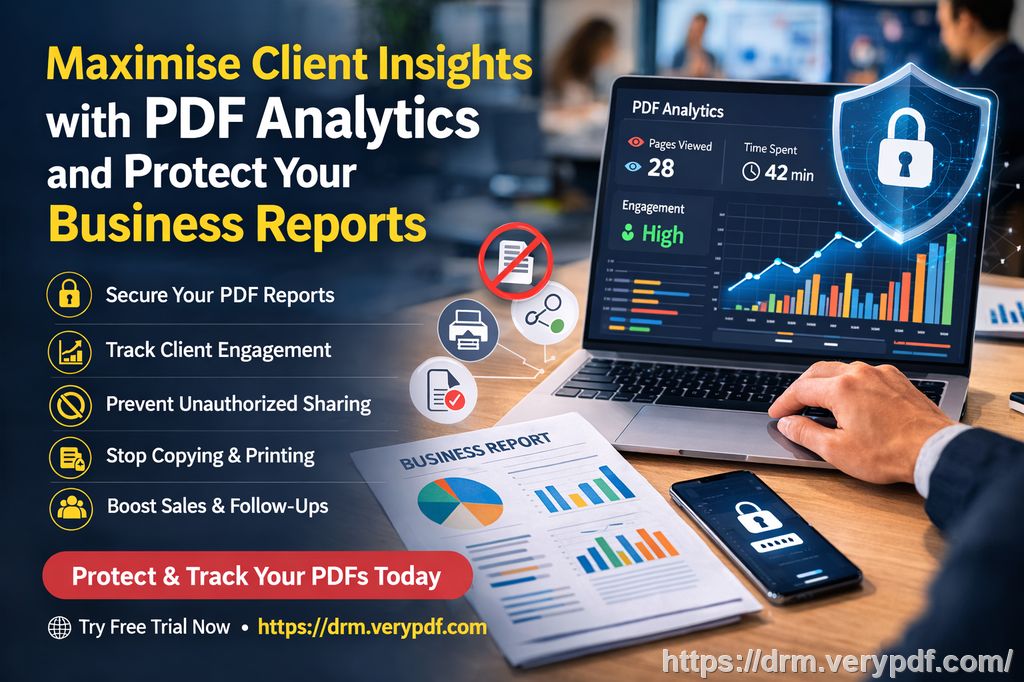
The Growing Problem of PDF Piracy and Content Sharing
In today's digital age, sharing course materials online is a common practice. Whether you're using PDFs for your lecture slides, assignments, or paid resources, it's all too easy for students to share these documents with unauthorized users. I've heard stories of lecture PDFs being shared across social media platforms or posted on file-sharing websites, completely out of my control.
And it's not just about unauthorized sharing. There's also the issue of students printing out PDF materials in bulk or even converting them to Word or image formats. As a teacher, the last thing I want is for someone to modify my content or repurpose it without permission.
Here are a few problems that many of us face:
-
Sharing PDFs with unauthorized people: Once a document is shared digitally, it's hard to control who can access it.
-
Printing and copying restrictions: Preventing students from printing out materials or copying them for further distribution is difficult without the right protection.
-
Unauthorized conversion: Students can easily convert a PDF to a Word document or an image, which compromises the integrity of my content.
These issues highlight a serious gap in the security of our digital teaching materials. If you're using traditional methods like passwords or watermarks, they simply don't cut it. That's where a more advanced solution like DRM (Digital Rights Management) comes in.
The Power of DRM in Protecting Course Materials
So, what's the solution to these problems? Enter VeryPDF DRM Protector. This tool allows you to lock down your PDF files and enforce strict controls on access, printing, copying, and even screen-sharing. Here's a breakdown of how this software can solve these issues and how I've used it to protect my own materials.
Control Who Accesses Your PDFs
With VeryPDF DRM Protector, I can control exactly who sees my content. Instead of relying on passwords, which can easily be shared, this tool locks PDFs to specific devices or users. This ensures that only authorized students or participants can access the documents.
Restrict Printing and Copying
One of the biggest concerns for educators is students printing or copying the content for redistribution. VeryPDF DRM Protector stops this by:
-
Disabling printing entirely: Prevents the document from being printed at all.
-
Limiting the number of prints: You can specify how many times a PDF can be printed or even enforce a high-quality print limit.
-
Controlling copying: It blocks the ability to copy text or images from the PDF, ensuring the content remains intact.
Prevent Unauthorized Conversion
I've had instances where my course PDFs were converted into Word documents or images by students to bypass restrictions. This is a significant issue, as it compromises the integrity and copyright of my work. With DRM protection, I can prevent conversion altogether, stopping students from turning PDFs into editable formats like Word, Excel, or PowerPoint.
Dynamic Watermarks and Anti-Piracy Measures
Another powerful feature of VeryPDF DRM Protector is the dynamic watermarking. Every time a student views or prints my document, their personal details (like name, email, or access time) can be embedded as a watermark. This deters students from redistributing the content, knowing it's traceable back to them.
But that's not all – the tool also blocks:
-
Screen sharing: Whether on Zoom or WebEx, it prevents others from sharing your content during online meetings.
-
Screenshots: It stops screen-grab tools from capturing your document, further securing your content from unauthorized distribution.
Revoke Access at Any Time
Let's say a student drops your course, or you discover that someone has misused the content. With VeryPDF DRM Protector, I can instantly revoke access to any PDF, even if it's already been distributed. This means no one can access the material after the revocation, ensuring I maintain full control over my content.
Real Classroom Examples and How DRM Protection Helped
Case 1: Preventing Unauthorized Distribution of Lecture Slides
In the past, I noticed that my lecture slides were being shared on Facebook groups without my permission. After I started using DRM Protector, I could lock the slides to specific devices, ensuring only enrolled students had access. If I wanted to stop access entirely after the semester, I could set an expiration date or revoke it manually, and all without worrying about students redistributing it.
Case 2: Protecting Paid Course Materials
I offer paid online courses, and one of my biggest concerns is protecting the exclusive materials I create for paying students. Before using DRM protection, I would constantly worry that the documents would be passed around, making the paid content worthless. Now, I can apply dynamic watermarks to ensure my materials can't be copied or shared easily. The ability to limit the number of views or prints also gives me peace of mind that no one will abuse the material.
Case 3: Stopping Students from Modifying Homework Assignments
I've had situations where students would alter their homework PDFs after submission. Using DRM protection, I can lock the PDF to a particular device and ensure that students can't copy, edit, or print it without permission. This has saved me time in catching dishonest students and kept my grading process smooth.
Why I Recommend VeryPDF DRM Protector
If you're like me and struggle with keeping your course materials secure, I highly recommend giving VeryPDF DRM Protector a try. It's easy to use, and the security it provides far surpasses traditional password protection. With features like printing control, conversion prevention, dynamic watermarks, and access revocation, you can finally regain control over your PDFs.
In the classroom, whether physical or digital, the last thing we need is to worry about piracy, unauthorized sharing, or loss of content control. By using DRM protection, I've been able to focus on teaching, knowing my materials are safe.
Try it now and protect your course materials: https://drm.verypdf.com
Start your free trial today and regain control over your PDFs.
Frequently Asked Questions
How do I limit student access to PDFs?
You can lock PDFs to specific devices or users, ensuring only authorized people can access them.
Can students still read the PDFs without copying, printing, or converting?
Yes! You can set strict restrictions, preventing students from copying text, printing, or converting the document into other formats.
How can I track who accessed my PDFs?
VeryPDF DRM Protector enables you to track user activity, including views and prints. You can also set up dynamic watermarks to identify who accessed the document.
Does DRM protection prevent PDF piracy and unauthorized sharing?
Yes! It prevents unauthorized distribution, copying, and modification of your PDFs. You can even revoke access to documents after they've been shared.
How easy is it to distribute protected lecture slides and homework?
It's straightforward. Once protected, you can share PDFs via email, USB, or online platforms while maintaining full control over access and use.
Tags/Keywords
-
protect course PDFs, prevent PDF piracy, stop students sharing homework, secure lecture materials, prevent DRM removal, anti-conversion PDF DRM