 The Problem: Unauthorized Sharing of PDFs
How Universities Can Prevent Students from Sharing Course PDFs and Protect Intellectual Property
As a professor, I've always been passionate about sharing valuable resources with my students. From lecture slides to homework assignments, the digital world makes it so much easier to distribute materials quickly and efficiently. But there's a downside – the same technology that makes it easy to share also makes it just as easy for students to share these materials with others without permission. This issue, compounded by the rise of messaging apps and cloud storage, has created a growing concern for universities and educators alike.
We've all heard stories about lecture slides ending up in the wrong hands. Or perhaps you've seen a student post a PDF of your carefully curated course material on a file-sharing platform. As a teacher, it's frustrating to think that our intellectual property is so easily compromised. Worse yet, it's not just students sharing homework or notes—it's a matter of academic integrity. So, how do we stop this from happening? How do we protect our content and maintain control over what's shared? The answer lies in document security.
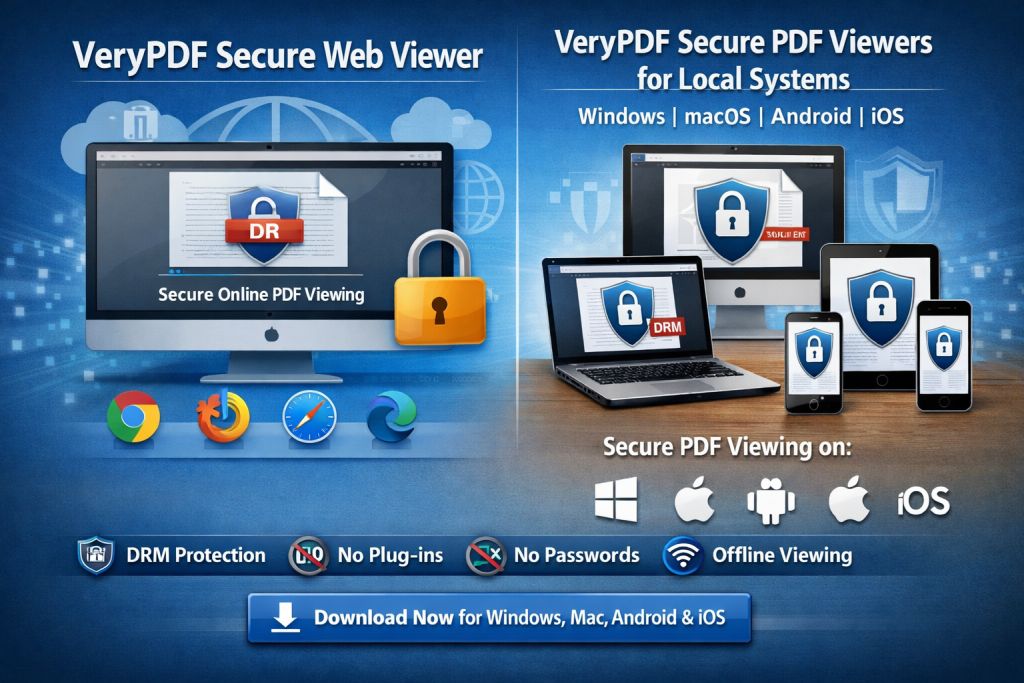
One tool that has proven incredibly effective in solving this issue is VeryPDF DRM Protector. This software provides a simple, yet powerful way to lock down PDF documents, stopping unauthorized access, copying, and sharing. In this post, I'll share some practical solutions on how universities and educators can stop students from bypassing PDF restrictions, protecting intellectual property, and maintaining academic integrity.
The Problem: Unauthorized Sharing of PDFs
As educators, we face several challenges when it comes to sharing our teaching materials. Students can easily share PDFs via messaging apps like WhatsApp or store them on cloud platforms like Google Drive or Dropbox. Once the content is out there, it's nearly impossible to control where it goes. This issue isn't just about students breaking the rules—it's about the potential loss of intellectual property, the breakdown of academic integrity, and the unfair distribution of paid or protected course materials.
Some common scenarios I've experienced in my classroom include:
-
Students sharing homework PDFs: A student may decide to share their homework or lecture notes with others, whether intentionally or unintentionally, through cloud storage or messaging apps.
-
Unauthorized printing and copying: Once a PDF is in a student's hands, they can easily print, copy, or convert the file to other formats (Word, for instance), allowing them to bypass restrictions you may have set.
-
Loss of control over course content: Once materials are distributed without protection, you lose control over who accesses the content, whether they distribute it further, and how they use it.
These challenges are frustrating, but they're not insurmountable.
The Solution: VeryPDF DRM Protector
The good news is that there is a solution. With VeryPDF DRM Protector, you can easily lock down your PDFs to prevent unauthorized access and sharing, while still making your materials accessible to the right audience—your students.
Here's how it can help solve the common classroom pain points:
Restrict Access to Enrolled Students
VeryPDF DRM Protector allows you to restrict PDF access to specific users or devices. This means that only enrolled students, or individuals you approve, can access your documents. For example, you can send out PDFs for a lecture, but only students who are registered for your course can open and view them.
Prevent Copying, Printing, and Converting
One of the most significant features of DRM Protector is its ability to stop students from copying, printing, or converting your PDF documents into other formats. This ensures that your course material stays as you intended it, without the risk of it being shared on other platforms or converted to something unrecognizable.
-
No copying: Students can't highlight and copy content from your PDFs.
-
No printing: You can disable printing altogether, or limit how many times a document can be printed.
-
No conversion: DRM Protector prevents students from converting your PDFs into Word, Excel, or image files, which are much easier to distribute.
Dynamic Watermarks to Discourage Piracy
VeryPDF DRM Protector can add dynamic watermarks to your PDFs, which display user information (such as name, email, or IP address). These watermarks appear when students view or print the document, making it clear who the document belongs to and deterring potential pirates.
For example, let's say one of your students decides to share their PDF with someone else. The watermark will be visible, displaying their name and email address, which makes it easy to trace the leak back to the source.
Expiry and Self-Destruct Features
Another useful feature is the ability to set expiry dates for your PDFs. You can limit the number of views, the number of prints, or specify a fixed date when access will expire. This adds an additional layer of security, ensuring that students cannot access the materials indefinitely. Once the document has expired, they'll no longer be able to open it, even if they still have the file saved on their device.
Remote Revocation and Instant Access Termination
What happens if you realize a student has shared a document that wasn't supposed to be shared? With DRM Protector, you can revoke access at any time. Whether the student has already downloaded the document or shared it, you can terminate access remotely, stopping them from viewing or using the document.
This feature is incredibly useful for preventing further unauthorized access, especially in cases where you discover a breach after distributing the material.
Real-World Use Cases
Let's take a look at a few real-world scenarios where DRM Protector could be a game-changer for educators:
Protecting Lecture Slides
Imagine you've spent hours designing a comprehensive set of lecture slides for your course. These slides are the cornerstone of your teaching, and you don't want them to end up in the wrong hands. With VeryPDF DRM Protector, you can lock the slides to specific devices, ensuring that only enrolled students can access them. You can also prevent them from printing or copying the slides, protecting your hard work.
Securing Homework PDFs
As a professor, I often share homework assignments as PDFs. But once these documents are distributed, I can't control who shares them or how they're used. With DRM Protector, I can stop students from printing or converting the homework, ensuring that they can only work on it digitally. I can also add dynamic watermarks to discourage copying.
Distributing Paid Course Materials
If you're offering paid resources like eBooks, research papers, or premium course content, you want to ensure that only the people who've paid for it get access. With DRM Protector, you can set up access restrictions and expiration dates to prevent unauthorized sharing and ensure that students don't share your paid resources without permission.
Conclusion: Regain Control Over Your Course Materials
VeryPDF DRM Protector is an incredibly effective tool for educators looking to regain control over their teaching materials and prevent piracy. By locking down your PDFs and limiting what students can do with them, you can ensure that your content is only accessible to those who need it and that it remains secure from unauthorized sharing, copying, or printing.
I highly recommend DRM Protector to anyone distributing PDFs to students. It's easy to use, effective at stopping unauthorized sharing, and gives you peace of mind knowing that your intellectual property is safe.
Try it now and protect your course materials: https://drm.verypdf.com
Start your free trial today and regain control over your PDFs.
FAQs
-
How can I limit student access to PDFs?
With VeryPDF DRM Protector, you can lock PDFs to specific devices, limit the number of views or prints, and even set expiry dates for access. -
Can students still read PDFs without copying, printing, or converting?
Yes, DRM Protector allows students to view the PDFs, but prevents copying, printing, and converting to other file formats like Word or Excel. -
How can I track who accessed my files?
DRM Protector adds dynamic watermarks that display user information (like name or email), which can help you trace any unauthorized sharing. -
Does DRM Protector prevent PDF piracy and unauthorized sharing?
Absolutely. It blocks screen grabbing, prevents unauthorized printing, and ensures that PDFs cannot be copied or converted into other formats. -
How easy is it to distribute protected lecture slides and homework?
Very easy. You can distribute protected PDFs via email, web, or USB stick, and you don't need any special software to open the files—just the VeryPDF DRM viewer.
Tags or Keywords:
-
protect course PDFs, prevent PDF piracy, stop students sharing homework, secure lecture materials, prevent DRM removal, anti-conversion PDF DRM