 The Struggles Professors Face with Course PDF Distribution
How DRM Protects Your Course PDFs from Unauthorized Sharing and Printing
As a professor, I've encountered the same frustration time and time again: students emailing, sharing, or even uploading my lecture PDFs to online platforms, making them freely available to anyone with an internet connection. It's a nightmare, especially when you've put in hours of work to create those materials for a specific audience—your class. It's not just about the content being spread without permission; it's about the lack of control over how your intellectual property is used.
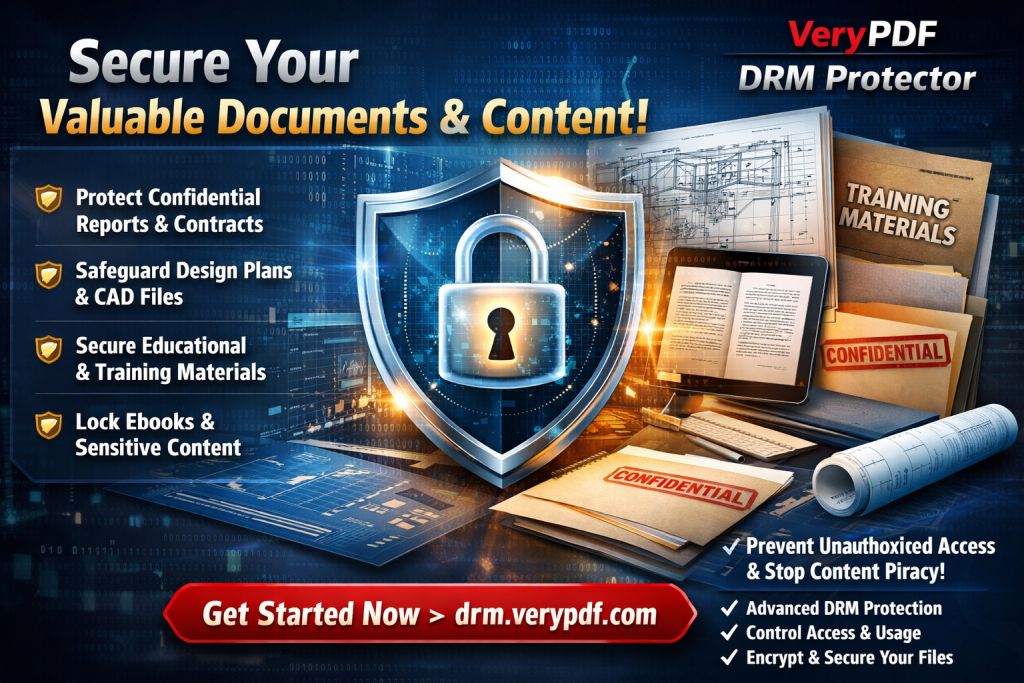
This is where digital rights management (DRM) technology steps in. In particular, VeryPDF DRM Protector provides a practical solution to this very problem by locking down your PDFs. In this article, I'll explain how DRM protects your course materials from being shared, copied, or printed without your consent, and why it's crucial for preserving the integrity of your teaching content.
The Struggles Professors Face with Course PDF Distribution
Let's face it: as a professor, distributing course materials has become more complex in the digital age. Here are a few of the issues I (and many of my colleagues) have faced:
-
Students Sharing PDFs
One of the most common problems I've dealt with is students sharing PDF lecture notes or assignments with others—sometimes with the entire class, and other times, without my knowledge. This leads to a loss of control over who has access to the material. -
Unauthorized Printing and Copying
Another issue is that students may print my materials and make photocopies or even save them as Word files. Once this happens, I lose all control over how those materials are distributed. -
Loss of Content Control
I've spent countless hours preparing materials for my students, but once they have the PDF, I can't control whether it's being shared, modified, or distributed further. This becomes an issue when my materials are part of paid courses or proprietary content.
These are not just theoretical issues. I've witnessed it firsthand: one student sharing a PDF, which snowballs into unauthorized copies circulating outside the classroom. But how do you solve these problems while ensuring that your students still have easy access to the material?
How VeryPDF DRM Protector Can Help
Here's the good news: VeryPDF DRM Protector offers an easy-to-use, practical solution to prevent these issues. With its robust DRM features, it ensures that your PDFs are locked down, and unauthorized access is prevented. Here's how:
1. Restrict Access to Specific Users
You can restrict access to your PDF files, ensuring that only enrolled students or authorized individuals can open them. This means that even if a student tries to share the file with others, they won't be able to open it unless they have the right access.
2. Prevent Copying, Printing, and Converting
One of the best features of DRM Protector is its ability to block copying, printing, and conversion to other formats. For instance, you can prevent students from copying sections of your notes or printing the entire lecture slides. This also prevents them from converting the PDF to Word, which is a common method for unauthorized editing.
3. Dynamic Watermarks to Deter Piracy
The tool adds dynamic watermarks to your PDFs, which display user information such as the student's name or email. These watermarks serve as a deterrent, as students will be less likely to share or redistribute the materials once they know that their identity is visible on every page.
4. Time-Limited Access with Expiry Controls
You can set an expiry date for the PDF. This means that students can only access the material for a specific period—after which the PDF will no longer open. For example, you can set the document to expire after a certain number of views, days, or prints. This feature helps ensure that materials don't circulate long after the course ends.
5. Stop Screen Sharing and Screenshots
One of the biggest risks to content security is screen sharing during online classes. VeryPDF DRM Protector prevents students from taking screenshots or sharing your materials during online lectures, protecting your intellectual property from being captured and circulated.
6. Revocation of Access
Even after distributing your PDFs, you retain the power to revoke access at any time. This is especially helpful in cases where unauthorized distribution has occurred, and you need to immediately stop further access to the material.
Real-Life Example: How DRM Protector Saved My Course Materials
I remember a semester where I spent weeks creating a comprehensive set of lecture slides and assignments for my course. Everything was ready, and I uploaded the PDFs to my learning management system (LMS). A few weeks into the course, I started noticing that some of my materials were being shared among students outside the course. They were circulating through social media platforms, and in some cases, students were even printing them and sharing photocopies.
I immediately turned to VeryPDF DRM Protector. I used its powerful features to lock down the PDFs, preventing students from sharing, copying, and printing them. I also added watermarks, which displayed the student's email on each page. This immediately deterred further sharing.
The real kicker was the expiry feature. After a set number of days, the PDFs became inaccessible to anyone who tried to open them. That meant I had full control over how long the materials were available and who had access.
How It Simplified My Workflow
Before I implemented DRM protection, I had to manually check if students were misusing my materials. This took up so much time and energy. But after using VeryPDF DRM Protector, I could focus on teaching. I no longer had to worry about whether my content was being shared or printed. And the dynamic watermarking was a game changer—it gave me peace of mind knowing that if anything did leak, I'd be able to trace it back to the source.
Why DRM Is a Must-Have for Educational Content Creators
If you create digital content for your students, protecting your intellectual property is non-negotiable. Here's why DRM protection is vital:
-
Prevents Unauthorized Distribution: DRM stops your content from being freely shared outside your classroom.
-
Protects Against Piracy: Prevents students or hackers from bypassing security measures, ensuring your content stays secure.
-
Ensures Control: You remain in control of your materials, dictating who can access them and when.
-
Saves Time: With automated features like expiry and revocation, you don't have to manage every distribution manually.
Conclusion: Take Control of Your PDFs Today
As an educator, your time and effort are valuable. Protect your hard work with VeryPDF DRM Protector. By securing your PDFs, you ensure that your materials are only accessible to the right audience and prevent unauthorized sharing, printing, or copying.
I highly recommend this tool to anyone who regularly shares course materials digitally. It's easy to use, incredibly effective, and helps you maintain control over your content.
Start protecting your course materials today. Try it now and protect your course PDFs.
FAQs
1. How can I limit student access to PDFs?
You can restrict access by locking the PDF to specific users or devices. Only authorized users will be able to open the file.
2. Can students still read the PDFs without copying, printing, or converting them?
Yes, you can prevent copying, printing, and conversion while still allowing students to read the content.
3. How can I track who accessed my PDFs?
VeryPDF DRM Protector adds dynamic watermarks with user details (such as email), which allows you to track who accessed the document.
4. Does DRM Protector prevent PDF piracy and unauthorized sharing?
Yes, it stops copying, printing, and unauthorized distribution. It also prevents screen grabs and file conversions.
5. How easy is it to distribute protected lecture slides and homework?
Once your PDFs are protected, you can distribute them via email, your LMS, or even USB sticks. No additional software is needed on the recipient's end.
Tags or Keywords
-
protect course PDFs, prevent PDF piracy, stop students sharing homework, secure lecture materials, prevent DRM removal, anti-conversion PDF DRM