 How Universities Can Prevent Students From Bypassing DRM-Protected PDFs and Sharing Course Content Online, Protecting...
How Universities Can Prevent Students From Bypassing DRM-Protected PDFs and Sharing Course Content Online, Protecting Intellectual Property and Maintaining Academic Integrity
As a professor, I understand the challenges that come with managing digital course materials. We spend countless hours creating lectures, assignments, and reading lists to ensure our students receive the best education possible. But once those materials are shared digitally, they become vulnerable to misuse. Imagine spending hours developing a course syllabus or a set of lecture slides, only to find out that a student has shared them online, making them available to anyone. Or worse, students may take the documents, alter them, or distribute them to others, undermining the integrity of the course.
This issue is more common than you'd think. With easy access to PDF converters, screenshot tools, and file-sharing platforms, it's becoming increasingly difficult to maintain control over the distribution of digital course content. So, how can we, as educators, protect our intellectual property and ensure our students follow academic integrity policies? The solution lies in using a robust Digital Rights Management (DRM) system like VeryPDF DRM Protector.
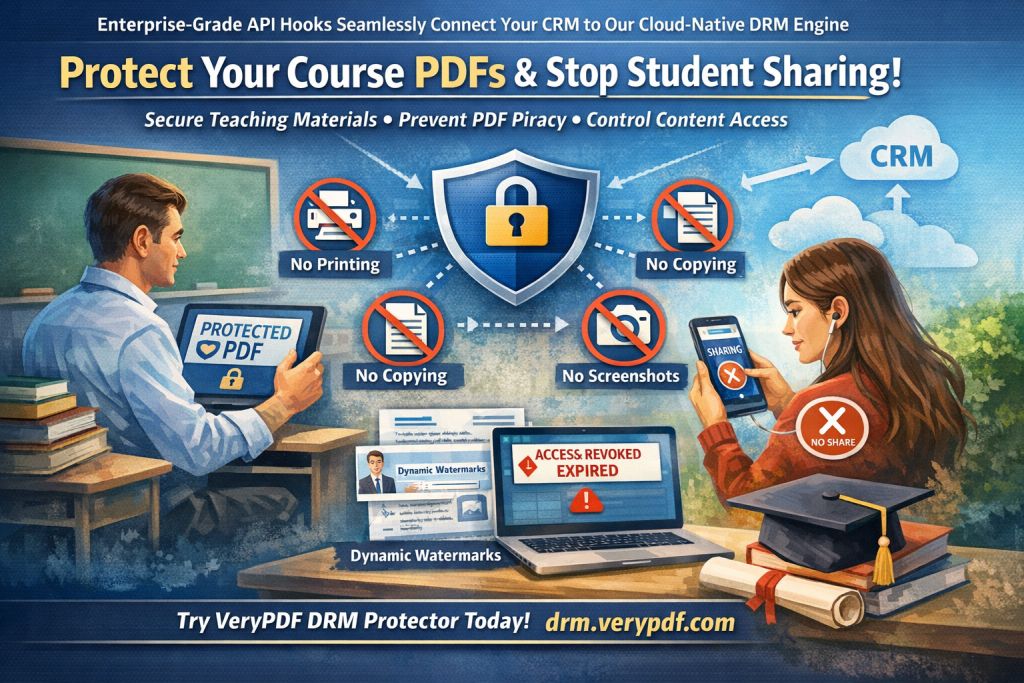
The Problem: Unauthorized Sharing and Printing
The rise of digital learning materials has undoubtedly made education more accessible. But this convenience comes with a major downside: loss of control over the materials once they're distributed online. Here are a few common problems that we, as professors, face regularly:
-
Students Sharing PDFs: Once a lecture or homework PDF is distributed to students, there's a risk it could be shared with others—whether that's on social media, file-sharing platforms, or with other students who aren't enrolled in the course. This compromises the integrity of your materials and makes it harder to track who has access to your content.
-
Unauthorized Printing or Conversion: Many students attempt to convert PDFs to other file formats, like Word or Excel, in order to modify or share the content. Some even print the materials and redistribute hard copies without your permission. This not only infringes on intellectual property but can also lead to unauthorized use of your content in other settings.
-
Loss of Control Over Paid Materials: For professors who create paid courses or materials, the idea of having their work pirated and redistributed for free is a constant worry. Once a student shares a course PDF with others outside the intended audience, your intellectual property is no longer under your control.
The Solution: Protect Your PDFs with VeryPDF DRM Protector
Luckily, there's a solution: VeryPDF DRM Protector. This tool offers a wide range of features designed to protect your PDFs from unauthorized access, copying, printing, and conversion. Let me walk you through some of the ways it helps safeguard your course materials:
1. Restrict Access to Specific Users
One of the most important features of VeryPDF DRM Protector is the ability to restrict access to your PDFs based on specific criteria. You can lock your PDFs to individual users, specific devices, or even IP addresses. This ensures that only those who are authorized to view the material can access it.
2. Prevent Unauthorized Printing and Copying
How often have you worried about students printing out a lecture slide, making notes, and then distributing the printed copy? With DRM Protector, you can stop this from happening entirely. You can prevent printing altogether or limit the number of times a document can be printed. Additionally, the tool disables copying and editing functions, so students can't extract text from your PDF to manipulate or share it.
3. Stop Conversion to Other Formats
PDF to Word or PDF to Excel conversion tools are widely available online, and they make it incredibly easy for students to bypass security measures and share your content in an editable format. VeryPDF DRM Protector ensures that your PDFs are protected from conversion to other file formats, keeping your content locked down.
4. Dynamic Watermarks for Added Protection
Watermarks are a great way to discourage unauthorized sharing and copying. VeryPDF allows you to add dynamic watermarks to your PDFs, which display the user's details (like their name or email address) every time the document is opened or printed. This helps deter students from sharing or printing out the materials because it's clear who the document belongs to.
5. Expiry and Self-Destruct Features
You might want to set a limit on how long a student can access your material. VeryPDF DRM Protector allows you to set expiration dates for your PDFs, so they're automatically rendered inaccessible after a certain period or after a set number of views or prints. This ensures that your materials can't be accessed indefinitely.
6. Track Access and Activity
Another key feature is the ability to track who has accessed your documents. This is incredibly helpful in identifying potential leaks or unauthorized access. If a student shares your PDF with someone outside the class, you'll be able to see exactly when and where the document was accessed.
7. Revoke Access Anytime
Once your PDF has been shared, it's out of your control—right? Not with VeryPDF. Even after your documents have been distributed, you can revoke access at any time, stopping students from viewing, printing, or copying your PDFs. This gives you complete control over the distribution of your content.
Real-Life Scenarios: How DRM Protector Can Help You
Let's look at a few examples of how DRM Protector can solve real classroom problems:
-
Scenario 1: Preventing Lecture Slide Sharing
As a professor, I used to worry about my lecture slides being shared among students outside my class. After implementing DRM Protector, I locked the PDFs to specific devices and restricted printing. Not only could students no longer share the files, but I also knew that each document had a dynamic watermark showing who accessed it. This helped me maintain control over my intellectual property. -
Scenario 2: Protecting Homework PDFs
Another concern was that students could convert homework PDFs to Word documents and submit plagiarized work. With DRM Protector, I set up restrictions that prevented conversion, and students could only view their PDFs on their assigned devices. This ensured that no unauthorized edits or distribution could take place. -
Scenario 3: Stopping Unauthorized Distribution of Paid Course Materials
I also offer paid online courses and wanted to ensure that my materials wouldn't be shared without permission. By using DRM Protector's dynamic watermarking and expiry features, I could control how long students had access to the PDFs and prevent them from sharing or copying them. It gave me peace of mind knowing my content was secure.
Why Not Just Use Secure Data Rooms?
Many people turn to secure data rooms for document protection, but these systems often come with their own vulnerabilities. With data rooms, access relies on login credentials, which can be shared or leaked. Plus, once a document is accessed by the user, there's no guarantee it won't be shared further.
VeryPDF DRM Protector, on the other hand, doesn't rely on weak security methods like passwords or JavaScript. It uses AES encryption and secure device locking to ensure that only the intended recipient can access the document, and it prevents any unauthorized sharing or copying.
Conclusion: Protect Your Course Materials Today
If you're a professor or educator concerned about the security of your digital course materials, I highly recommend trying VeryPDF DRM Protector. It's an easy-to-use tool that gives you complete control over your PDFs, from restricting access and preventing printing to setting expiry dates and tracking access.
Whether you're teaching a large lecture course or offering paid online materials, DRM Protector will ensure that your content is secure, your intellectual property is protected, and your academic integrity remains intact.
Start protecting your course materials today: https://drm.verypdf.com
FAQ
Q1: How can I limit student access to PDFs?
A1: With VeryPDF DRM Protector, you can lock PDFs to specific devices or users, preventing unauthorized access.
Q2: Can students still read the PDFs without copying, printing, or converting them?
A2: Yes, you can disable copying, printing, and conversion features while still allowing students to view the PDFs.
Q3: How do I track who accessed my PDFs?
A3: DRM Protector tracks user activity, so you can monitor who viewed, printed, or shared the document.
Q4: Does it prevent PDF piracy and unauthorized sharing?
A4: Yes, it prevents unauthorized sharing, copying, and printing. It also allows you to revoke access at any time.
Q5: How easy is it to distribute protected lecture slides and homework?
A5: DRM Protector is easy to use and allows you to securely distribute PDFs through email, web links, or USB sticks.
Tags or Keywords
-
Protect course PDFs, prevent PDF piracy, stop students sharing homework, secure lecture materials, prevent DRM removal, anti-conversion PDF DRM