 How to Protect Your Online Course Materials from Unauthorized Sharing and Piracy with PDF...
How to Protect Your Online Course Materials from Unauthorized Sharing and Piracy with PDF DRM
As an educator, I've always believed that sharing knowledge should empower students, but it also comes with risks. Over the years, I've encountered a growing problem: the unauthorized sharing of my course materials. Whether it's students sharing lecture PDFs on social media or someone converting homework into a different format to redistribute it, this issue can be a real headache. It not only undermines the value of the course but can also lead to content piracy.
In an ideal world, once we share a PDF with our students, we would be able to rest easy knowing the material is secure, accessible only to the right people, and protected from unauthorized alterations. Unfortunately, this isn't always the case. That's where digital rights management (DRM) protection comes in.
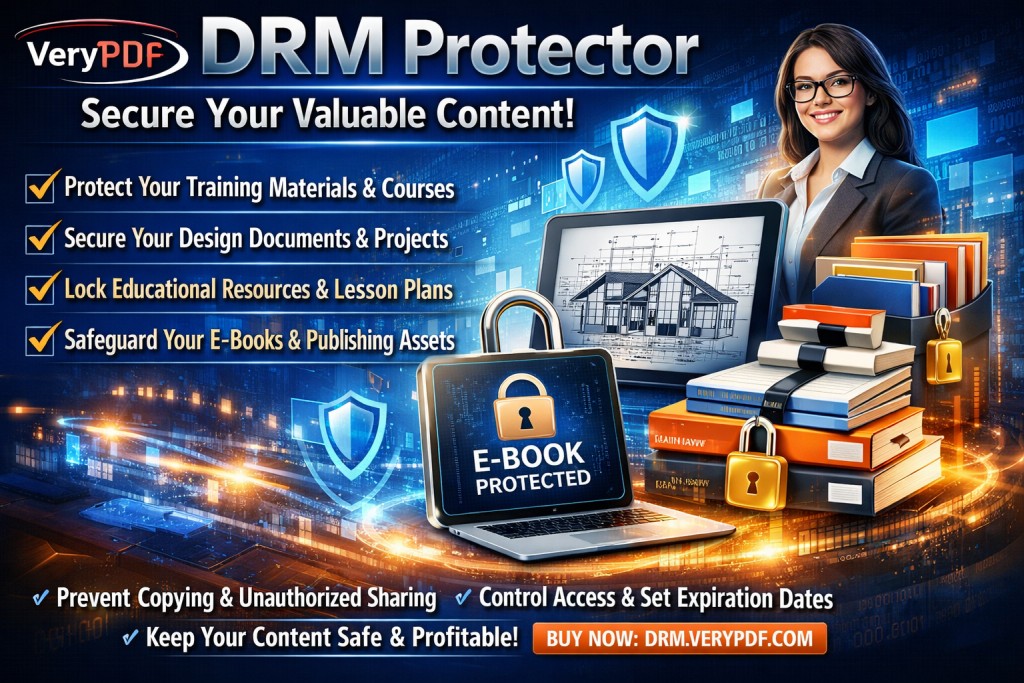
Let me explain how you can protect your course PDFs using VeryPDF DRM Protector and avoid these common classroom frustrations.
The Growing Problem: Students Sharing and Piracy
Imagine this: You've spent hours creating comprehensive lecture slides for your online class. You've carefully crafted each slide, ensuring that the content is relevant and engaging for your students. You upload the materials to your course platform, trusting that only the enrolled students will access them. However, a few days later, you discover that some students have shared your materials on public platforms or converted them into other formats for others to download freely. This scenario is all too common in today's online education space.
Other issues crop up, too. Students may bypass restrictions to print or copy your materials. They could easily extract content to create unauthorized study guides or pass around homework answers. And then, there's the constant fear of piracy — that someone might share or even sell your content without your permission, profiting off your hard work.
These issues compromise the integrity of your teaching, not to mention the value of your course. As instructors, we need a way to protect our materials, ensuring they're used only by the students we've intended them for.
How VeryPDF DRM Protector Can Help Solve These Problems
This is where VeryPDF DRM Protector comes into play. The software offers a powerful solution that ensures your content stays secure and prevents it from being distributed or altered without your consent. Here's how it can help you manage and protect your course PDFs:
1. Limit Access to Only Authorized Students
One of the biggest concerns for educators is ensuring that only enrolled students can access the course materials. VeryPDF DRM Protector allows you to restrict access by device, user, or even specific IP addresses. So, you can be sure that your PDFs are only available to the people they're intended for.
Example: I often distribute my course materials to students, but with DRM Protector, I can ensure that only those registered for the course can view the documents. Even if a student shares a file with someone outside of the course, the recipient won't be able to access the file.
2. Prevent Unauthorized Printing, Copying, and Conversion
Once a PDF is out there, it's easy for students to copy, print, or convert it into another file format. With DRM protection, you can stop all of these actions. You can prevent copying and pasting from the PDF, stop printing, and even prevent conversion to other formats like Word or Excel.
Example: I once had a student print out my homework PDF, scan it, and convert it into an editable Word document. With DRM protection, that would have been impossible. The file remains locked down, making unauthorized copying and printing impossible.
3. Enforce Expiry Dates for Access
Another feature I love is the ability to set an expiry date for access to my PDFs. You can limit access to materials based on time — for example, allowing access to a PDF for only a certain number of views or after a set number of days. This feature ensures that students can't hold onto course materials indefinitely.
Example: For sensitive materials like midterm exams or final projects, I can set an expiry date that automatically revokes access after a certain time or after a student has viewed the document a specific number of times.
4. Dynamic Watermarks to Deter Sharing
To further deter students from sharing your content, you can add dynamic watermarks that display user-specific information, such as their name, email address, or even the date and time the document was opened. These watermarks cannot be easily removed and act as a strong deterrent against unauthorized distribution.
Example: After applying watermarks to my lecture slides, I noticed that students were less likely to share them with classmates because the watermark clearly identified who had accessed the file.
5. Stop Screen Sharing and Screenshots
With online learning becoming the norm, one issue I've faced is students trying to capture content through screen sharing or screenshots during video conferences. DRM protection prevents this by blocking screen grabs and screen sharing, ensuring your content cannot be copied in this way.
Example: In a Zoom class, a student tried to take a screenshot of my slide deck. With DRM protection, I was able to ensure that nothing could be captured, protecting my materials from further unauthorized distribution.
6. Revocation of Access at Any Time
Even after distributing the material, you can revoke access at any point. Whether you've discovered a leak or simply want to stop access to outdated course content, you can instantly terminate access to your files. This gives you complete control over your materials, even after they've been shared.
Example: I once realized a student had shared a version of a final exam document that I no longer wanted accessible. Using VeryPDF DRM Protector, I was able to revoke access to that document without needing to contact the student directly.
The Anti-Piracy Benefits of VeryPDF DRM Protector
Beyond the classroom pain points, DRM protection also has important anti-piracy benefits. With the increasing prevalence of online piracy, it's crucial to protect your intellectual property. VeryPDF DRM Protector helps you stop piracy by:
-
Preventing students from bypassing the security measures, such as removing DRM or converting files.
-
Ensuring that your PDF materials can't be distributed, copied, or printed by unauthorized users.
-
Keeping your course materials safe, no matter how many times they are shared or distributed.
This level of protection not only helps preserve the value of your paid educational resources but also ensures that your materials are used exactly how you intended.
My Personal Experience with DRM Protection
Over the years, I've had my fair share of frustrations with students sharing course materials without permission. It wasn't until I started using DRM protection that I truly felt at ease. I no longer worry about the unauthorized distribution of my lecture slides, homework PDFs, or other course materials. I can focus on teaching and improving the student experience, knowing that my content is secure.
Here's why I recommend it:
VeryPDF DRM Protector is easy to use and provides a straightforward solution to many of the problems I've faced as an educator. The software allows me to distribute my materials confidently, knowing they're protected from piracy, unauthorized sharing, and misuse. If you're distributing any form of digital content to your students — whether it's lecture notes, assignments, or exam papers — you need this level of protection.
Conclusion: Protect Your Course Materials Today
If you're tired of worrying about students sharing your materials or losing control over your course content, I highly recommend giving VeryPDF DRM Protector a try. It's a simple, effective way to safeguard your work and prevent unauthorized use. With its robust features — from device locking and expiry controls to watermarking and content revocation — you'll have total control over how your PDFs are accessed and used.
Try it now and protect your course materials: https://drm.verypdf.com
FAQ
How can I limit student access to PDFs?
You can limit access to your PDFs by locking them to specific devices, IP addresses, or users, ensuring that only authorized students can view the materials.
Can students still read PDFs without copying, printing, or converting them?
Yes, students can view the PDF, but all other actions, such as copying, printing, or converting to other formats, are blocked unless you specifically allow them.
How do I track who accessed the PDFs?
VeryPDF DRM Protector allows you to track the usage of each document, including who accessed it and when, providing you with detailed reports.
Does DRM Protector prevent piracy and unauthorized sharing?
Yes, it prevents unauthorized copying, printing, conversion, and distribution of your content, ensuring your materials are protected.
How easy is it to distribute protected lecture slides and homework?
Distributing protected content is simple. You can send it via email, share it on your course platform, or even provide it on USB sticks — all while keeping the content secure.
Keywords
-
Protect course PDFs
-
Prevent PDF piracy
-
Stop students sharing homework
-
Secure lecture materials
-
Prevent DRM removal
-
Anti-conversion PDF DRM