 Common Pain Points in Academia
As a professor, one of my biggest concerns is how easily students can share my course materials online—whether it's lecture slides, assignments, or textbooks. It's frustrating to think that all the effort I put into preparing high-quality resources could be undermined by someone simply sharing them on social media or email. Worse, many of these materials are copyrighted or exclusive, and I can't afford to lose control over their distribution. With the growing ease of digital file sharing, how can I ensure that my PDFs stay secure and that my intellectual property remains protected?
This is a common struggle for many of us in academia. In fact, I've often heard colleagues express similar concerns. How do we stop students from bypassing the digital locks we put on PDFs? Is it even possible to prevent the sharing of sensitive course materials once they're uploaded? And more importantly, how do we stop students from tampering with these materials by printing them, converting them to other formats like Word, or worse, removing the DRM protection altogether?
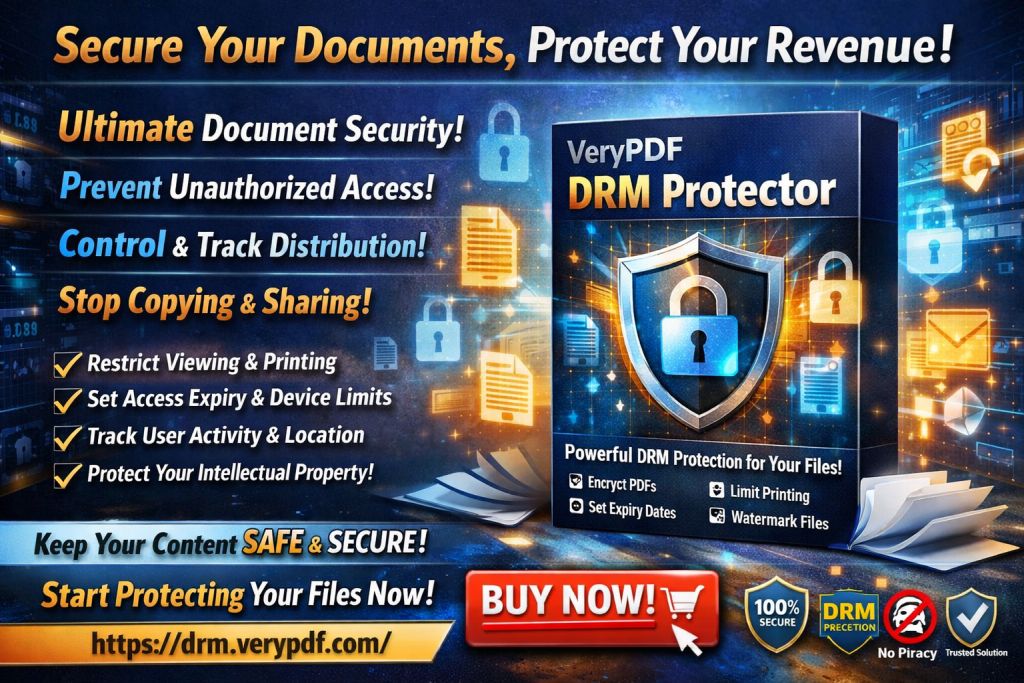
Fortunately, the answer lies in VeryPDF DRM Protector—a powerful tool designed specifically to safeguard PDF files against unauthorized access, sharing, and conversion. Whether you're distributing lecture slides, course handouts, or paid course materials, this software provides an effective way to control how your digital content is used and shared.
Common Pain Points in Academia
As educators, we face several common challenges when it comes to sharing and distributing digital materials:
-
Students Sharing PDFs Online
One of the biggest issues is students sharing their course materials—whether through social media, cloud storage, or even email. This can happen accidentally or, at times, intentionally. When I'm teaching a class with 200+ students, it's nearly impossible to track who is sharing what, and without proper protection, my content is just a click away from being distributed. -
Loss of Control Over Content
Once a PDF is shared online, I lose all control over its distribution. Students may download the file, alter it, and then upload it again to another platform, or even make copies to share with others who haven't paid for the content. This means that even though I've put a lot of work into developing the material, it's no longer under my control. -
Unauthorized Printing, Copying, and Conversion
Some students will attempt to bypass protections by printing the PDF, converting it into another file format, or using third-party tools to remove restrictions. While most platforms offer password protection or simple encryption, these methods can often be bypassed easily by determined students or hackers. The challenge becomes more apparent when you're dealing with sensitive or proprietary content, like copyrighted textbooks or unique research materials.
The Solution: VeryPDF DRM Protector
This is where VeryPDF DRM Protector comes in. This powerful tool allows me to put precise restrictions on my PDFs, giving me full control over who can access my documents and how they can be used. With features like print control, anti-copying, and device-based DRM, it's easier than ever to keep my academic content secure and ensure it doesn't get into the wrong hands.
Here's how VeryPDF DRM Protector addresses these challenges:
-
Restricting Access to Enrolled Students or Specific Users
One of the most useful features is the ability to lock PDFs to specific users or devices. For instance, I can ensure that only students who are enrolled in a particular course can access the materials. This way, I prevent unauthorized users from obtaining a copy of the documents. -
Preventing Printing, Copying, and Forwarding
VeryPDF DRM Protector allows me to disable printing altogether, or to limit how many times a student can print a file. It also prevents students from copying text from the document or forwarding it to someone else. This ensures that once the content is shared, it cannot be further spread or altered. -
Protecting Against Conversion and Piracy
Perhaps one of the most critical features is the protection against file conversion. I don't have to worry about students converting my PDFs into Word, Excel, or image files. This means that even if they try to manipulate the content, they won't be able to do so without leaving clear traces. -
Watermarking and Tracking
Dynamic watermarks are applied to every page of my PDF. These watermarks contain specific user information (e.g., the student's name or email address), which discourages unauthorized copying and redistributing. If a student were to share a screenshot or a printed copy, the watermark serves as a permanent identifier. I can even track which users accessed the document and when. -
Expiry and Self-Destruct Features
I can set an expiration date for access to the document, meaning students can only view it for a limited time. This is particularly useful for assignments or timed tests. It ensures that once the content is no longer needed, it becomes inaccessible. Alternatively, I can have documents automatically expire after a set number of views or prints. -
Revocation and Immediate Access Control
Perhaps one of the most powerful features is the ability to revoke access to a document even after it's been distributed. If a student is found to be violating the rules, I can immediately block their access to the file, preventing further unauthorized sharing or misuse.
Real-World Example: Protecting Lecture Slides
During a recent semester, I shared my lecture slides with students through a cloud platform. While I initially thought this would make it easier for everyone, I quickly realized that several students were sharing the slides outside the course. This caused problems when some students who hadn't paid for the course gained access to the materials.
After implementing VeryPDF DRM Protector, I could lock the files to specific devices and users, ensuring that only enrolled students could view the slides. I also added dynamic watermarks with each student's name, which deterred them from sharing or printing the slides without permission. Even though the students tried to print or save the documents to different formats, the protections held firm, and the content remained safe.
Anti-Piracy Benefits
As a professor, protecting my work from piracy is crucial. VeryPDF DRM Protector offers several anti-piracy features that are essential for maintaining control over my materials. Here's how it helps:
-
Prevents Students or Hackers from Bypassing Security
The software enforces encryption and DRM protection directly on the files, so even if someone attempts to use third-party software to remove these restrictions, it won't work. This helps prevent unauthorized sharing and distribution of my materials. -
Stops Conversion to Other Formats
Many students try to convert PDFs to editable formats like Word or Excel. VeryPDF DRM Protector prevents this by locking the file format, ensuring the integrity of the document remains intact. -
Maintains Full Control Over Distribution
By locking the PDF to specific devices, users, or locations, I maintain control over where and how my materials are used. This is particularly valuable when dealing with sensitive course content that needs to remain secure.
Conclusion
In conclusion, VeryPDF DRM Protector is a game-changer for educators who want to protect their digital course materials from piracy and unauthorized sharing. It offers practical solutions for preventing students from bypassing DRM protections, stopping them from sharing PDFs on social media, and maintaining control over content distribution. As someone who has dealt with the frustration of losing control over my materials, I highly recommend this software to anyone distributing PDFs to students.
Don't let your hard work go to waste. Try VeryPDF DRM Protector today and regain control over your PDFs: https://drm.verypdf.com.
FAQs
Q: How can I limit student access to my PDFs?
A: You can lock access to specific students or devices, ensuring only enrolled users can view your materials.
Q: Can students still read the PDF without copying, printing, or converting it?
A: Yes, you can disable these features entirely, so students can read the content but cannot copy, print, or convert it.
Q: How can I track who accessed my files?
A: Dynamic watermarks containing user information are applied, and you can track when a user accessed the document.
Q: Does VeryPDF DRM Protector prevent PDF piracy and unauthorized sharing?
A: Yes, the software prevents unauthorized sharing, printing, and conversion, making your PDFs secure from piracy.
Q: How easy is it to distribute protected lecture slides and homework?
A: It's very easy to distribute protected PDFs via email, cloud storage, or USB, and the content will remain secure.
Keywords
-
protect course PDFs, prevent PDF piracy, stop students sharing homework, secure lecture materials, prevent DRM removal, anti-conversion PDF DRM