 FAQs
FAQsHow Hospitals Can Stop Staff from Sharing, Printing, or Copying Confidential PDF Reports
As a hospital administrator or healthcare professional, the protection of sensitive patient information is always at the forefront of your mind. With privacy regulations tightening and data leaks becoming an ever-growing concern, ensuring that confidential documents—such as PDF reports—remain secure is a must. The reality is that hospitals deal with a wealth of personal data every day, and one of the most pressing concerns is stopping staff from sharing, printing, or copying these sensitive reports.
In this article, we'll dive into how hospitals can prevent these potential threats using secure Digital Rights Management (DRM) technology like VeryPDF DRM Protector. This tool not only helps with regulatory compliance but also strengthens security measures to protect against data leaks and unauthorized access. Let's take a closer look at how it works and how it can protect your PDF reports.
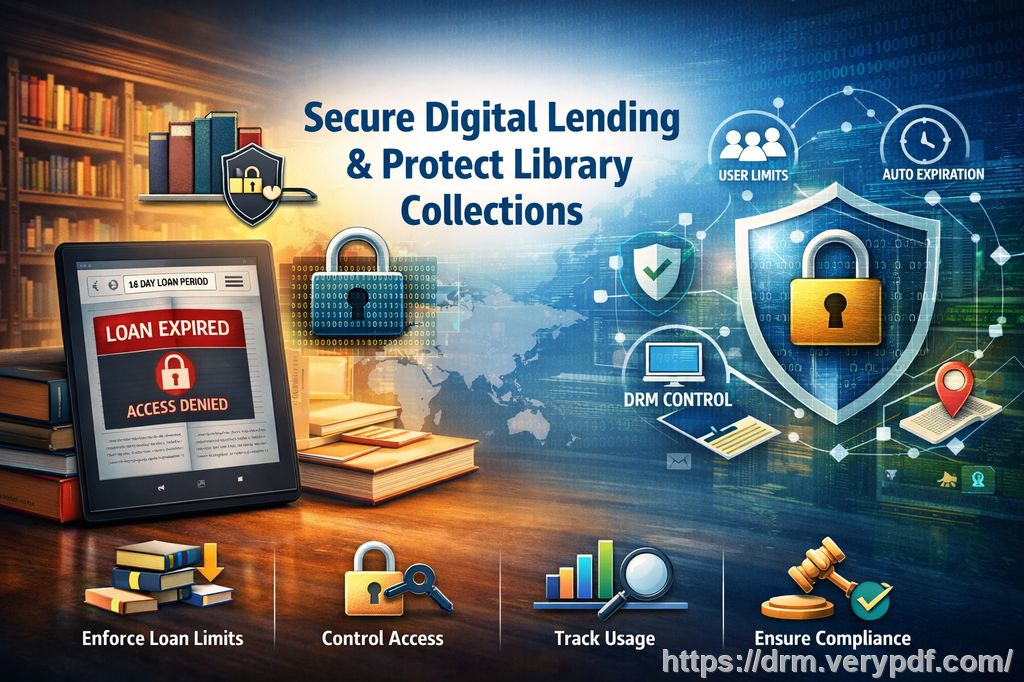
Protecting Sensitive Information with DRM Measures
Imagine a nurse or administrative staff member in your hospital who has access to confidential patient reports. Without proper security measures in place, these documents can be easily shared, printed, or even converted to other formats like Word or Excel, making it difficult to trace where the information might end up. For hospitals that handle vast amounts of patient data daily, this creates a significant vulnerability.
VeryPDF DRM Protector is designed to tackle these issues head-on by offering a set of robust features that ensure your sensitive information remains safe from unauthorized access. Here's how it works:
-
Restricting Document Access: VeryPDF DRM Protector allows you to lock PDF reports to specific devices or users. This ensures that only authorized staff members have access to these documents, significantly reducing the risk of data leakage.
-
Preventing Unauthorized Printing, Copying, and Conversion: It's crucial to stop staff from printing or copying sensitive information. DRM Protector can completely block these actions, preventing staff from printing reports or copying text and images from your documents. This functionality also extends to preventing documents from being converted into other file formats such as Word or Excel.
-
Automatic Expiry and Revocation: The tool enables you to set automatic expiry dates for your documents. You can set the reports to expire after a certain number of views, prints, or days, ensuring that the information can no longer be accessed after its intended use. Even after distribution, you can revoke access to these files at any moment, providing an extra layer of security if the document is compromised.
-
Dynamic Watermarks: To deter unauthorized sharing, DRM Protector can embed dynamic watermarks on every page of your document. These watermarks display user-specific information such as their name or email address, making it clear who accessed or printed the document. This added traceability discourages staff from distributing confidential data.
Real-World Scenario: Hospital Staff Sharing Confidential Reports
Let's consider a common scenario. A healthcare worker might need to share a patient report with a doctor, but instead of using secure channels, they print the report or email it without encryption. Unfortunately, this leaves room for the document to be easily forwarded, printed again, or even converted to another format that could be misused.
With VeryPDF DRM Protector in place, the moment the report is printed, the system applies a watermark identifying the staff member who printed it. If the document is opened on an unauthorized device, it simply won't open, providing clear visibility on any misuse. Additionally, the document will automatically expire after a set number of views or days, ensuring that sensitive information is not accessible long after it's needed.
Key Features of VeryPDF DRM Protector for Hospitals
Hospitals need a solution that prevents unauthorized access and sharing while maintaining workflow efficiency. Here are some of the key features that make VeryPDF DRM Protector an ideal choice for healthcare organizations:
-
No Login Credentials to Share
Unlike secure data rooms, where login credentials can be shared or hacked, VeryPDF DRM Protector doesn't require users to enter credentials. Decryption keys are relayed directly to the user's device, making it impossible to share access credentials. -
No Uploading of Unprotected Documents
Your sensitive reports never leave your hospital's local system in an unprotected state. This reduces the risk of accidental exposure or hacking. Instead, you can securely distribute documents by email, USB drive, or any other method while ensuring they remain encrypted. -
Screen Sharing and Screen Capture Protection
In today's world, online meetings and screen sharing are a common part of hospital operations. VeryPDF DRM Protector ensures that staff cannot use screen sharing or screen capture apps to take unauthorized screenshots of confidential reports. This feature is essential for preventing data theft during virtual consultations or remote meetings. -
Track Access and Activity
Another critical feature is the ability to audit who has accessed the document. You can track every instance a document is opened, printed, or shared, providing you with a comprehensive audit trail for compliance and security purposes. -
Expiry and Self-Destruct Features
One of the most important aspects of securing PDF reports is ensuring they can't be accessed indefinitely. With VeryPDF DRM Protector, you can set documents to expire after a set number of views, days, or prints. This self-destruct feature guarantees that the document is only accessible for the duration of its relevance. -
Revoke Access Anytime
Even after distributing the document, you retain complete control over its security. If an unauthorized access attempt is detected or a mistake is made in the distribution, you can revoke access to the document instantly.
Why DRM Protection Is a Must for Hospitals
Hospitals face numerous challenges in safeguarding sensitive patient data. With increasing regulations and the ever-present threat of data breaches, hospitals can't afford to be lax in their security measures. Relying on traditional methods like passwords and encryption is no longer enough. DRM protection goes a step further by providing comprehensive control over how documents are accessed, shared, and used.
Without DRM protection, confidential documents are vulnerable to unauthorized copying, sharing, and conversion. Once a report is printed or shared via email, it can easily be distributed beyond your control. DRM protection ensures that only authorized individuals have access to the document, and it maintains full control even after distribution.
Real Impact: How DRM Protection Has Helped Other Hospitals
Hospitals and healthcare providers around the world are already benefiting from DRM protection. For example, a major hospital network in New York implemented VeryPDF DRM Protector to secure patient reports and internal documents. Since adopting the tool, they've seen a significant reduction in unauthorized document sharing and data breaches. They've also saved time and resources by ensuring that documents are automatically revoked after use, reducing the need for manual oversight.
Conclusion: Protect Your Hospital's Confidential PDF Reports
For hospitals dealing with sensitive patient data, protecting PDF reports is crucial to comply with privacy regulations and avoid costly data leaks. By using tools like VeryPDF DRM Protector, you can safeguard your hospital's confidential documents, control who accesses them, and prevent unauthorized printing, copying, or sharing.
I highly recommend VeryPDF DRM Protector to anyone working in healthcare or managing sensitive documents. It's easy to use, ensures compliance, and gives you complete control over your digital content.
Try it now and protect your hospital's confidential reports: https://drm.verypdf.com
Start your free trial today and regain control over your PDFs.
FAQs
-
How can I limit staff access to PDF reports?
You can restrict access to specific devices or users, ensuring that only authorized staff can view sensitive patient reports. -
Can staff still view the reports without copying, printing, or converting them?
Yes, staff can view the reports, but all other functions like printing, copying, and conversion are blocked to prevent unauthorized use. -
How can I track who has accessed the documents?
VeryPDF DRM Protector allows you to track document access, print activity, and sharing attempts, providing a complete audit trail. -
Does DRM protection prevent PDF piracy and unauthorized sharing?
Yes, DRM protection prevents unauthorized sharing by locking documents to specific users or devices and applying dynamic watermarks to deter redistribution. -
How easy is it to distribute protected documents to staff or other users?
VeryPDF DRM Protector allows you to distribute documents securely through email, USB drives, or online links while maintaining full control over their security.
Tags/Keywords
-
Protect hospital PDFs, stop PDF piracy, prevent unauthorized sharing, secure patient reports, DRM protection, PDF security