 Why Protecting Medical PDFs Matters
How to Protect Medical PDFs from Unauthorized Sharing, Printing, and Copying Using DRM
As a healthcare professional or medical researcher, managing sensitive patient information, research reports, and medical guidelines is a daily task. But there's always a lingering concern: how can we ensure that these important PDFs don't fall into the wrong hands or get misused? It's not just about securing patient data for legal reasons but also about protecting the integrity of your research, maintaining trust, and adhering to ethical standards.
One of the major issues facing hospitals, clinics, and research organizations today is the ease with which digital documents can be copied, shared, printed, or even converted into other formats. This opens the door to unauthorized access, which could have serious consequences. That's where DRM (Digital Rights Management) protection comes into play, providing an essential layer of security for PDFs that contain sensitive information.
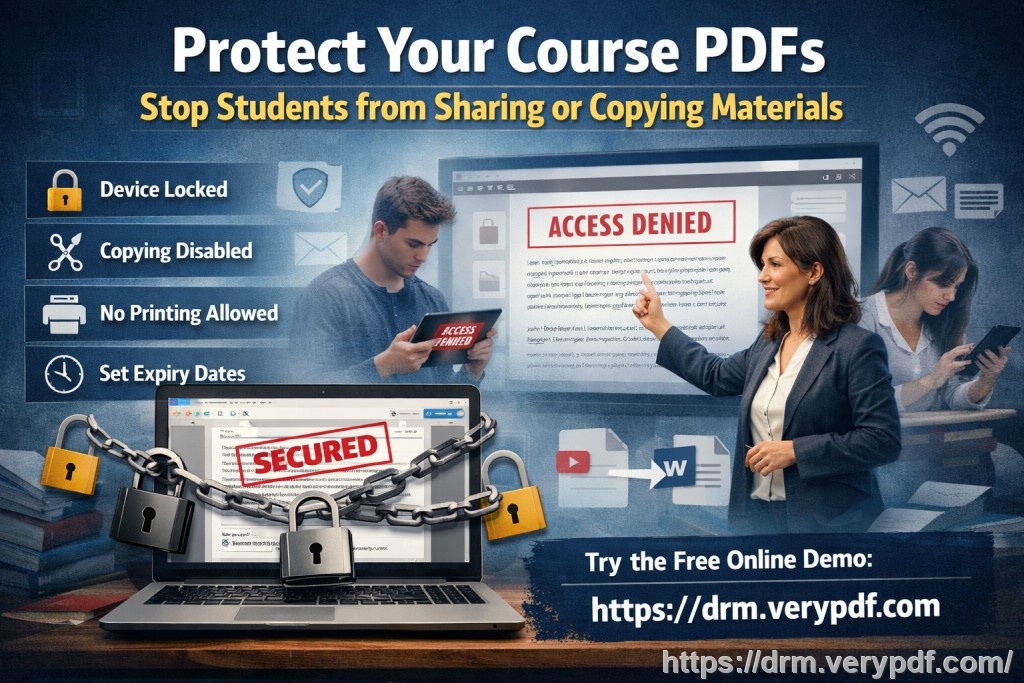
Let's take a closer look at the problem and how VeryPDF DRM Protector can be the solution you've been searching for to safeguard your PDF-based medical documents.
Why Protecting Medical PDFs Matters
Imagine this: You've just completed a detailed research report on a new medical breakthrough, and you need to share it with your colleagues or a specific group of healthcare professionals. The report contains sensitive patient information and critical data that cannot be shared with the public. However, you send the file, only to discover later that it has been forwarded to someone who shouldn't have access to it. Or worse, it's been printed, scanned, and distributed illegally.
This scenario isn't hypothetical. It's a reality many professionals in healthcare and research face every day. But the right tools can help mitigate these risks.
Common Pain Points with PDF Security
Unauthorized Sharing and Distribution
-
Problem: You send your research to a colleague, and it's immediately shared with others. Worse yet, it's uploaded to an open forum or an unauthorized file-sharing website.
-
Solution: DRM protection allows you to set restrictions on who can view and share your PDFs, ensuring that only authorized individuals have access.
Copying, Printing, or Converting Content
-
Problem: Even if your PDFs are sent to the right people, there's no guarantee they won't be copied, printed, or converted into other formats like Word or Excel. Once that happens, your control over the document is lost.
-
Solution: With VeryPDF DRM Protector, you can prevent copying, printing, or even converting the document into another format. You retain full control over the content, ensuring it remains secure.
Loss of Control Over Paid or Restricted Content
-
Problem: If you're distributing paid materials, like medical guidelines or research data, losing control over access can mean lost revenue and unauthorized use of your work.
-
Solution: DRM tools ensure that access is tightly controlled, with features like access expiration, watermarks, and device restrictions that help maintain content integrity.
How VeryPDF DRM Protector Solves These Problems
1. Restricting Access to Authorized Users Only
With DRM controls in place, you can ensure that only authorized individuals—such as your team or specific healthcare professionals—can view your documents. You can also restrict access based on certain devices or locations, further protecting the PDF from unauthorized users.
2. Preventing Copying, Printing, and Converting
One of the best features of DRM protection is the ability to prevent unauthorized actions like copying, printing, and even converting a document into another format. For example:
-
Prevent students, researchers, or external parties from copying content to use elsewhere.
-
Disable printing entirely or limit the number of prints that can be made.
-
Prevent screen capturing or the use of third-party screen grabbers to protect visual data.
3. Expiry and Revocation Controls
Time-sensitive content needs to be protected from unauthorized access even after the initial distribution. VeryPDF DRM Protector allows you to set expiration dates for documents, or specify the number of views or prints allowed. You can even revoke access at any point—making it perfect for when you need to retract a document or change access permissions.
4. Dynamic Watermarks for Extra Protection
Dynamic watermarks are an effective way to deter unauthorized sharing of your documents. These watermarks can include user-specific information, like their name or email address, displayed on each page of the PDF. This adds an extra layer of deterrence, as anyone who attempts to print or share the document will see that it's traceable back to them.
5. Complete Control Over Document Distribution
Unlike other methods that rely on passwords or insecure data rooms, DRM protection is enforced through encrypted viewers, ensuring that your documents are safe at all times. With VeryPDF DRM Protector, you don't have to worry about users bypassing your security measures. Plus, you can distribute protected documents via email, web, or even USB without fear of data leakage.
Real-Life Scenario: How DRM Protector Saved the Day
Let me share a story from my own experience. I was working on a detailed medical guideline document that I needed to distribute to a specific group of healthcare professionals. The document contained confidential patient information and research findings that couldn't be shared outside the group.
Using VeryPDF DRM Protector, I was able to restrict the document to a specific set of devices and set an expiration date. I also added a dynamic watermark that included the recipient's email address. A few days later, I found out that one of the recipients had tried to forward the document to someone outside the authorized group. However, because of the DRM protections, the document couldn't be opened by the unauthorized user, and the watermark made it clear where the breach had occurred.
This saved me from a potential data breach, and I didn't have to worry about the document spreading beyond its intended audience. It also saved me a lot of time I would have spent tracking down leaks or dealing with unsecure sharing.
Conclusion: Protect Your Documents Now
VeryPDF DRM Protector offers an easy-to-use solution to protect medical and research PDFs from unauthorized access, copying, printing, and conversion. It provides peace of mind, knowing that your sensitive information is secure, while still allowing you to share it with those who need it.
I highly recommend this tool to anyone in the medical field, research, or education who is distributing sensitive documents. Don't let your work fall into the wrong hands—protect it now with VeryPDF DRM Protector.
Start your free trial today and take control of your PDFs: https://drm.verypdf.com
FAQs
1. How can I limit access to my PDFs?
You can restrict access by locking your PDFs to specific users, devices, or locations. You can also set expiration dates or limit the number of views.
2. Can my users still read the PDFs without being able to copy, print, or convert them?
Yes! VeryPDF DRM Protector allows users to view the document but restricts copying, printing, and converting. This keeps your content secure.
3. How can I track who accessed the files?
You can enable auditing features that allow you to track who accessed the document and when, providing valuable insights into its distribution.
4. Does DRM prevent PDF piracy and unauthorized sharing?
Yes, DRM protection stops unauthorized copying, sharing, and conversion, ensuring your documents remain secure from piracy.
5. How easy is it to distribute protected lecture slides and homework?
Distributing protected content is simple! You can email PDFs or share them via web links or USB, ensuring the security of your documents during distribution.
6. Can I revoke access to documents after distributing them?
Yes, you can revoke access at any time, even after the documents have been distributed.
7. What's the best way to secure sensitive medical PDFs?
Using VeryPDF DRM Protector is the best way to secure medical PDFs. It's easy to set up, protects against unauthorized use, and gives you full control over your documents.
Tags or Keywords
-
protect medical PDFs, stop PDF piracy, secure research PDFs, prevent unauthorized sharing, DRM for medical documents, stop copying and printing PDFs, secure healthcare documents