 The Challenge: Unauthorized Access and Data Breaches
How Hospitals Can Enforce DRM on PDF-Based Medical Reports to Prevent Unauthorized Access and Ensure Privacy Compliance
As a medical professional or hospital administrator, safeguarding patient data is your top priority. But with the increasing reliance on digital tools to manage medical records and reports, the question arises: How can we ensure that sensitive documents, like PDF-based medical reports, are protected from unauthorized access and distribution? It's a serious concern, especially given the risks associated with data breaches and non-compliance with privacy regulations like HIPAA.
In this article, we'll explore how Digital Rights Management (DRM) can provide a robust solution for hospitals looking to protect their PDF-based medical reports. We'll walk you through the pain points many hospitals face, offer practical solutions using VeryPDF DRM Protector, and provide real-world examples of how this tool can keep your documents secure.
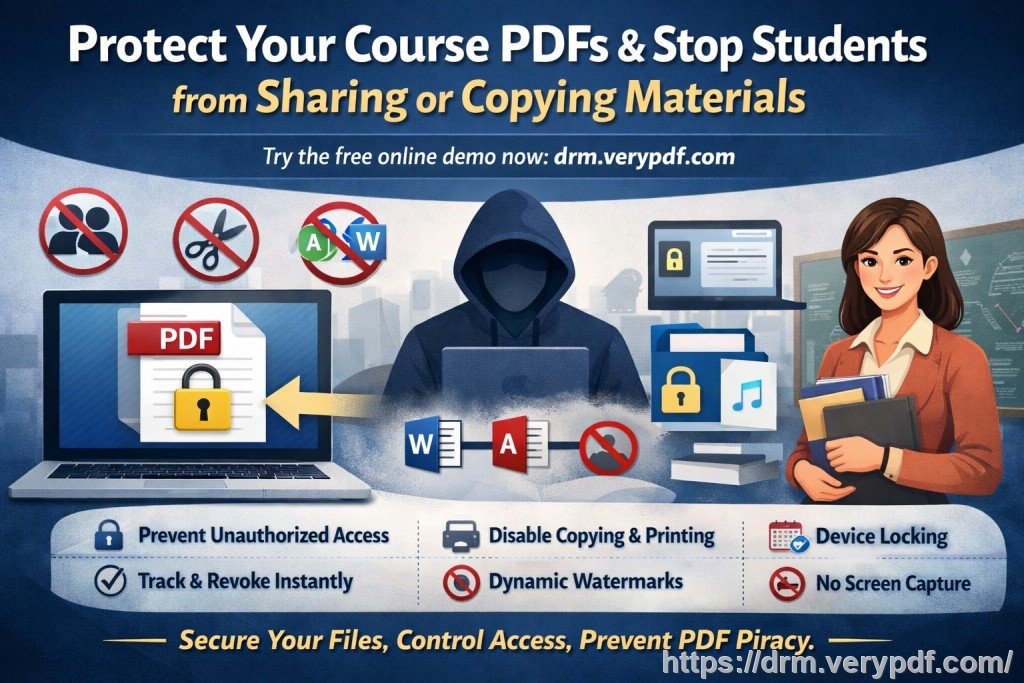
The Challenge: Unauthorized Access and Data Breaches
In an era where data breaches are a daily headline, hospitals and healthcare providers are under immense pressure to protect sensitive medical records. Many of these reports are still shared in PDF format—an easy-to-use, widely accepted standard. However, this also makes them susceptible to unauthorized access, printing, copying, and sharing.
Real-Life Example:
Consider a hospital where a confidential patient report was accidentally emailed to the wrong person. Within hours, the document had been forwarded to others, leading to a serious violation of privacy laws and putting the institution at risk of hefty fines. This scenario is unfortunately all too common, and it highlights the need for secure, tamper-proof ways to share sensitive files.
DRM: A Solution to Protecting Sensitive Medical Reports
Digital Rights Management (DRM) is a proven technology designed to protect digital content, and it's particularly effective when it comes to safeguarding PDF files. By enforcing strict access controls, DRM software can ensure that your medical reports remain private and secure, even after they've been distributed.
Using VeryPDF DRM Protector, hospitals can prevent unauthorized access, control printing and copying, and protect reports from being converted into other formats like Word or Excel. This powerful tool adds layers of security to PDF files, ensuring that only authorized personnel can view or interact with the documents.
Key Benefits of DRM for Medical Reports:
-
Prevent Unauthorized Access: DRM lets you control who can access the document, ensuring that only those with proper authorization can open it.
-
Stop Copying and Printing: Prevent the unauthorized copying, printing, and distribution of medical reports, thus safeguarding sensitive information.
-
Secure Data Sharing: When sharing PDFs externally, you can enforce strict access controls that ensure the document can only be opened by specific individuals or devices.
-
Audit and Track Usage: With DRM, you can track who opened a document, when, and where, ensuring compliance with privacy regulations.
How VeryPDF DRM Protector Works for Medical Reports
1. Lock PDFs to Devices or Users
With DRM protection, PDFs are locked to specific devices, such as a doctor's tablet or a hospital workstation. This ensures that unauthorized users cannot open the document, even if they somehow acquire a copy.
For example, imagine a healthcare provider sharing a medical report with a doctor on their mobile device. With DRM, the report is locked to that specific device. If someone tries to open it on another device, access is immediately denied, preventing unauthorized distribution.
2. Prevent Printing and Copying
In hospitals, medical reports must remain confidential. DRM controls let you prevent printing or copying of sensitive documents. You can also restrict printing to high-quality printers only, further reducing the risk of unauthorized copies.
For example, a report on a patient's treatment might include private health data that could be misused if printed out or shared. By preventing printing or copying, hospitals can ensure that this data remains secure.
3. Dynamic Watermarks
A key feature of VeryPDF DRM Protector is the ability to add dynamic watermarks. These watermarks can display user-specific information, such as the name of the person viewing the document or their IP address. This discourages unauthorized sharing, as anyone attempting to redistribute the report will have their identity visible.
4. Expiry and Self-Destruct Features
For additional security, DRM lets you set expiry dates for documents. You can specify when a document should expire or become inaccessible—whether after a certain number of views or after a fixed date. This is particularly useful for time-sensitive medical reports that should no longer be accessible after a certain period.
5. Real-Time Revocation
Even after a document has been distributed, you can revoke access at any time. If a report is inadvertently shared with the wrong person or a security breach occurs, you can instantly remove access to all recipients.
Protecting PDF Medical Reports from Piracy
The rise of document piracy is a serious concern in healthcare, with reports often being shared or sold illegally. DRM offers an effective solution to prevent these issues by locking PDF files with encryption and access restrictions. VeryPDF DRM Protector prevents unauthorized conversion or redistribution, making it far more difficult for individuals to bypass security measures.
Case Study:
A major hospital was experiencing issues with patient reports being shared via email without authorization. After implementing DRM protection with VeryPDF, the hospital gained full control over document access and distribution. The hospital was able to prevent reports from being forwarded or copied, ensuring that patient privacy was maintained.
The Importance of Compliance with Privacy Regulations
Hospitals are required to comply with strict privacy regulations like HIPAA, which mandates that patient information be protected at all costs. Failure to do so can result in substantial fines and damage to the institution's reputation.
By implementing DRM protection on medical reports, hospitals can demonstrate compliance with privacy regulations. DRM controls ensure that access to sensitive patient data is limited, tracked, and fully auditable.
Benefits of DRM for Compliance:
-
Enforces restricted access to confidential medical reports.
-
Tracks who views or shares a document, helping hospitals meet regulatory reporting requirements.
-
Prevents unauthorized sharing or modification of medical data.
Conclusion: Regaining Control over Your Medical Reports
As a healthcare provider, it's your responsibility to ensure that medical reports and patient data are handled securely and in compliance with privacy laws. DRM is the best solution for protecting these documents from unauthorized access, piracy, and data breaches.
I highly recommend using VeryPDF DRM Protector to secure your medical reports. With its user-friendly interface, comprehensive security features, and compliance tools, this software can help your hospital maintain control over its sensitive data while preventing unauthorized access or sharing.
Get Started Today!
Try it now and protect your medical reports: https://drm.verypdf.com
Start your free trial today and ensure the security and compliance of your hospital's PDF documents.
Frequently Asked Questions
1. How can I limit access to medical PDFs?
VeryPDF DRM Protector allows you to lock PDF files to specific devices or users, ensuring that only authorized personnel can access the documents.
2. Can users still read the PDFs without copying, printing, or converting?
Yes, users can read the PDFs, but copying, printing, and conversion are all restricted unless explicitly allowed by the document owner.
3. How can I track who accessed the files?
You can use the DRM software to track user interactions, including when they accessed the file and from which device or location.
4. Does it prevent PDF piracy and unauthorized sharing?
Yes, VeryPDF DRM Protector prevents unauthorized sharing, copying, and converting of PDFs. Dynamic watermarks also help deter piracy.
5. How easy is it to distribute protected medical reports?
Distributing DRM-protected medical reports is simple. You can share them via email, secure links, or USB drives, while maintaining full control over access.
6. Can I revoke access after the report has been distributed?
Yes, the software allows you to revoke access to documents at any time, even after they have been distributed.
Tags or Keywords:
-
protect course PDFs, prevent PDF piracy, stop students sharing homework, secure lecture materials, prevent DRM removal, anti-conversion PDF DRM