 How Hospitals Can Enforce DRM on PDF Patient Reports, Medical Research, and Treatment Protocols to Prevent Unauthorized...
How Hospitals Can Enforce DRM on PDF Patient Reports, Medical Research, and Treatment Protocols to Prevent Unauthorized Sharing, Printing, or Copying
As a healthcare professional, you're constantly dealing with sensitive patient data, research materials, and treatment protocols. Keeping this information secure is not just about compliance; it's about trust. Hospitals, clinics, and research institutions must ensure that their PDF documents, such as patient reports and medical research papers, are not shared, printed, or copied without permission. But with so many different ways information can be exposed—whether through screen captures, unauthorized printing, or sharing files over email—how can you protect this sensitive material?
Enter DRM (Digital Rights Management) protection.
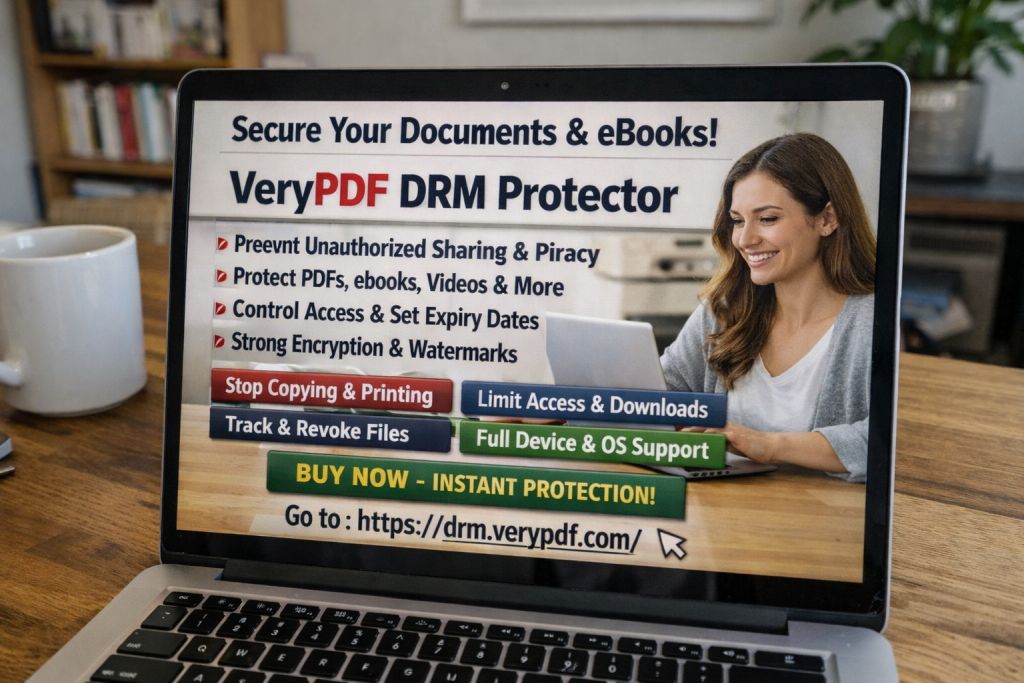
Using DRM tools like VeryPDF DRM Protector, hospitals can enforce strict access controls on PDFs containing sensitive patient information, ensuring compliance with data privacy regulations, such as HIPAA, and preventing data breaches. Let's dive into how DRM works and how hospitals can use it to secure their PDF documents effectively.
Real-World Hospital Scenarios Where DRM is Essential
Imagine you're working with a patient's treatment protocol, which contains critical health data that must only be seen by authorised medical professionals. Now, what if this file accidentally gets forwarded to the wrong person, or worse, shared on social media or a public forum? The consequences could be disastrous.
This is just one example of the many security risks that healthcare professionals face every day. As hospitals move toward paperless environments, the need for secure digital document management becomes even more urgent. And this is where DRM can play a crucial role.
Key Challenges Hospitals Face in Securing PDF Documents
-
Unauthorized Sharing: Hospital staff may inadvertently share sensitive PDFs with people outside the organisation, leading to unintentional data breaches.
-
Copying and Printing: Even if a document is shared with authorised individuals, the ability to copy, print, or convert that information into other formats (like Word or Excel) creates significant security risks.
-
Loss of Control: Once a document is distributed, it's out of your hands. If someone prints, copies, or screenshots it, the hospital loses control over that document.
-
Compliance Issues: Hospitals must comply with strict data privacy regulations like HIPAA and GDPR. Failing to secure sensitive documents could result in costly fines or loss of reputation.
These are just a few of the problems hospitals face when sharing patient reports, medical research, and treatment protocols. Fortunately, DRM technology like VeryPDF DRM Protector provides a practical solution to these challenges.
How VeryPDF DRM Protector Helps Protect Sensitive Hospital Documents
VeryPDF DRM Protector is designed to provide robust protection for PDFs, allowing hospitals to maintain control over their sensitive files. Here's how it works:
-
Restrict Access to Specific Users or Devices
One of the most powerful features of DRM protection is the ability to restrict access to specific users, devices, or locations. With DRM, you can ensure that only authorised healthcare professionals, with the right credentials, can access the document. This can be enforced by locking the document to particular devices, such as a specific computer or mobile phone, or by using USB sticks for offline access. -
Prevent Unauthorized Printing, Copying, or Converting
DRM can block all attempts to copy or print a protected PDF. For example, if you distribute a patient report, DRM ensures the recipient cannot print it or convert it to Word or Excel. This gives hospitals peace of mind that their documents can't be shared or misused. -
Dynamic Watermarks and User Tracking
Every time a user views or prints a protected document, dynamic watermarks can be applied, showing the user's name, email address, and the date/time. This feature acts as a deterrent against piracy and content redistribution. In the event that a document is leaked, the watermark can help identify the culprit. -
Expiry and Self-Destruct Functions
DRM protection can also ensure that PDFs expire after a set number of views, prints, or days. This feature is ideal for documents that should only be available for a limited time, such as research reports or temporary treatment protocols. Once the document reaches its expiry limit, access is automatically revoked, ensuring compliance with data retention policies. -
Revocation Capabilities
Even after a document has been distributed, DRM protection allows hospitals to revoke access at any time. This feature is especially useful in case of a security breach or if a document needs to be withdrawn from circulation.
Benefits of Using DRM for PDF Protection in Healthcare
-
Prevents Data Breaches and Unauthorized Access: DRM ensures that only the right individuals can view, print, or copy sensitive hospital documents, reducing the risk of data leaks.
-
Regulatory Compliance: By locking down access and maintaining full control over the distribution of medical data, hospitals can ensure compliance with data privacy laws like HIPAA and GDPR.
-
Prevents Document Tampering: DRM prevents users from modifying or copying sensitive patient data, ensuring the integrity of the document remains intact.
-
Improved Workflow and Peace of Mind: With DRM protection, hospitals can distribute documents securely without worrying about how they'll be shared, printed, or copied later on.
Examples from Healthcare: How DRM Can Stop Unauthorized Sharing
-
Patient Reports: A hospital sends a treatment plan to a patient's primary care physician, but with DRM protection, that physician cannot forward the document or print it. If the document expires after the doctor has viewed it, it will automatically become inaccessible, ensuring no further sharing is possible.
-
Research Papers: A researcher working on a medical study can securely share a paper with collaborators, but with DRM controls in place, no one can copy the content or convert it into another format. The document will automatically expire after the designated review period, ensuring no one can access outdated research.
-
Treatment Protocols: A hospital can share a confidential treatment protocol with its specialists, but the document will be locked to the specialist's device and will expire after the protocol is no longer relevant.
How DRM Technology Can Boost Security in Your Hospital
Hospitals and healthcare providers can now take advantage of technology that safeguards their sensitive documents with a high level of encryption and security. VeryPDF DRM Protector is designed to meet the specific needs of healthcare organisations by offering a comprehensive suite of features that control document usage and distribution.
By implementing this DRM solution, you can:
-
Ensure sensitive patient data is protected from unauthorised access or distribution.
-
Safeguard medical research materials that could otherwise be leaked or pirated.
-
Maintain compliance with data privacy regulations.
-
Minimise the risk of fines, lawsuits, or reputational damage from security breaches.
Conclusion: Take Control of Your Hospital's PDF Security with DRM
In today's digital age, hospitals must take every precaution to protect sensitive patient data and medical information. DRM technology, like VeryPDF DRM Protector, offers a simple yet powerful solution to prevent unauthorized sharing, printing, or copying of PDF documents. With dynamic features like user tracking, device locking, expiry settings, and revocation capabilities, hospitals can ensure that their documents remain secure at all times.
If you're looking for a reliable way to protect your hospital's PDFs and ensure compliance with data privacy regulations, I highly recommend giving VeryPDF DRM Protector a try. It's easy to use, and it provides comprehensive protection for your most sensitive documents.
Get started now and secure your medical PDFs: Try VeryPDF DRM Protector today.
FAQs
-
How can hospitals limit access to PDF patient reports?
DRM tools allow hospitals to lock PDFs to specific users, devices, or locations. This ensures that only authorised individuals can access the documents, preventing unauthorized sharing or viewing. -
Can DRM protect PDFs from copying or printing?
Yes, DRM technology can block all attempts to copy, print, or convert protected PDFs into other formats, ensuring that the data remains secure. -
Can I track who accessed my protected documents?
DRM tools like VeryPDF DRM Protector provide tracking features that log who has accessed the document, when, and from which device, giving hospitals valuable insight into document usage. -
How does DRM prevent unauthorized sharing of hospital PDFs?
DRM prevents the redistribution of documents by locking them to specific users or devices. It also applies dynamic watermarks to discourage copying and provides options to revoke access if necessary. -
Is DRM protection easy to implement in a hospital setting?
VeryPDF DRM Protector is designed to be user-friendly, with straightforward settings for locking documents, controlling access, and applying other protections. It requires no complex configurations and can be integrated into existing workflows.
Tags/Keywords
-
protect hospital PDFs, prevent PDF piracy, secure medical documents, stop unauthorized copying, control PDF distribution, medical data protection, prevent DRM removal, healthcare document security, stop printing medical PDFs, DRM for healthcare.