 Teaching Pain Points: Content Control amp; Security
As a professor, I've often found myself worrying about the security of my digital course materials. After spending hours creating engaging and informative PDFs for my lectures, the last thing I want is for a student to share or convert my materials without permission. Imagine your lecture slides, assignments, or paid course content being distributed or even edited without your consent. Unfortunately, it happens more often than we'd like to admit.
We all know how easy it is for students to share documents online, especially when it comes to PDFs. Some might convert them to editable formats, others might print them and distribute physical copies, and some may even share them through screenshots. It's a frustrating reality that can lead to lost intellectual property and compromised content integrity. As educators, we need a solution that allows us to protect our hard work while still making it accessible to students in a controlled manner. That's where VeryPDF DRM Protector comes into play.
Teaching Pain Points: Content Control & Security
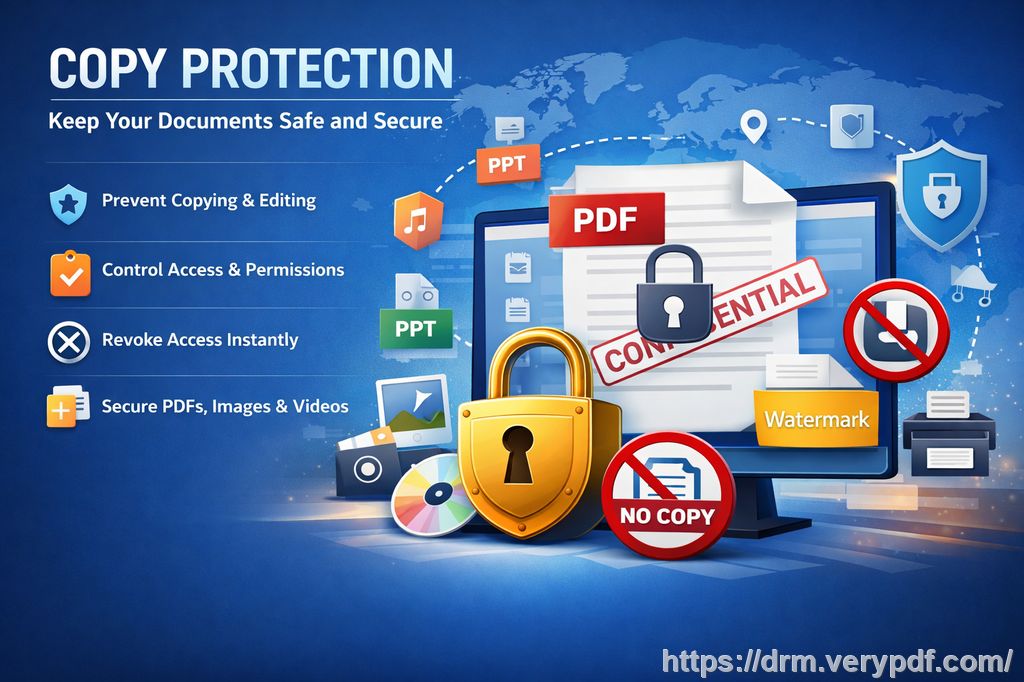
It's not just about protecting course PDFs; it's about maintaining control over how they are accessed, shared, and used. Here are a few of the most common pain points that many educators face:
-
Students Sharing PDFs or Assignments Online: It's a common issue where students might share their class PDFs or homework with others, effectively bypassing any restrictions you've put in place. Once a document is out there, it's hard to take it back.
-
Unauthorized Printing, Copying, or Converting to Editable Formats: A student might print your assignment, convert it into a Word document, and share it with others. This compromises the security of your content, and once it's out there, it can be hard to control how it's used.
-
Loss of Control Over Paid or Restricted Course Materials: Many professors sell their course materials or offer them as part of a paid service. When these materials are shared or converted, it's not just a loss of intellectual property—it can also impact your revenue and credibility as an educator.
The Solution: VeryPDF DRM Protector
I've been using VeryPDF DRM Protector for a while now, and it's a game-changer when it comes to protecting digital course content. This tool allows me to easily secure my PDF documents and ensure that only the students who are meant to have access can view, print, or modify them. Here's how it works:
1. Restricting PDF Access to Enrolled Students or Specific Users
With DRM Protector, I can limit access to my PDFs by user, ensuring only enrolled students can view the material. I can also set expiry dates or even revoke access after a certain number of views, prints, or days. This is perfect for protecting course materials that shouldn't be shared outside of the classroom.
2. Preventing Printing, Copying, and Conversion
One of the biggest threats to PDF security is students trying to print or copy content. With VeryPDF, I can completely disable printing or limit it to a certain number of prints. Additionally, it prevents the file from being converted into editable formats, such as Word or Excel. This means that students cannot bypass restrictions by manipulating the document.
3. Protecting Paid or Restricted Content
Whether it's lecture slides, assignments, or any paid course material, DRM Protector ensures that I can retain control over how these documents are shared. I can apply dynamic watermarks that display user information, making it clear who the document belongs to. This acts as a deterrent against unauthorized distribution and copying.
Anti-Piracy Benefits: Keeping Content Safe
The most important feature of VeryPDF DRM Protector is its anti-piracy capabilities. Here's what sets it apart from other document protection tools:
1. Stop Screen Sharing and Screenshots
With online learning becoming more common, screen sharing has become a new avenue for content theft. VeryPDF DRM Protector blocks screen sharing and prevents screenshots from being taken. Whether students are in Zoom classes or using screen grab apps, your content remains secure.
2. Prevent PDF Conversion
One of the most common methods for bypassing PDF restrictions is converting the protected file into an editable format. VeryPDF blocks this, making sure that your PDF documents remain intact and cannot be altered or shared in an unauthorized format.
3. Dynamic Watermarks
To further discourage piracy, you can apply dynamic watermarks to the content. These watermarks display system and user information, such as their name, email address, or even the date and time of viewing. These watermarks cannot be removed easily, making it clear who is responsible for sharing or printing a document.
4. Revoke Access Anytime
What happens if a document is distributed before I realize it needs to be revoked? With VeryPDF, I can revoke access to a PDF at any time, even after the file has been distributed. This level of control gives me peace of mind that I can act quickly if something goes wrong.
Real-World Examples: How DRM Protector Helps Me
I remember one instance when a student shared a homework PDF with someone outside of the class. Thanks to VeryPDF's dynamic watermarking, I was able to trace the leak back to the specific student. Not only did this help me maintain the integrity of my course materials, but it also gave me the ability to revoke their access to future documents.
Another time, I had an issue where some of my paid course materials were being circulated without my consent. After applying DRM protection, I was able to lock my PDFs to specific devices, preventing them from being opened anywhere else. This added layer of security helped me retain control over my intellectual property and kept my content safe from unauthorized sharing.
Conclusion: Why Every Educator Needs DRM Protector
If you're tired of worrying about unauthorized PDF sharing, copying, or printing, I highly recommend giving VeryPDF DRM Protector a try. It's an easy-to-use tool that helps maintain control over your digital content, allowing you to focus on teaching without stressing about security.
With its ability to prevent piracy, limit access, and even revoke documents at any time, DRM Protector has been a lifesaver for me. It's made protecting my course materials easier and more secure than I ever thought possible.
Try it now and protect your course materials: https://drm.verypdf.com
FAQ
How can I limit student access to PDFs?
You can use VeryPDF DRM Protector to lock PDFs to specific users or devices. You can also set expiry dates or revoke access at any time to ensure only the intended students can access the materials.
Can students still read the PDFs without copying, printing, or converting them?
Yes, you can restrict students from copying, printing, or converting the document. VeryPDF DRM Protector allows you to completely disable these actions, ensuring your content remains intact.
How do I track who accessed my PDFs?
Dynamic watermarks can display user-specific information, such as their name and email address, making it easy to trace any unauthorized distribution.
Does it prevent PDF piracy and unauthorized sharing?
Yes, the tool is designed to prevent piracy by disabling printing, copying, and conversion, as well as blocking screen sharing and screenshot tools.
How easy is it to distribute protected lecture slides and homework?
It's very easy. You can securely distribute your protected PDFs via email, web, or USB without worrying about unauthorized access or sharing.
Tags
-
protect course PDFs
-
prevent PDF piracy
-
stop students sharing homework
-
secure lecture materials
-
prevent DRM removal
-
anti-conversion PDF DRM