 The Challenge of Controlling PDF Use
As a professor, it's frustrating to pour countless hours into preparing lecture materials, only to have students share your PDFs or assignments online without permission. The effort I put into creating these resources for my students can quickly be undermined by a simple screenshot or file-sharing. What's worse, this compromises the intellectual property rights I hold over my own content and affects academic integrity in my classroom.
A Growing Problem in Education: Unwanted PDF Sharing
Whether it's lecture slides, homework assignments, or exam papers, content piracy is on the rise in educational settings. I've noticed over the years that students often share PDFs online, sometimes without realizing the implications. But others are more intentional, looking for ways to distribute material to others outside of class.
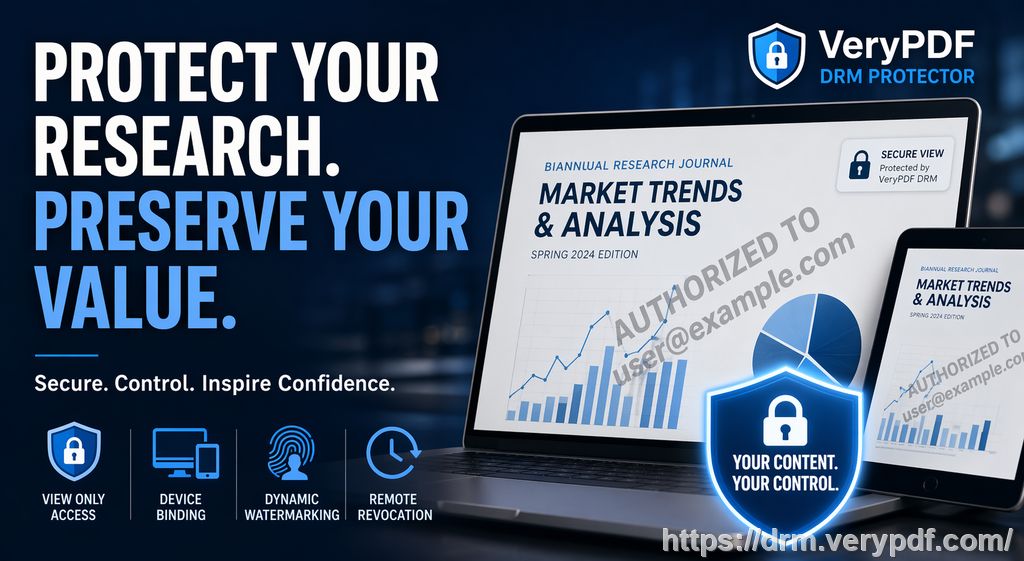
As the digital age continues to evolve, managing and safeguarding educational resources has become a pressing concern for educators like myself. What happens when the PDF you created for a class project gets shared on a public forum or turned into a Word document without your consent? You lose control, and that's a risk I simply cannot afford to take anymore.
Fortunately, this problem can be tackled head-on using VeryPDF DRM Protector. This powerful tool offers a practical solution for professors, content creators, and universities, allowing them to secure PDF files from piracy, unauthorized sharing, and editing.
The Challenge of Controlling PDF Use
Here are some common pain points many educators face when distributing PDFs to students:
-
Unauthorized Sharing and Redistribution: How often have I come across a student's shared assignment PDF on a different forum or even a file-sharing site? This is a headache for anyone who spends time curating content.
-
Loss of Control Over Paid or Restricted Content: When students access paid lecture notes or assignments, how do I ensure those materials stay within the classroom? The reality is, without protection, I risk losing control.
-
Students Bypassing DRM Protection: Despite having some basic protections in place, students often find workarounds. Some use tools to remove the DRM, while others simply share login credentials. These loopholes make it harder to secure content.
The good news is, solutions like VeryPDF DRM Protector are designed to eliminate these issues effectively. By using this tool, I can prevent students from bypassing protections, making it an invaluable resource for educators dealing with the same issues.
VeryPDF DRM Protector: A Practical Solution
So, how does VeryPDF DRM Protector solve these problems? This tool offers an intuitive way to protect PDF files from unwanted modifications and sharing. Below are some key features that have helped me regain control over my course materials:
-
Restrict Access to Specific Users: I can lock PDFs to specific students, ensuring that only the people enrolled in my class can access the material. No more worries about unauthorized people viewing sensitive content.
-
Stop Copying, Printing, and Conversions: One of the most powerful features is the ability to prevent printing, copying, or converting PDFs into other formats like Word or Excel. This is perfect for keeping exam papers or sensitive assignments safe from being edited or plagiarized.
-
Expiry and Self-Destruction: I can set PDFs to expire after a certain number of views, days, or prints. This ensures that course materials are only accessible for as long as I deem necessary. It's a great feature for homework PDFs or exam papers that need to be accessible only during a limited time frame.
-
Dynamic Watermarks: To further deter students from redistributing content, I can add dynamic watermarks that display user-specific information, like the student's name or email. This makes it clear to anyone viewing or printing the PDF that it's uniquely tied to them.
-
Screen Sharing and Screenshot Prevention: As more courses move online, screen sharing and screenshots have become a significant concern. With VeryPDF DRM Protector, I can block these activities, preventing students from capturing or recording my PDFs during virtual lessons.
Anti-Piracy Benefits That Make a Real Difference
In today's academic landscape, protecting intellectual property is essential. Here's how VeryPDF DRM Protector addresses the growing concern of digital piracy:
-
Prevents PDF Piracy: No more unauthorized redistribution or sharing of my content. VeryPDF DRM ensures that my PDFs are locked down, protecting them from being uploaded to public forums or file-sharing sites.
-
Stops PDF Conversion: One of the most common ways content is pirated is by converting a PDF to an editable format. This tool prevents that from happening, keeping my work secure.
-
Revokes Access When Necessary: Even after distributing content, I can revoke access at any time. This gives me complete control, even if I decide to pull back a document after it's been shared.
Real-Life Examples of How It Helped Me
There was a time when I shared an exam paper with my class, only to find that it was circulating online the next day. It turned out that a student had found a way to bypass the protections I had set in place. I immediately switched to VeryPDF DRM Protector, and since then, I've had no issues with unauthorized sharing or access.
Similarly, for a recent set of homework PDFs, I restricted the number of prints students could make. This ensured that no one would be tempted to print out multiple copies or share the content outside of the classroom.
Conclusion: Take Control of Your Content
I highly recommend VeryPDF DRM Protector to any educator looking to secure their course materials. With its easy-to-use interface and comprehensive set of security features, I can focus on teaching rather than worrying about unauthorized access to my work.
If you're tired of students bypassing protections or sharing your content illegally, this tool is the solution. Try it now and protect your course materials: https://drm.verypdf.com. Start your free trial today and regain control over your PDFs.
FAQ
1. How can I limit student access to PDFs?
You can lock PDFs to specific devices or users, ensuring that only enrolled students can access the content. This helps prevent unauthorized sharing.
2. Can students still read the PDFs without copying, printing, or converting them?
Yes, students can read the PDFs as intended, but they cannot copy, print, or convert the document into other formats, ensuring your content stays secure.
3. How can I track who accessed the files?
VeryPDF DRM Protector allows you to track usage by adding dynamic watermarks that display user-specific information. You can also audit who accessed the files.
4. Does it prevent PDF piracy and unauthorized sharing?
Absolutely. The software prevents students from distributing or sharing your PDFs, and also stops any attempts to remove DRM protections.
5. How easy is it to distribute protected lecture slides and homework?
It's incredibly simple. Once you've protected your PDFs, you can distribute them through email, web links, or even USB drives, and they will remain secure.
Tags or Keywords:
-
Protect course PDFs
-
Prevent PDF piracy
-
Stop students sharing homework
-
Secure lecture materials
-
Prevent DRM removal
-
Anti-conversion PDF DRM