 The Risks: Unauthorized Sharing and Data Leaks
How VeryPDF DRM Protector Helps Secure Your Business Plans and Market Research Reports from Unauthorized Users
As a business owner, I often worry about my market research reports being leaked or shared without permission. You work hard to gather valuable insights and data, but the moment you share those reports with stakeholders or clients, you lose control over how they're distributed. Worse, what if a competitor or unauthorized individual gains access to them?
In today's fast-paced business world, where data is king, protecting sensitive information has never been more crucial. Market research, business strategy documents, and proprietary materials are the backbone of your business. Losing control over these documents could lead to a significant financial loss or even intellectual property theft. That's where VeryPDF DRM Protector comes in.
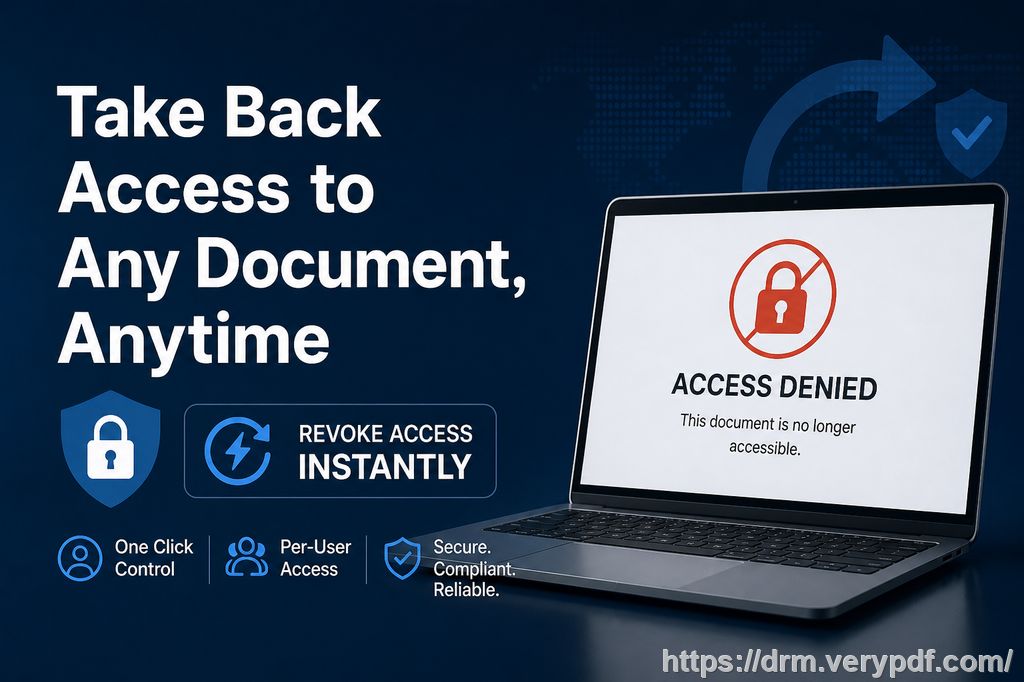
With DRM (Digital Rights Management) technology, you can secure your confidential business reports and ensure that they remain accessible only to authorized users. In this article, I'll share how DRM Protector can prevent unauthorized access, copying, and distribution of your valuable documents, ensuring your business's sensitive data stays secure.
The Risks: Unauthorized Sharing and Data Leaks
Let's face it: no matter how carefully we plan, there's always the risk of confidential business documents being shared or leaked. Whether it's a sensitive market research report or an internal business strategy document, once the file is out of your hands, you can't control what happens to it.
For example, imagine you send a client a detailed market research report. A few days later, you discover that the report has been forwarded to competitors or, worse, shared publicly. The loss of control can be devastating. It's not just about the data; it's about the trust you've built with your clients and stakeholders. Now, your competitors have access to information that could have given you an edge in the market.
Here are a few common pain points business owners like me face:
-
Unauthorized Sharing of Reports: It's easy for recipients to forward documents without your consent.
-
Document Leakage: Once a report is in someone's hands, you lose visibility of how it's being shared.
-
Conversion and Printing Risks: Business-critical documents like market research reports can be converted to Word, Excel, or images, making it harder to track or protect.
How VeryPDF DRM Protector Helps
VeryPDF DRM Protector is a simple yet powerful tool that helps you protect your business's confidential documents by adding layers of security that prevent unauthorized access, copying, and conversion. By using this tool, you can prevent leakage and ensure that your proprietary data is only accessible to those you trust.
Here's how DRM Protector can solve common problems faced by business professionals:
-
Restricting PDF Access to Authorized Users
You can set restrictions so only specific users or departments have access to your sensitive files. If you're sharing a report, you can ensure that only the intended recipient can open it. No more worrying about someone forwarding it to the wrong person. -
Preventing Printing, Copying, or Forwarding
With DRM protection, you can stop recipients from printing, copying, or sharing the document. This ensures that your market research reports and business plans remain confidential, even if they're shared with others within a company. For example, if you send a report to a client, they won't be able to print it or copy any sensitive content from the document. -
Stopping Unauthorized Conversion
One of the biggest risks with PDF documents is that they can easily be converted into Word, Excel, or image files, which may be used without permission. DRM Protector prevents this by locking down your files, ensuring that they cannot be converted into another format. This is a game-changer when protecting intellectual property.
Real Business Scenarios: How DRM Protector Made a Difference
Let me share a real story from my experience. A few years ago, I created an in-depth market research report that contained proprietary insights into emerging industry trends. I shared the report with a few trusted partners, but within days, I found out that the document had been circulated beyond the original recipients. One of my competitors had access to the report, and it was clear that they had used the insights to improve their own strategy.
This was a major setback. I realized that the lack of control over who had access to the document and what they did with it had led to this situation. That's when I decided to try out DRM Protector, and it made all the difference.
I used DRM Protector to lock down my documents and ensure that they couldn't be forwarded or converted into other formats. I also set expiration dates for the reports so that they couldn't be accessed after a certain time. This gave me peace of mind, knowing that my valuable market research wouldn't be misused again.
The Anti-Piracy Benefits of DRM Protection
Beyond just controlling access, DRM Protector offers a powerful anti-piracy advantage. Here's why it's so effective in preventing the unauthorized sharing or piracy of business documents:
-
Prevents Unauthorized Users from Bypassing Security
DRM technology makes it nearly impossible for unauthorized users to bypass the protection. Even if someone tries to use third-party software to remove the DRM, it simply won't work. -
Keeps PDFs Safe from Conversion
Many tools available today allow people to convert PDFs to Word or Excel. DRM Protector stops this from happening, ensuring that your documents remain in their original, protected form. -
Maintains Full Control Over Distribution
By using DRM protection, you have full control over how your reports are shared and who has access to them. You can even track the access logs to see who opened your files, giving you insights into the usage of your business documents.
Step-by-Step Guide: How to Protect Your Business Documents
Let's look at a simple step-by-step guide to get started with VeryPDF DRM Protector:
-
Download and Install: Head over to VeryPDF DRM Protector and download the software.
-
Upload Your Document: Once installed, upload the PDF document you want to protect.
-
Set Permissions: You can choose to restrict printing, copying, and conversion. You can also set the document to expire after a certain date.
-
Distribute with Confidence: Share the protected PDF with your clients, team members, or partners, knowing it's secure.
Conclusion: Protect Your Business Documents Today
VeryPDF DRM Protector offers an easy, reliable solution for protecting your confidential business documents, such as market research reports and business plans, from unauthorized access. I highly recommend this tool to anyone who distributes sensitive business documents. It's easy to use, provides robust protection, and ensures your information remains confidential.
Try it now and protect your business reports: https://drm.verypdf.com
Start your free trial today and keep your market research secure.
FAQs
1. How can I limit access to confidential business documents?
You can use DRM Protector to restrict access to specific users or departments, ensuring that only authorized individuals can view your files.
2. Can I prevent others from copying, printing, or converting my reports?
Yes, DRM Protector lets you stop recipients from printing, copying, or converting your documents into other formats like Word or Excel.
3. How do I track who accessed my business reports?
The software includes tracking features that allow you to see who opened your document and when, giving you full visibility over its distribution.
4. Does DRM technology prevent unauthorized sharing of PDFs?
Absolutely. DRM Protector encrypts your PDFs and prevents them from being forwarded or shared without your consent.
5. How easy is it to distribute protected business reports to clients or colleagues?
Once protected with DRM, you can safely share your documents with clients or colleagues without worrying about unauthorized access or leaks.
Tags or Keywords
-
protect business reports
-
secure market research
-
prevent PDF piracy
-
stop unauthorized access
-
protect confidential PDFs
-
prevent PDF conversion