 The Struggle: Sharing, Copying, and Printing Issues in the...
As a professor, I often find myself concerned about the possibility of my lecture PDFs being shared or converted without my permission. Whether it's a set of lecture slides or a homework assignment, once I share them, I have very little control over what happens to them. Students might easily share these materials with their friends, or worse, upload them to a public forum. It's frustrating and, at times, feels like a complete loss of control over my own work.
This is where VeryPDF DRM Protector steps in to offer a solution that prevents unauthorized distribution of digital course content. It's an easy-to-use tool that allows me to safeguard my PDFs and ensure that they remain protected, no matter where or how they are accessed. It's not just about adding a password to a document; it's about fully controlling how the document is used, who can access it, and for how long.
The Struggle: Sharing, Copying, and Printing Issues in the Classroom
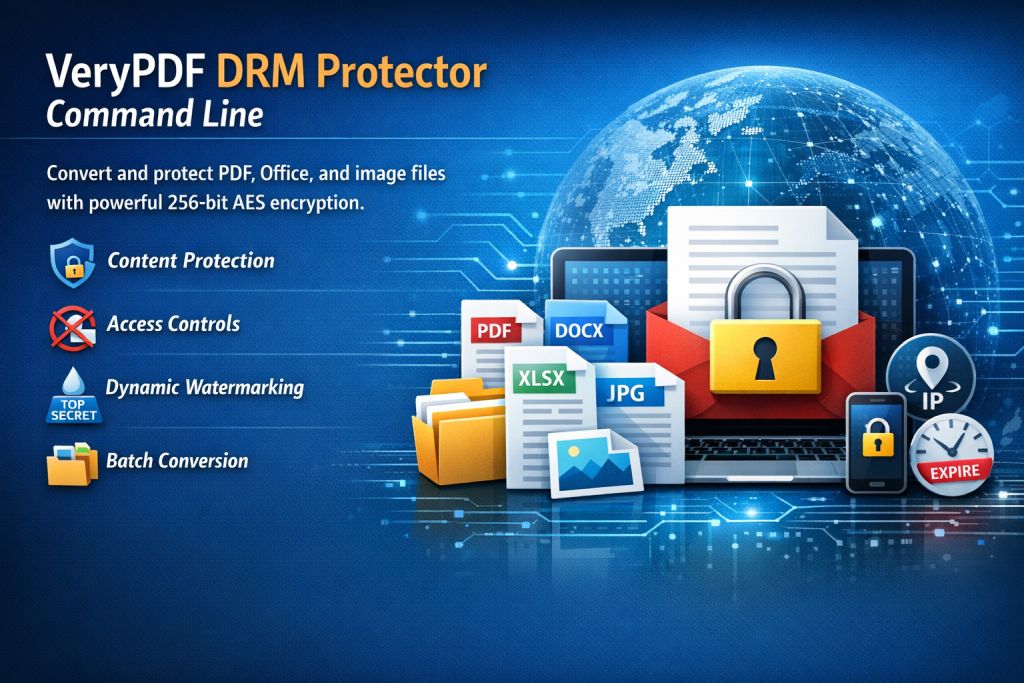
Teaching digital content has its perks, but it also comes with significant challenges. A few common problems I encounter on a regular basis include:
-
Students Sharing PDFs Online
After I upload course materials to the learning management system (LMS), some students will inevitably share them with others, whether they're enrolled or not. This compromises not only the integrity of the course but also my authority as the creator of the materials. -
Unauthorized Printing and Copying
In some cases, students print out lecture slides or homework assignments and distribute them to others. Others may convert PDFs into Word documents, which can then be edited or shared freely. This not only causes issues in terms of academic integrity but also opens up possibilities for piracy. -
Loss of Control Over Paid Course Content
If I'm selling my course materials or offering exclusive content to my students, I need to know that those materials aren't being passed around to people who haven't paid for them. Unfortunately, without a tool like VeryPDF DRM Protector, I am left hoping that students will follow the rules.
The Solution: VeryPDF DRM Protector
What I've found works best in addressing these challenges is using VeryPDF DRM Protector. It's a robust software that protects my PDF files in several ways, ensuring that they can't be shared, copied, or printed without my permission. Here's how it solves my biggest problems:
-
Control Who Accesses Your PDFs
One of the key features of VeryPDF DRM Protector is that it allows me to restrict access to my documents. I can lock PDFs to specific students or even specific devices, so if a student tries to share a PDF outside of the authorized group, they simply won't be able to access it. -
Prevent Copying, Printing, and Converting
With this tool, I can prevent students from copying text, printing documents, or converting PDFs into other formats like Word or Excel. It's a total game-changer, as it eliminates the risk of content being pirated or modified without my consent. I've even had students try to print lecture slides to share with friends, only to find that the printing function was disabled entirely. -
Expiry and Revocation Control
The DRM Protector can automatically expire PDFs after a set number of views, prints, or days. This is ideal for course materials that are only relevant for a certain period of time. If I want a set of slides to only be available until the end of the semester, I can configure it to expire after the last lecture. Additionally, if a student shares a document with someone they shouldn't, I can revoke access to that document at any time—even after it's been distributed. -
Dynamic Watermarks
Another feature I love is the dynamic watermarking. Whenever a student views or prints a protected document, their name, email address, or even the time and date appear as a watermark. This makes it clear that the content is traceable and discourages students from sharing it, as they know they can be identified if it ends up somewhere it shouldn't. -
Stopping Screen Sharing and Screenshots
With so many virtual classrooms these days, I'm particularly worried about students sharing documents during online classes. VeryPDF DRM Protector stops screen sharing and screen grabbing apps, ensuring that no one can take screenshots or record the screen during a live session. This feature has been invaluable during online lectures, where I've had to trust that my materials won't be leaked via digital means.
Real-Life Impact: How DRM Protector Has Helped Me
Before I started using VeryPDF DRM Protector, I once had a situation where a set of exam study materials was shared in a private Facebook group. It wasn't until several days later that I found out, and by then, it was too late. Since then, I've been using DRM protection on all my materials, and it's given me peace of mind knowing that my intellectual property is safe.
I also noticed that the process of distributing protected materials is seamless. I can upload PDFs to my LMS or email them directly to students, and they can open them without needing any special software. The protection is all in the background, ensuring that my content stays secure without complicating things for students.
Benefits Beyond the Classroom: Protecting Intellectual Property
As educational content creators, we often put a lot of effort into developing resources that help students succeed. Protecting that content is just as important as creating it. VeryPDF DRM Protector not only ensures that my content remains secure but also allows me to maintain control over how it's used. The software lets me:
-
Safeguard lecture slides, homework assignments, and even paid course materials from piracy.
-
Prevent students from bypassing PDF security and sharing content they shouldn't.
-
Maintain my authority over the digital resources I create.
-
Protect my intellectual property from misuse and unauthorized distribution.
Conclusion: Protect Your Course Materials Today
VeryPDF DRM Protector has revolutionized how I distribute and protect my teaching materials. Whether it's preventing piracy, stopping students from sharing their homework, or ensuring that my lecture slides stay within the class, this tool is a must-have for any educator who values their content.
I highly recommend this to anyone distributing PDFs to students. The security and control it provides are unmatched, and it's incredibly easy to use. If you're looking to protect your materials and stop the unauthorized distribution of your work, try it now and protect your course materials: https://drm.verypdf.com. Start your free trial today and regain control over your PDFs.
FAQs
-
How do I limit student access to PDFs?
You can lock PDFs to specific users or devices, ensuring only the intended recipients can view the materials. -
Can students still read the PDFs without copying, printing, or converting?
Yes, students can view the PDFs but won't be able to copy, print, or convert them unless you specifically allow those actions. -
How can I track who accessed my PDFs?
You can use the watermarking feature to display the user's details, like name and email, on the document. Additionally, the tool logs access details, allowing you to track usage. -
Does it prevent PDF piracy and unauthorized sharing?
Absolutely. With features like device locking, print restrictions, and expiry controls, DRM Protector ensures your documents are safe from unauthorized sharing or conversion. -
How easy is it to distribute protected lecture slides and homework?
Very easy! You can upload protected PDFs directly to your LMS, email them to students, or even distribute them via USB. There's no complicated setup needed for students to view the protected files.
Tags or Keywords
-
Protect course PDFs
-
Prevent PDF piracy
-
Stop students sharing homework
-
Secure lecture materials
-
Prevent DRM removal
-
Anti-conversion PDF DRM