 Common Classroom Pain Points: Protecting Your Digital...
As a professor, one of my biggest concerns is the safety of my course materials. I often create extensive PDFs of lecture slides, assignments, and course readings, but there's always a nagging worry—what happens if students share these documents with others? Worse, what if they convert them into other formats or print them out and distribute copies? In the digital age, this kind of piracy is more common than ever, but there are solutions available to safeguard your work.
In this article, I'll share how VeryPDF DRM Protector can help prevent unauthorized sharing, copying, printing, and conversion of your valuable teaching content. Let's dive into the key pain points many of us face and how DRM (Digital Rights Management) can provide peace of mind, ensuring that our PDFs remain in our control.
Common Classroom Pain Points: Protecting Your Digital Content
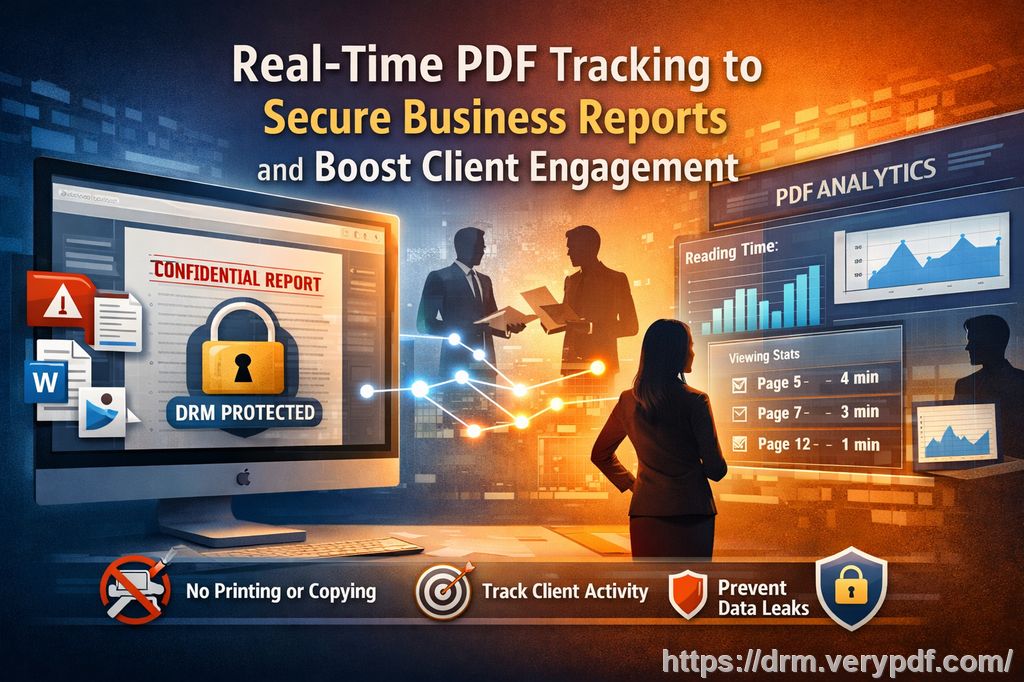
1. Students Sharing PDFs Without Permission
One of the most common frustrations professors face is discovering that students are sharing their course materials with others, often without permission. This could mean your carefully crafted lecture slides are passed around social media or uploaded to file-sharing sites. Once that happens, you lose control over who's accessing your material—and there's little you can do to stop it.
2. Unauthorized Printing or Copying
Another issue is unauthorized printing or copying. Imagine a student printing out your lecture slides to sell them to others. Or worse, copying portions of your textbooks and selling them as their own work. The digital nature of PDFs should theoretically give us more control, but without proper protections in place, these documents are easily compromised.
3. Loss of Control Over Paid or Restricted Course Content
If you offer paid course materials or exclusive lecture notes, you might face the added risk of content theft. Once a student has access to these materials, they can easily distribute them beyond the classroom. This can lead to lost revenue and, worse, a diminished sense of security regarding your intellectual property.
The Solution: VeryPDF DRM Protector
To combat these issues, I turned to VeryPDF DRM Protector. This tool provides powerful protection for PDFs and other digital content, and it's incredibly easy to use. Below, I'll walk you through how this solution can safeguard your materials.
Restrict Access to Enrolled Students Only
One of the primary features of VeryPDF DRM Protector is the ability to lock PDFs to specific users or devices. This ensures that only the students you've approved have access to your course materials. Whether you're distributing lecture slides or assignments, you can rest assured that unauthorized individuals won't be able to view them. Even better, if a student transfers your PDF to someone else, that second person won't be able to open it.
Prevent Printing, Copying, or Forwarding
VeryPDF DRM Protector gives you the ability to disable printing and copying for PDFs. This means that students can view the document, but they won't be able to print it or extract content to use elsewhere. For materials like assignments or exams, this feature is essential for preventing cheating or plagiarism.
Even more impressively, the software prevents forwarding. Once a document is sent to an authorized recipient, it stays within the parameters you've set. This gives you full control over who gets to access your content.
Lock PDFs to Devices or Locations
Another amazing feature is the ability to lock your PDFs to specific devices or locations. This means you can restrict access to only the computers or tablets that you've authorized. For example, if a student attempts to open your content on a different device, they won't be able to access it.
You can also set up geographic restrictions, ensuring that your content can only be accessed from certain locations, such as a campus network. This is ideal for preventing unauthorized access from individuals outside of the intended user group.
Dynamic Watermarks for Anti-Piracy
Watermarks are another feature that comes in handy with VeryPDF DRM Protector. Unlike simple watermarks that are easy to remove, VeryPDF's dynamic watermarks display user-specific information, such as the student's name, email address, and the date/time of access. These watermarks make it clear who is responsible for the document and act as a deterrent against piracy.
If a student attempts to photocopy the document or take a screenshot, the watermark will be visible, making it easier to trace the source of any leaks.
Expiry and Self-Destruct Features
Another useful function is the ability to set expiry dates for your PDFs. You can specify when the document will no longer be accessible, either after a certain number of views, days, or prints. This feature is especially useful for time-sensitive materials, such as homework assignments or exams that need to be protected until submission.
Additionally, you can configure a self-destruct feature that will make the PDF disappear entirely after a fixed period or once a student has viewed it a set number of times. This ensures that your materials aren't sitting around long after they're no longer needed.
Revocation: Instantly Revoke Access
The ability to revoke access to a document at any time is invaluable. Let's say a student misuses their access to your materials, or you simply want to stop the circulation of a certain file. VeryPDF DRM Protector allows you to instantly revoke access to documents, even if they've already been distributed. This feature gives you ultimate control over your content, and it works regardless of where the document has been shared.
Real Classroom Examples
I've seen firsthand how DRM protection can make a real difference in the classroom. In one instance, I distributed a PDF of lecture slides to my students for an upcoming exam. Without DRM, it wouldn't have been long before some students tried to share the slides with others. However, with VeryPDF DRM Protector in place, I could ensure that only the students who were enrolled in my course had access to the materials. Furthermore, I could prevent them from printing or copying the slides, ensuring they couldn't use the content inappropriately during the exam.
Another time, I had a student who mistakenly sent a homework PDF to someone outside the class. Thanks to the revocation feature, I was able to quickly revoke their access and issue them a new, secure version of the assignment. This saved me from having to deal with a potential breach of academic integrity.
Conclusion: Why I Highly Recommend VeryPDF DRM Protector
As a professor, securing my teaching materials is a top priority. Whether it's ensuring my lecture slides are only accessible to my students or preventing the piracy of my paid course materials, VeryPDF DRM Protector has been an invaluable tool. It not only protects against unauthorized sharing and copying but also provides anti-piracy measures like dynamic watermarks and expiry dates.
I highly recommend this to anyone distributing PDFs to students. It's easy to use, effective, and provides a much-needed layer of protection for your digital content.
Start protecting your course materials today by signing up for a free trial at https://drm.verypdf.com.
FAQs
1. How can I limit student access to PDFs?
With VeryPDF DRM Protector, you can lock PDFs to specific devices or users, ensuring only those enrolled in your course can access the material.
2. Can students still read the PDFs without copying, printing, or converting?
Yes, students can still read the PDFs, but they won't be able to copy, print, or convert them to other formats, thanks to the tool's robust protection features.
3. How can I track who accessed the files?
VeryPDF DRM Protector's dynamic watermarks display user-specific information, such as names and email addresses, on the document itself. You can also track document usage through detailed logs.
4. Does it prevent PDF piracy and unauthorized sharing?
Yes, DRM protection prevents unauthorized sharing, copying, and printing. The dynamic watermarks also discourage piracy by identifying the user responsible for any leaks.
5. How easy is it to distribute protected lecture slides and homework?
It's simple. Once you've applied DRM protection, you can distribute the files as you normally would—via email, web portal, or USB—knowing the content is secure.
6. Can I revoke access to documents after they've been shared?
Yes, you can instantly revoke access to any document, even after it's been shared, ensuring you maintain control over your content at all times.
7. Is there any limit to how long I can protect my PDFs?
You can set expiry dates, limit views, or even have documents self-destruct after a certain period or number of views, providing total flexibility in managing your materials.
Tags or Keywords
-
protect course PDFs
-
prevent PDF piracy
-
stop students sharing homework
-
secure lecture materials
-
prevent DRM removal
-
anti-conversion PDF DRM