 The Problem: Unauthorized Access and Distribution of Business...
How to Protect Your Business Reports and Market Research from Unauthorized Access
As a business owner, I've faced the frustration of seeing sensitive company reports—market research, financial documents, and proprietary business strategies—circulating where they shouldn't be. Whether it's a competitor getting their hands on confidential market data or an employee leaking internal reports, once that information is out, it's almost impossible to get it back. So, what can we do to prevent this from happening?
In today's world, where digital information is easily shared and accessed, controlling who sees and uses your business documents has never been more important. This is where VeryPDF's DRM Protector comes in. This tool provides a straightforward, effective way to protect your most sensitive business documents from unauthorized access, copying, and distribution. Let me walk you through the common issues we all face with business document security and how DRM Protector can solve them.
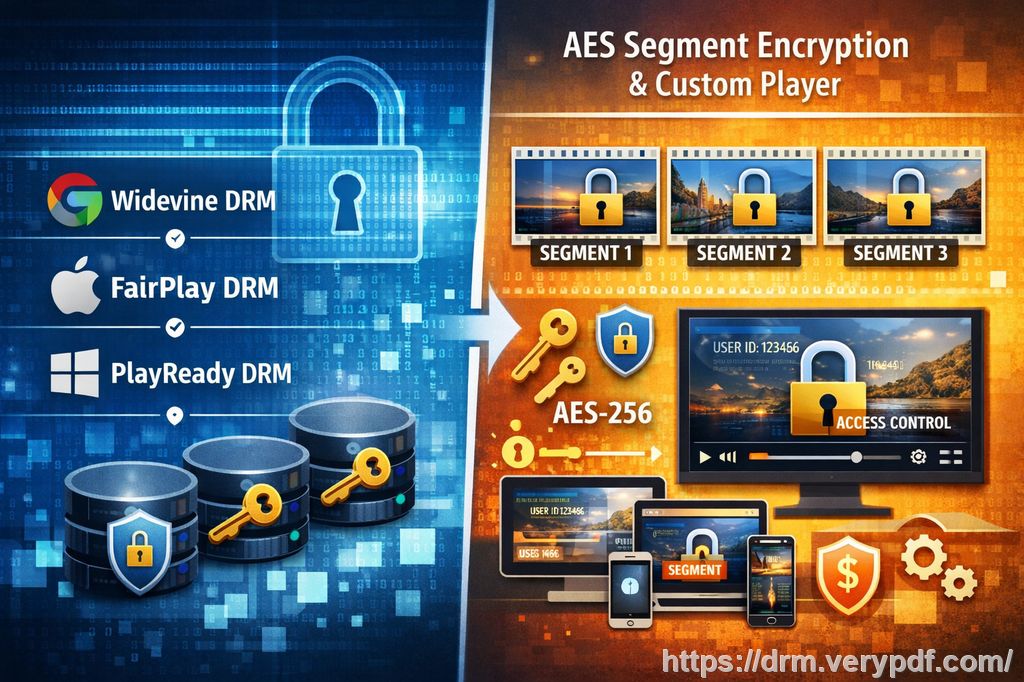
The Problem: Unauthorized Access and Distribution of Business Documents
As business owners, managers, and market analysts, we often deal with confidential documents that could have a major impact if they fall into the wrong hands. Market research reports, client-facing presentations, proprietary business strategies, and even financial forecasts—these are the lifeblood of our businesses. But when these documents are shared without permission or converted to other formats like Word or Excel, they become vulnerable to misuse or theft. Here are just a few of the common issues we face:
-
Market Research Reports Leaked: I can't tell you how many times I've had market research reports emailed to competitors or shared within company-wide email threads that were meant to be private. It's stressful because those reports contain valuable data that could give someone a competitive edge.
-
Unauthorized Copying and Conversion: Even worse, I've seen confidential data from our business documents converted into other formats like Word or Excel. Not only does this make the information harder to trace, but it also leaves us open to further leaks.
-
Loss of Control Over Sensitive Data: Once a document is shared, it's often impossible to know who's seen it, who's printed it, or who's forwarded it to others. This lack of control over your confidential documents can lead to real consequences, from losing clients to compromising business strategies.
The Solution: VeryPDF DRM Protector
That's where VeryPDF's DRM Protector comes into play. With its advanced security features, this tool ensures your business documents remain secure, whether they're shared internally, with clients, or with external partners. Here's how it can help:
1. Limit Access to Authorized Users Only
One of the biggest headaches for any business is making sure the right people are accessing the right documents. Whether it's a market report or an internal strategy document, you don't want unauthorized individuals reading or sharing your materials. DRM Protector allows you to restrict access to specific individuals, departments, or teams.
For example, imagine you're working with a team on a confidential market research project. With DRM Protector, you can ensure that only team members with the correct credentials can access the document. If someone outside the group tries to open the file, they'll be locked out.
2. Prevent Unauthorized Copying, Printing, and Conversion
Another common issue I've faced is employees or partners printing confidential reports or converting them into editable formats, like Word or Excel, which makes it too easy for the information to be shared or altered. With DRM Protector, you can prevent printing, copying, and conversion.
For instance, let's say you're sending out a proprietary business strategy report. With DRM Protector, you can stop recipients from printing the document, copying text from it, or converting it into another format. Even if they try to bypass these restrictions, they'll find it impossible. This significantly reduces the chances of your business documents getting into the wrong hands.
3. Track and Monitor Access
One feature I've found invaluable is the ability to track who has accessed your documents. This is especially useful for sensitive information that you only want certain employees, clients, or partners to see. DRM Protector gives you the option to monitor document views, downloads, and printing actions. This level of control ensures you're always in the loop about who is accessing your materials.
4. Encryption and Anti-Piracy Protection
When it comes to preventing piracy and unauthorized sharing, DRM Protector goes a step further with document encryption. Your sensitive business files are encrypted, making it incredibly difficult for unauthorized users to crack open and misuse your content.
This is particularly useful when sharing market research reports or proprietary business strategies. Since these documents are protected by encryption, competitors or unauthorized individuals can't easily steal or share your confidential data.
Real Business Examples: DRM Protector in Action
Let's take a look at a few scenarios where DRM Protector can save you time and protect your sensitive business materials:
-
Market Research Reports: A market research analyst at a competitor could easily intercept or obtain your research findings, potentially using them to launch competing products. By encrypting these reports with DRM Protector, you ensure they're accessible only by authorized people, and the data is protected from copying, printing, or conversion.
-
Confidential Business Plans: You've spent months developing a new business strategy or expansion plan. The last thing you want is for that document to be printed, emailed, or shared outside of your team. DRM Protector lets you restrict printing and copying so your sensitive business plans are kept safe.
-
Client Contracts and Agreements: When sending out contracts to clients, you want to make sure that the document cannot be altered after it's been signed. With DRM Protector, you can prevent any changes to the document, ensuring your contracts are secure and intact.
Conclusion: Take Control of Your Business Documents Today
If you're tired of worrying about unauthorized access or distribution of your business documents, I highly recommend giving VeryPDF DRM Protector a try. This tool will help you keep full control over your sensitive materials, whether you're dealing with market research, proprietary business documents, or client-facing reports.
With its easy-to-use interface, strong encryption, and features like tracking and restricting access, DRM Protector offers everything you need to protect your business data from piracy and unauthorized sharing.
Try it now and protect your business reports: https://drm.verypdf.com
Start your free trial today and keep your market research secure.
FAQs
How can I limit access to confidential business documents?
You can use DRM Protector to restrict access to specific users or departments. Only authorized individuals will be able to open the documents, while others will be denied access.
Can I prevent others from copying, printing, or converting my reports?
Yes! DRM Protector allows you to disable printing, copying, and conversion, so your documents stay secure and cannot be shared or altered without your permission.
How do I track who accessed my business reports?
DRM Protector provides detailed access logs that let you track who opened, downloaded, or printed your business documents, giving you full visibility over your sensitive content.
Does DRM technology prevent unauthorized sharing of PDFs?
Absolutely. DRM Protector prevents unauthorized sharing, copying, and printing of your PDFs, making it incredibly difficult for anyone to misuse your documents.
How easy is it to distribute protected business reports to clients or colleagues?
It's simple! You can share the protected reports just like any other PDF, and recipients can only access them if they have the correct permissions, ensuring your content remains secure.
Tags/Keywords
-
Protect business reports
-
Secure market research
-
Prevent PDF piracy
-
Stop unauthorized access
-
Protect confidential data