 How to Secure Your Lecture PDFs and Prevent Unauthorized...
How to Secure Your Lecture PDFs and Prevent Unauthorized Distribution
As a professor, one of my greatest concerns is ensuring that my lecture materials remain secure and are not shared, printed, or converted without my permission. It's frustrating when I spend hours crafting well-designed slides, homework assignments, and other course content, only for it to be freely distributed online or misused by students.
For many educators, this issue is more than just a theoretical concern. With the rise of digital learning platforms and the increasing reliance on PDFs for sharing course materials, it's become a real problem. Once a student has access to a PDF, it's easy for them to share it with others or even convert it to another format. This can lead to content being shared with individuals who aren't enrolled in the course or worse, being sold online. So, how can we protect our PDFs from this kind of piracy?
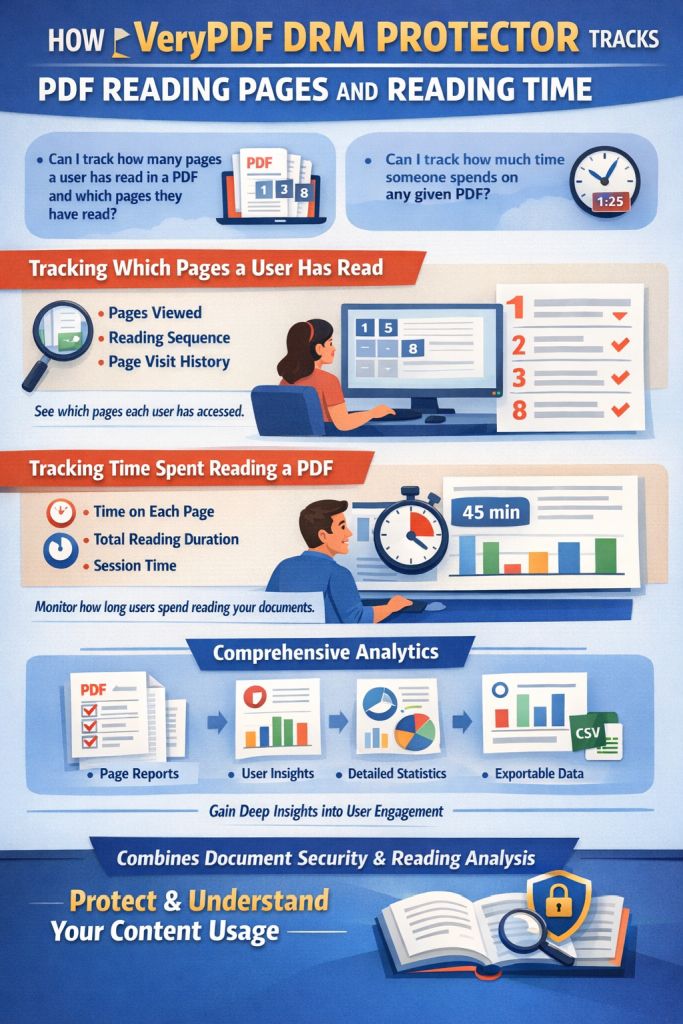
The answer lies in a powerful tool called VeryPDF DRM Protector. This tool can help you lock down your PDFs and give you control over how, when, and by whom they are accessed. Here's how it works and why it's an essential part of your teaching toolkit.
Common Classroom Pain Points and How DRM Protector Can Help
Let's break down the common problems educators face when sharing digital content and how VeryPDF DRM Protector solves them.
Problem #1: Students Sharing PDFs Without Permission
How many times have you sent out course materials, only to discover later that they've been shared with students not in your class? Maybe a student sends the homework PDF to a friend, or a lecture slide set is uploaded to an online forum. It's frustrating because it undermines the value of your work and can even breach copyright agreements if you're using proprietary content.
Solution: With DRM protection, you can restrict access to your PDFs to specific users—your enrolled students, for example. You can even lock the content to specific devices, meaning that students can only access your materials on the computers or phones they've registered. This makes it nearly impossible for students to forward the document to others.
Problem #2: Unauthorized Printing or Copying
Another concern is that students can print out your materials or, even worse, copy and paste sections of your PDFs into their own work. This can be damaging, especially if it's paid or valuable content that you've spent a lot of time developing.
Solution: VeryPDF DRM Protector offers a simple but powerful solution to this problem: it prevents unauthorized printing and copying. You can set rules that stop students from printing the PDF altogether or limit the number of prints. Additionally, it can block copying or pasting text from your PDF into other documents, ensuring your intellectual property stays secure.
Problem #3: Loss of Control Over Paid or Restricted Course Content
If you're selling course materials or offering exclusive content, it's critical to retain control over how those materials are used. Once someone has access to your PDF, you lose control. They could distribute it, print it, or even use it in ways you never intended.
Solution: VeryPDF DRM Protector solves this issue with dynamic controls that let you limit access to your PDF. You can set expiration dates, restrict the number of times a document can be viewed, and even revoke access at any time. This means that once a document has been distributed, you can still control its fate.
Anti-Piracy Features of VeryPDF DRM Protector
Let's dive into some of the anti-piracy features that VeryPDF DRM Protector offers. These features can help you safeguard your content from unauthorized distribution, copying, and printing.
-
Device Locking: Lock PDFs to specific devices, such as computers or USB sticks. This ensures that only those authorized can view or use the documents.
-
Dynamic Watermarks: Apply watermarks that identify the user, such as their name or email. This serves as a deterrent to content redistribution and ensures that if someone tries to share your document, it will be clearly traceable back to them.
-
Prevent Printing and Conversions: Stop students from printing your PDFs or converting them to Word, Excel, or image formats. This gives you full control over how your materials are shared.
-
Expiry & Revocation: You can set documents to expire after a certain number of views, prints, or on a fixed date. Additionally, you can revoke access even after distribution, making sure the content is always under your control.
-
Stop Screen Grabbing: It's frustrating to know that some students might try to take screenshots of your materials during online classes. With VeryPDF DRM Protector, you can stop screen grabs and screen sharing, ensuring that your content can't be captured in this way.
How DRM Protector Streamlines Your Teaching Workflow
In addition to protecting your PDFs, VeryPDF DRM Protector can also help streamline your teaching workflow. It's easy to use and doesn't require any technical expertise to get started. You can upload your documents and apply DRM protection in just a few clicks.
For example, I was able to secure my lecture slides for an upcoming semester using VeryPDF DRM Protector. I simply selected the PDF files I wanted to protect, applied my preferred restrictions (no printing, no copying, device locking), and set expiry dates. I then uploaded the protected documents to my course platform, knowing they were secure.
In the past, I spent hours worrying about unauthorized sharing and piracy. With VeryPDF DRM Protector, that concern is a thing of the past. I now have full control over my content, which allows me to focus on what really matters: teaching.
Real-World Example: Stopping Unauthorized Content Distribution
Let me share a story from last semester. I had a situation where a student took a screenshot of my homework assignment, modified it, and tried to distribute it to other students. Fortunately, because I had applied DRM protection to all my course materials, I was able to track the leak and prevent it from spreading further. I revoked the student's access to the document instantly and was able to prevent any further misuse.
This is just one example of how VeryPDF DRM Protector can help protect your teaching materials from unauthorized sharing and use.
Conclusion: Protect Your Course Materials Today
I highly recommend VeryPDF DRM Protector to any educator who wants to maintain control over their PDFs. Whether you're teaching in-person, online, or using a hybrid model, DRM protection is essential to protect your intellectual property from piracy and unauthorized distribution. It gives you peace of mind, knowing that your course content is safe, secure, and under your control.
Try it now and protect your course materials: https://drm.verypdf.com. Start your free trial today and regain control over your PDFs.
FAQ
1. How can I limit student access to PDFs?
You can lock PDFs to specific devices or users, ensuring that only authorized students can access the content. You can also set expiry dates or limits on the number of views.
2. Can students still read the PDF without copying, printing, or converting it?
Yes! You can restrict or disable printing, copying, and conversions altogether while allowing students to view the PDF as needed.
3. How can I track who accessed the files?
Dynamic watermarks with user-specific information (like their name or email) can be applied to each PDF, making it easy to track who accessed or printed the document.
4. Does it prevent PDF piracy and unauthorized sharing?
Absolutely. With features like device locking, expiry dates, revocation, and preventing screen grabs, VeryPDF DRM Protector effectively stops piracy and unauthorized sharing.
5. How easy is it to distribute protected lecture slides and homework?
It's very simple. You can upload your protected PDFs to your course platform or distribute them via email or USB stick. No complicated setup is required.
Tags
-
protect course PDFs, prevent PDF piracy, stop students sharing homework, secure lecture materials, prevent DRM removal, anti-conversion PDF DRM