 Common Business Pain Points with Document Security
How to Protect Market Research Documents from Unauthorized Sharing and Prevent PDF Piracy
As a business owner, I often find myself facing the challenge of keeping my market research reports secure. These documents contain valuable insights into industry trends, competitor analysis, and growth opportunities. Unfortunately, all too often, I worry about these reports being shared or leaked without my permission. Whether it's an accidental forward to a third party, or worse, intentional distribution to competitors, I've had my fair share of frustrations.
This problem is something many businesses face. If you're creating valuable content—like market research reports, business strategy documents, or client-facing proposals—it's crucial to protect that intellectual property. Without the right security measures, confidential data can easily fall into the wrong hands, resulting in significant business risks, including loss of competitive advantage, unauthorized sharing, and data breaches.
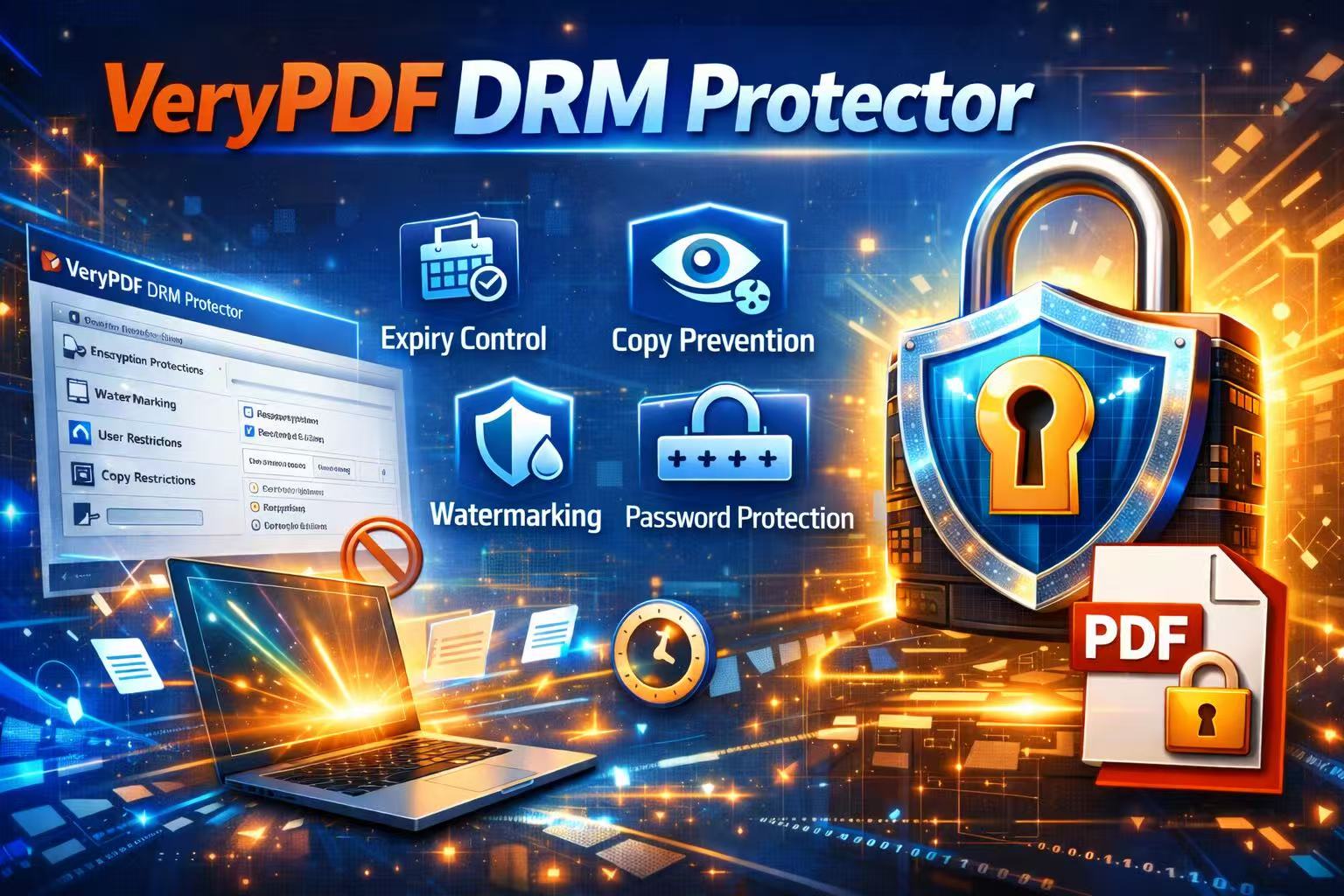
So, how do you protect your market research reports, business plans, and other sensitive documents? This is where VeryPDF DRM Protector comes in. It's an easy-to-use solution that helps businesses like yours secure sensitive documents, prevent unauthorized sharing, and stop piracy. Let's explore how it can solve the issues you face, and how you can start using it to protect your business.
Common Business Pain Points with Document Security
1. Unauthorized Sharing of Market Research and Business Reports
One of the most common frustrations I've faced is when confidential business reports or market research documents are shared outside my organization without proper authorization. This could happen unintentionally, through an email thread, or by a team member forwarding a report to a contact who doesn't need access.
As a business owner, the thought of sensitive documents floating around without my consent is unsettling. It's not just about protecting the data; it's about protecting my company's reputation, credibility, and future growth. I've seen firsthand how easily an email attachment can end up in the wrong hands, putting everything at risk.
2. Risk of Unauthorized Printing, Copying, or Converting Documents
Another headache is the ability for people to copy, print, or convert PDFs into other formats—like Word, Excel, or even images. I've had clients or employees send over reports, only to find that the contents were manipulated or repurposed without permission. Sometimes, these documents get posted on public forums or become freely accessible to competitors.
With the rise of document editing tools, it's far too easy for people to extract data, reformat it, and use it without any accountability. As a result, I've always needed to find a way to restrict access, while still allowing legitimate users to view and interact with the documents.
3. Loss of Control Over Confidential Business Data
Once documents are shared or accessed by people outside the business, it's nearly impossible to regain control. I've lost track of where confidential business plans have ended up after a team member shared them inappropriately. This is especially dangerous when dealing with proprietary business materials or strategic market insights. Even if the data remains internal, the risk of accidental sharing still looms large, potentially compromising my company's future.
How VeryPDF DRM Protector Solves These Problems
1. Restricting Access to Authorized Users Only
One of the main features of VeryPDF DRM Protector is its ability to restrict access to sensitive documents. By adding encryption and DRM (Digital Rights Management) protection, you can control who can open your PDF files. You can set passwords for specific users or departments, ensuring that only the right people have access to confidential documents.
This is particularly useful when working with third-party consultants or clients, where you want to share valuable information but don't want to risk it getting into the wrong hands. With VeryPDF DRM Protector, you can set restrictions on who views your reports, and even assign expiration dates for file access.
2. Preventing Printing, Copying, Forwarding, and Conversion
With the growing ease of converting PDFs into other formats, controlling how your business documents are shared has become crucial. VeryPDF DRM Protector gives you the ability to disable copy-pasting, printing, and forwarding of your documents. This means that even if someone manages to get access to the report, they can't manipulate it or share it freely.
The tool also stops unauthorized conversions, preventing people from turning your protected PDF into an editable Word document or Excel file. This ensures your proprietary business data stays exactly where you intend it to be—secured and intact.
3. Securing Market Research Reports and Business Documents from Piracy
Another key benefit is the ability to secure business and market research reports from piracy. VeryPDF DRM Protector prevents unauthorized users from bypassing PDF security, ensuring that competitors or anyone with malicious intent cannot access or distribute your confidential business materials.
This is a game-changer for businesses working in competitive industries, where even the smallest leak can result in major losses. Whether it's financial reports, research analysis, or business plans, DRM protection ensures that only those who are authorized to view your documents can access them.
Real-Life Stories and Use Cases
Let me share a few examples where VeryPDF DRM Protector saved the day for my business.
Example 1: Securing Market Research from Competitors
A few months ago, I was preparing an in-depth market analysis report for an upcoming product launch. This report contained highly sensitive information, including customer insights, competitor strategies, and pricing models. I was worried about unauthorized sharing and potential leaks.
By using VeryPDF DRM Protector, I was able to encrypt the report and restrict access to only the senior management team. I set an expiration date for the document, ensuring it could only be accessed for a limited time. Not once did I have to worry about a competitor accessing it, or a team member unintentionally forwarding it to the wrong person.
Example 2: Protecting Client-Facing Business Proposals
We frequently create detailed business proposals for potential clients, outlining our services, case studies, and pricing details. These documents are critical to winning contracts, but they also contain proprietary information about our business strategies.
In the past, we had instances where a client forwarded our proposals to others, and we lost track of the document. With VeryPDF DRM Protector, we now restrict access and prevent the documents from being printed or shared. This means we can safely share our proposals, knowing they can't be copied or redistributed without permission.
Conclusion: Protect Your Confidential Business Data Today
As a business owner, protecting your market research, business plans, and proprietary materials is essential to safeguarding your company's future. VeryPDF DRM Protector offers a practical solution to prevent unauthorized access, stop piracy, and maintain full control over your documents. Whether you're working with internal teams, third-party consultants, or clients, DRM protection ensures that your sensitive data stays secure.
I highly recommend this tool to anyone distributing confidential business documents. It's easy to use, protects your intellectual property, and gives you peace of mind knowing that your valuable reports and research are secure from piracy and unauthorized access.
Try it now and protect your business reports: https://drm.verypdf.com
Start your free trial today and keep your market research secure.
FAQs
1. How can I limit access to confidential business documents?
You can limit access using VeryPDF DRM Protector by setting passwords and restricting access to authorized users only. You can also assign expiration dates to prevent long-term access.
2. Can I prevent others from copying, printing, or converting my reports?
Yes, VeryPDF DRM Protector allows you to disable copying, printing, forwarding, and conversion of your PDF reports, ensuring they remain secure.
3. How do I track who accessed my business reports?
The tool provides detailed tracking capabilities, allowing you to monitor who has opened your documents and when, ensuring full control over access.
4. Does DRM technology prevent unauthorized sharing of PDFs?
Yes, DRM technology encrypts your documents and sets restrictions, preventing unauthorized users from sharing, printing, or copying your PDFs.
5. How easy is it to distribute protected business reports to clients or colleagues?
Distributing protected documents is easy; you simply share the encrypted PDF link, and the recipient will only be able to view it if they are authorized.
Tags or Keywords
-
protect business reports
-
secure market research
-
prevent PDF piracy
-
stop unauthorized access
-
protect confidential data