 The Problem: Unauthorized Sharing and Printing of Course...
How to Safeguard Your Course PDFs: Protecting Lecture Materials from Unauthorized Sharing and Piracy
As a professor, I often worry about the distribution of my lecture slides, assignments, and reading materials. These documents, which I work hard to create, are essential to my students' learning but can easily fall into the wrong hands. I've seen students share course PDFs online, and the thought of my materials being copied, printed, or altered without my consent is frustrating.
That's why I decided to find a solution that would give me complete control over how my digital content is shared and used. After some research, I discovered VeryPDF DRM Protector – a tool that allows me to protect my PDFs and stop piracy, unauthorized sharing, and misuse of my content.
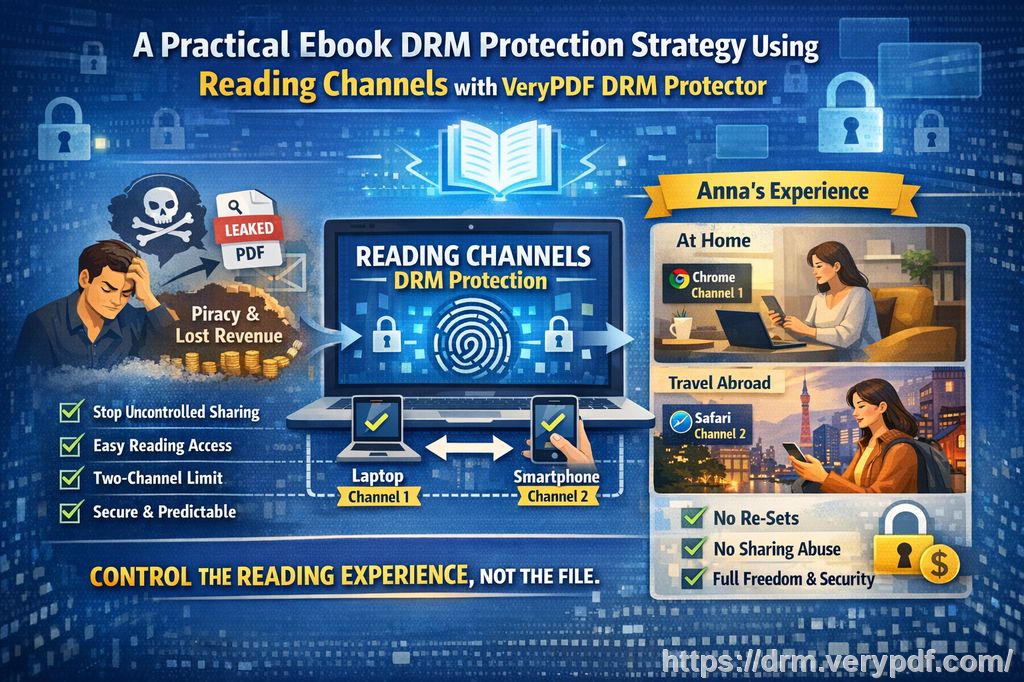
In this article, I'll share the common challenges teachers face when it comes to digital content security and explain how DRM (Digital Rights Management) can help you regain control over your course materials. I'll also show you how VeryPDF DRM Protector can be a game-changer for professors and educational content creators like you.
The Problem: Unauthorized Sharing and Printing of Course PDFs
The digital age has made it incredibly easy for students to share PDFs, whether it's lecture slides, assignments, or even textbook chapters. This convenience is great, but it also opens up the risk of unauthorized distribution.
-
Students Sharing PDFs
Students often share course PDFs with friends, classmates, or even post them on file-sharing sites. This not only violates academic integrity but also leads to the loss of control over the materials. -
Unauthorized Printing or Copying
Another concern is that students might print course materials, modify them, or convert them to Word or Excel files. Even worse, they might distribute these modified versions as their own work or share them with others without your permission. -
Loss of Content Control
Once you send a PDF to your students, you lose control over how it's used. This can be especially concerning when you're distributing paid or exclusive content. In some cases, even legitimate students can unknowingly share files with the wrong people.
The Solution: Protect Your PDFs with VeryPDF DRM Protector
VeryPDF DRM Protector is a powerful tool that allows you to lock down your PDFs and ensure that only authorized users can access and interact with them. It offers a range of features to protect your content, prevent piracy, and keep your documents safe from unauthorized sharing and modification.
1. Restrict Access to Enrolled Students
With DRM Protector, you can control who accesses your PDFs. By locking the documents to specific users, devices, or even locations, you can ensure that only your students have access to the course materials. This means that even if a student tries to share the file, it won't open for anyone else unless you explicitly grant them access.
For example, I've used the device-lock feature to ensure that my lecture slides can only be opened on the devices that my students are using. This eliminates the risk of someone forwarding the file to an unauthorized user.
2. Prevent Printing, Copying, and Converting
One of the best features of DRM Protector is its ability to restrict actions like printing, copying, and converting the document. You can completely disable these actions, ensuring that your students can only view the content without altering it. This is particularly useful when distributing sensitive or paid materials like course books, assignments, or exam papers.
For example, I often distribute assignments in PDF format, but I'm always worried that a student will print the document and share it with others. With DRM Protector, I can prevent printing altogether or even limit the number of prints to ensure that the content stays within the right hands.
3. Expiry and Self-Destruct Features
Have you ever had a student email you months after the course ends, asking for access to the old lecture slides? With DRM Protector, you can set expiry dates on your PDFs. This means that once a certain number of days, views, or prints have passed, the document will automatically expire and become inaccessible. You can also set a fixed date for the content to self-destruct, ensuring that students can't retain access beyond the course duration.
For example, I set expiry dates for my lecture slides so that students can only access them while the course is ongoing. After the last class, the slides become unavailable, preventing any further sharing or distribution.
4. Dynamic Watermarks to Discourage Piracy
Another feature that has proven invaluable in protecting my content is the dynamic watermarking. Every time a student views or prints a PDF, a unique watermark is applied with their information, such as their name or email address. This makes it easy to trace back to the source if the document ends up being shared without authorization.
In my experience, the presence of a visible watermark has discouraged students from distributing materials, as they know that it would be easy to identify them if the document ends up in the wrong hands.
5. Stop Screen Sharing and Screen Grabbing
In today's virtual learning environment, many of us use video conferencing tools like Zoom or WebEx to deliver lectures. One major concern I have is the possibility of students taking screenshots of my presentation slides or recording my session without my permission. With DRM Protector, I can prevent screen sharing and screen grabbing, ensuring that my content remains secure, even during online lectures.
When I was teaching online last semester, I used this feature to prevent students from recording my class and distributing the lecture materials. This gave me peace of mind knowing that my intellectual property was secure.
6. Real-Time Document Revocation
One of the standout features of DRM Protector is the ability to revoke access to a document in real-time. This means that even if the PDF has already been distributed, you can immediately terminate access for all or specific users. This is a lifesaver if you discover that a student has shared the file without your permission or if you need to withdraw access to sensitive content.
I once had a situation where a student shared an exam PDF with unauthorized users. With DRM Protector, I was able to revoke access to the document instantly, preventing further distribution.
Why VeryPDF DRM Protector is Ideal for Educators
Using DRM Protector has simplified my workflow as a teacher. I no longer have to worry about unauthorized sharing, copying, or printing of my course materials. Here's why I highly recommend it:
-
Easy to Use: The tool is simple to set up, and the controls are intuitive. I can protect my PDFs in just a few clicks.
-
Comprehensive Protection: From stopping screen grabs to preventing unauthorized printing, DRM Protector offers a full suite of features to keep my content secure.
-
Peace of Mind: Knowing that my lecture materials are protected gives me more confidence in sharing them with my students.
-
Cost-Effective: Protecting my course materials with DRM is a one-time investment that saves me from worrying about future piracy or unauthorized sharing.
Conclusion: Protect Your Course PDFs Today
If you're an educator who wants to safeguard your digital content from piracy and unauthorized distribution, I highly recommend giving VeryPDF DRM Protector a try. It's a comprehensive, easy-to-use tool that allows you to protect your PDFs, prevent unauthorized sharing, and maintain full control over your teaching materials.
Try it now and protect your course materials: https://drm.verypdf.com
Start your free trial today and regain control over your PDFs.
Frequently Asked Questions
1. How can I limit student access to PDFs?
You can lock your PDFs to specific users or devices, ensuring that only authorized students can access the files.
2. Can students still read the PDFs without copying, printing, or converting them?
Yes, DRM Protector allows students to view the PDF but prevents them from copying, printing, or converting the document to other formats.
3. How do I track who accessed my protected files?
You can apply dynamic watermarks with user information to trace the source of any unauthorized distribution.
4. Does it prevent PDF piracy and unauthorized sharing?
Yes, DRM Protector prevents unauthorized sharing, copying, and printing of your PDF documents. It also stops screen grabs and conversions.
5. How easy is it to distribute protected lecture slides and homework?
It's very easy! You can distribute your protected PDFs via email, web links, or even USB sticks, and the protection will still be enforced.
6. Can I revoke access to PDFs after they've been distributed?
Yes, you can revoke access to any document at any time, even after it's been shared with students.
7. How does DRM Protector compare to other security solutions?
Unlike secure data rooms, DRM Protector doesn't rely on passwords or insecure JavaScript. It offers stronger, more reliable protection against unauthorized access and sharing.
Keywords
-
protect course PDFs
-
prevent PDF piracy
-
stop students sharing homework
-
secure lecture materials
-
prevent DRM removal
-
anti-conversion PDF DRM