
In today’s digital world, sensitive documents are constantly at risk of being forwarded, copied, or shared without your permission. Whether it’s confidential business reports, proprietary research, or educational materials, once a document leaves your hands, controlling its distribution becomes nearly impossible. This is where VeryPDF DRM Protector comes in, offering robust protections to disable document forwarding and ensure your content remains exactly where you want it.
Why Disable Document Forwarding?
When you share a PDF or document with others, you often assume it will only be read by the intended recipient. However, traditional PDFs and files can be easily forwarded via email, uploaded to cloud storage, or copied onto external drives. Unauthorized forwarding can result in:
- Leaked confidential information
- Loss of competitive advantage
- Copyright or intellectual property violations
- Reduced control over document usage
By disabling forwarding, you regain control and can enforce strict usage policies on your digital content.
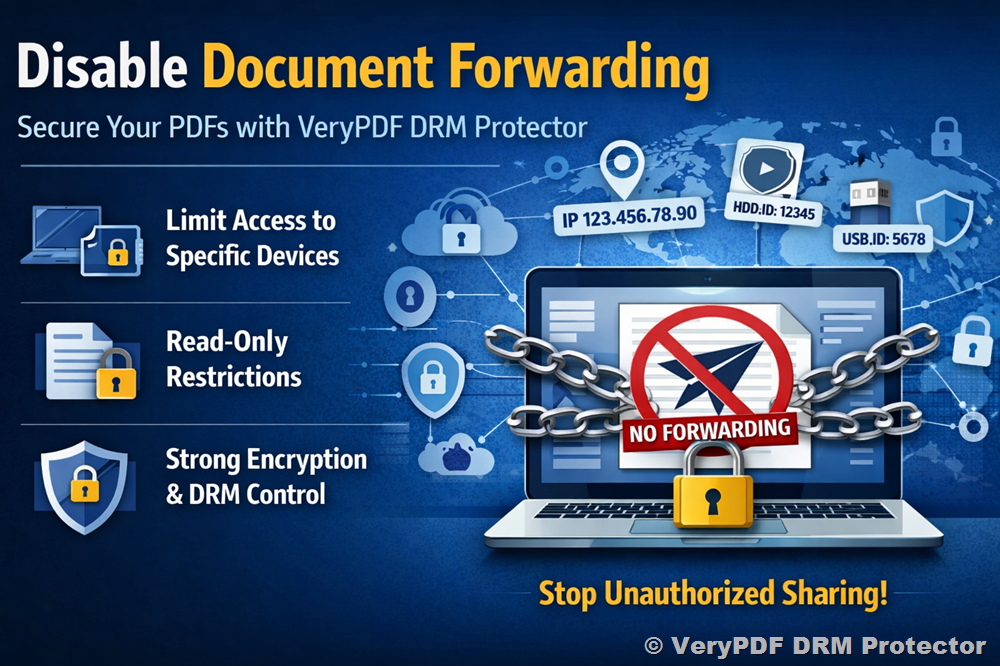
How VeryPDF DRM Protector Disables Forwarding
VeryPDF DRM Protector provides multiple layers of protection to ensure your documents are safe from unauthorized forwarding. Here’s how it works:
Device-Specific Access
You can limit the document to open only on specific devices. For example:
- Open only on the first XXX devices
- Restrict usage to specific IP addresses (e.g., XXX.XXX.XXX.XXX)
- Limit access based on Hard Disk ID or USB Disk ID
This ensures that even if someone forwards the document, it cannot be opened on another device.
Read-Only Permissions
All protected documents are read-only, preventing recipients from modifying, copying, or exporting content. This is critical for maintaining the integrity of your documents while allowing controlled access.
Protect Documents Anywhere
Unlike basic password protection, VeryPDF DRM Protector secures your PDF documents regardless of where they are stored. Whether your files are on local drives, shared via email, or uploaded to cloud services, the DRM protection travels with the document, preventing unauthorized access and forwarding.
Strong Encryption and Licensing Controls
Security is only as strong as the underlying technology. VeryPDF DRM Protector uses US government-strength encryption and advanced DRM licensing controls, including:
- Stopping unauthorized sharing
- Preventing distribution
- Enforcing device-specific usage
- Centralized license management
These features ensure your documents are protected with enterprise-level security standards.
Benefits of Disabling Document Forwarding
- Maintain Confidentiality: Only authorized users can access your documents.
- Prevent Unauthorized Sharing: Control distribution even after the document leaves your hands.
- Enforce Usage Policies: Define how, where, and on which devices documents can be accessed.
- Protect Intellectual Property: Safeguard sensitive materials from leaks or piracy.
- Peace of Mind: Focus on your work knowing your documents remain secure.
Conclusion
Forwarding and unauthorized sharing of documents can put your business or intellectual property at risk. With VeryPDF DRM Protector, you can disable document forwarding, enforce device-specific access, and secure your content with strong encryption and DRM controls. Protect your PDF documents no matter where they reside and maintain complete control over how your information is accessed and shared.
Start protecting your documents today with VeryPDF DRM Protector and take the first step towards total document security.