
In today’s digital world, copying sensitive documents is easier than ever. Even if you disable printing and copying, users can still attempt to take screenshots or use screen recording tools to capture your valuable content. That’s why Document Screenshot Prevention is a critical part of any serious document security strategy.
With VeryPDF DRM Protector, you can prevent unauthorized screen capture across Windows, Mac, Android, iPhone, and iPad devices using advanced DRM controls and proprietary screenshot protection algorithms.
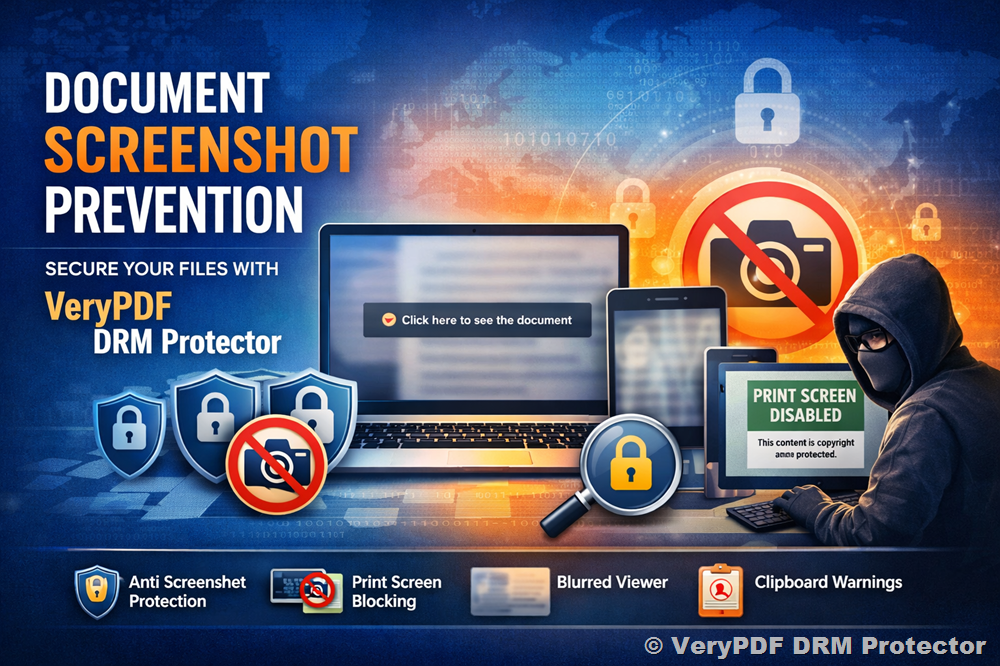
Prevent Screenshot Of Your Documents
VeryPDF DRM Protector enables you to prevent copying of your materials and block users from making screenshots of your documents. This protection works through:
- Secure Web Viewer with enhanced screen capture prevention
- Dedicated Android, iPhone, and iPad secure apps
- Special screenshot masking technology
- Proprietary screenshot protection algorithms
Whether your documents are accessed locally or remotely, VeryPDF DRM Protector ensures they remain protected against screen grabbing attempts.
Screenshot Protection (Proprietary Algorithm)
At the core of VeryPDF DRM Protector is a powerful proprietary algorithm designed to stop:
- Editing
- Copying
- Screen grabs
- Unauthorized duplication
Unlike basic protection systems that only disable the Print Screen key, VeryPDF DRM Protector uses multiple anti-capture techniques to provide enterprise-level screenshot prevention.
Enhanced Screen Capture Prevention in Secure Web Viewer
VeryPDF DRM Protector recently enhanced its screenshot protection feature in its secure web viewer. This feature is part of a comprehensive DRM strategy designed to minimize the risk of unauthorized copying and sharing.
Automatic Blur When Browser Loses Focus
To prevent screen captures, the web viewer automatically blurs the document when:
- The browser window is no longer in focus
- Users press common keyboard shortcuts such as:
- CTRL or ALT (on Windows)
- Shift + Command (on Mac)
When the screen becomes blurry, a banner appears stating:
“Click here to see the document”
This ensures users understand how to restore access while maintaining protection.
Clipboard Warning Message
If a user attempts to print the screen:
- The web viewer goes blurry
- A warning message appears in the clipboard when they paste or attempt to print content:
“This content is copywrite and the intellectual property owner has not enabled your account to capture it.”
This not only blocks capture attempts but also reinforces ownership and usage restrictions.
Protect PDF Documents from Screen Capture
VeryPDF DRM Protector PDF Security prevents screen grabber applications from taking screenshots of protected PDF documents. It:
- Disables Windows Print Screen (PrtScr)
- Blocks third-party screen capture tools
- Stops screen grabs on Windows, Mac, and Android
- Prevents capture on both local and remote devices
Protected PDF documents cannot be captured using traditional screen grabbing techniques.
Stop Print Screen & Screen Capture: Disable or Block Screen Grabs
VeryPDF DRM Protector’s anti-piracy controls prevent screen capture functions such as:
- Print Screen (PrtScr)
- Snagit
- Windows Snipping Tool
Unlike many competitors, VeryPDF DRM Protector:
- Protects documents using encryption and security controls
- Resists current PC-based screen grabbers
- Stops one of the most common methods of intellectual property theft
This level of protection goes far beyond basic browser-based solutions.
Why Browser-Only Protection Is Not Enough
Secure data room systems and online document viewers often claim to provide screenshot security. However, the browser environment has no direct control over the operating system.
This means:
- Users can use third-party screen recording tools
- Print screen restrictions can be bypassed
- External screen capture software can still record content
VeryPDF DRM Protector solves this problem by using secure PDF viewers and application-level controls that interact directly with the operating system — not just the browser.
No Keystroke Monitoring, No Blacklists
VeryPDF DRM Protector blocks print screen and screen capture applications using advanced techniques that:
- Do not monitor keystrokes
- Do not rely on screenshot blacklists
- Do not interfere with anti-spyware systems
- Keep system resource usage minimal
This ensures 100% compatibility and a smooth user experience.
Why Disable Screen Capture?
Stopping screen grabbing is essential for protecting intellectual property because:
- Screenshot capture is fast and easy
- Many tools can automate capturing entire documents
- Captured images can be OCR’d and converted back to PDF
- High-quality copies can be redistributed instantly
By disabling screen capture, you eliminate one of the most common methods of IPR theft.
Is Anti Screen Capture Software Annoying to Users?
VeryPDF DRM Protector is designed to be non-invasive.
While screen capture is blocked for protected documents:
- Other programs remain unaffected
- The operating system functions normally
- Screen grabbing tools work for non-protected content
Protection is applied only to documents secured by VeryPDF DRM Protector.
This balance ensures strong security without disrupting legitimate workflows.
Stopping Remote Screen Grab via Video Conferencing Apps
One simple way of bypassing screen capture restrictions is to use video conferencing or remote desktop applications to record the screen from another device.
VeryPDF DRM Protector addresses this risk by:
- Restricting viewing within secure environments
- Applying DRM controls at the application level
- Preventing screen capture on supported operating systems
- Protecting both local and remote access scenarios
This ensures that even indirect screen capture attempts are minimized.
Stronger Than Competitors
Many competitors:
- Only disable the Print Screen key
- Cannot disable copy-paste
- Rely purely on browser limitations
VeryPDF DRM Protector provides screenshot protection that is significantly stronger than most competing solutions. It blocks:
- OS-level screen capture
- Third-party screen grabbing software
- Automated screenshot tools
- Print screen functionality
And it does so without compromising performance or compatibility.
Complete Document Protection Strategy
Screenshot prevention is just one part of a comprehensive DRM strategy. When combined with:
- Encryption
- Access controls
- Usage restrictions
- Audit trails
- Secure document sharing
You gain full control over how your documents are accessed and used.
Thanks to the features offered with VeryPDF DRM Protector, customers have never felt more comfortable sharing files with their end users.
Conclusion
Preventing screen capture is no longer optional, it is essential for protecting sensitive PDFs, confidential reports, training materials, legal contracts, and intellectual property.
With VeryPDF DRM Protector’s:
- Proprietary screenshot protection algorithm
- Secure web viewer blur technology
- Clipboard warning system
- Print screen blocking
- Cross-platform protection (Windows, Mac, Android, iPhone, iPad)
You can confidently share documents without fear of unauthorized screenshots or redistribution.
If protecting your documents from screen grabs, editing, copying, and piracy is your priority, VeryPDF DRM Protector provides the advanced screenshot prevention technology your business needs.