
In today’s digital world, controlling access to your sensitive documents is more important than ever. Unauthorized downloading, printing, or sharing of PDFs and other digital files can lead to serious security risks, intellectual property theft, and loss of control over your content. With VeryPDF DRM Protector, you can implement robust Print and Download Restrictions to safeguard your documents effectively.
What Is Print and Download Restriction?
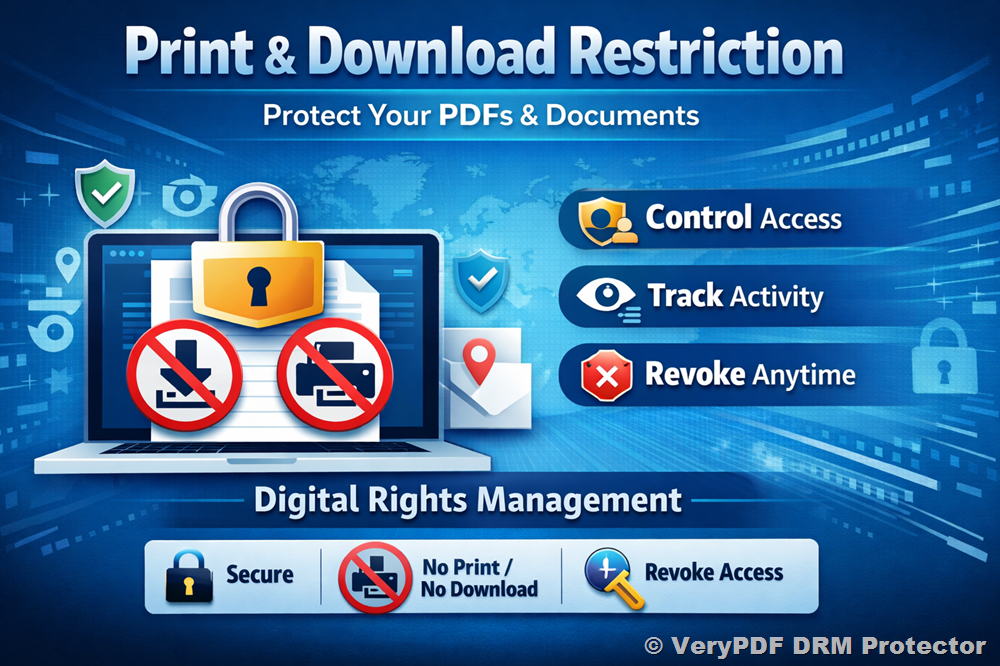
Print and Download Restriction allows you to prevent unauthorized users from downloading or printing your PDFs and documents. This feature is a core part of digital rights management (DRM) systems and ensures that your confidential files remain secure, even after they have been shared.
By integrating digital rights management, you can:
- Control who can print or download your files
- Track who views, prints, or downloads your documents
- Revoke access at any time
Why You Need PDF Protection
Are you worried about your PDF documents being downloaded and printed by unauthorized people? VeryPDF DRM Protector provides a cloud-based solution to stop unauthorized access, copying, and printing. Unlike password-based protection, which is often weak and easily bypassed, DRM provides strong, flexible control over your documents.
Key Benefits:
- Integrated Digital Rights Management
Protect and manage access to your valuable content, including PDFs, eBooks, training materials, reports, audio, and video files. DRM ensures that only authorized users can access, print, or copy your content, without requiring messy plug-ins or proprietary apps. - Track Access
Know exactly who is opening, printing, or downloading your documents. With detailed audit trails, you gain complete visibility over your content. - Control Permissions
Limit unauthorized access, printing, and downloads. Set precise permissions for individual users and documents. - Full Access Management
Change permissions or revoke access anytime, ensuring that your content stays under your control.
How to Set Download and Print Restrictions
Using VeryPDF DRM Protector is simple and intuitive. Just follow three easy steps:
- Select Document
Choose the PDF, document, or image you want to secure. - Set Restrictions
Decide whether to allow or restrict printing and downloading. - Send Securely
Share the file with authorized users knowing your content is protected.
Advanced PDF Restrictions
1. Restrict PDF Access
Prevent unauthorized access using DRM licensing, which removes the vulnerabilities of traditional passwords and certificates. Even if a PDF is copied or emailed, only users with valid access keys can open it.
2. Restrict PDF Sharing
Lock PDFs to specific devices or users, ensuring that copies cannot be opened on unauthorized machines. This prevents distribution beyond your intended audience.
3. Restrict PDF Editing
Stop unauthorized editing, copying, and copy/paste operations. DRM allows flexibility to permit annotations and form filling while preventing content modifications.
4. Restrict PDF Printing
Disable or limit printing to prevent physical copies from being distributed. For allowed prints, you can apply dynamic watermarks showing the user’s identity to discourage unauthorized use.
5. Restrict Copying & Screen Grabbing
Prevent content theft via copy-paste or high-quality screenshots. Combine DRM with watermarking to discourage photography of sensitive screens.
6. Restrict PDF Downloading
Simple JavaScript or browser-based download restrictions are ineffective. DRM ensures that even downloaded PDFs cannot be opened by unauthorized users.
7. Restrict Email Distribution
Lock documents to authorized devices so that emailing or cloud uploads cannot bypass protection.
8. Restrict Online Use
Control where PDFs can be accessed by restricting locations, IP ranges, or device types, providing added security for sensitive content.
9. Restrict PDF Saving
Prevent users from saving unprotected versions of your documents or converting PDFs into editable formats.
10. PDF Expiry
Set expiration dates for documents or restrict access after a certain number of opens or prints. Perfect for time-sensitive or regulated content.
11. Revoke PDF Access
Easily revoke access for individual users or documents, ensuring that former employees or unintended recipients cannot access files.
Conclusion
There are countless reasons to restrict printing, downloading, editing, and sharing of your PDFs. VeryPDF DRM Protector provides a comprehensive solution that:
- Enforces effective controls regardless of document location
- Stops unauthorized access and sharing
- Prevents removal of protections by third-party applications
With DRM protection, you can securely share your documents while maintaining full control. Protect your PDFs and confidential files today, and ensure your content is always in the right hands.